00196613-0102_AI_LP-Dicke6mmDE+EN.pdf - 第23页
6 mm PCB thickness 2 Assembly instructio ns: 6 mm PCB thickness SIPLACE SX1 / SX2 06/2009 Edition 23 : Make sure that the rails are aligned with the out side of the conveyor ra il. T o do this, insert the clamping rail s…
2 Assembly instructions: 6 mm PCB thickness SIPLACE SX1 / SX2 6 mm PCB thickness
06/2009 Edition
22
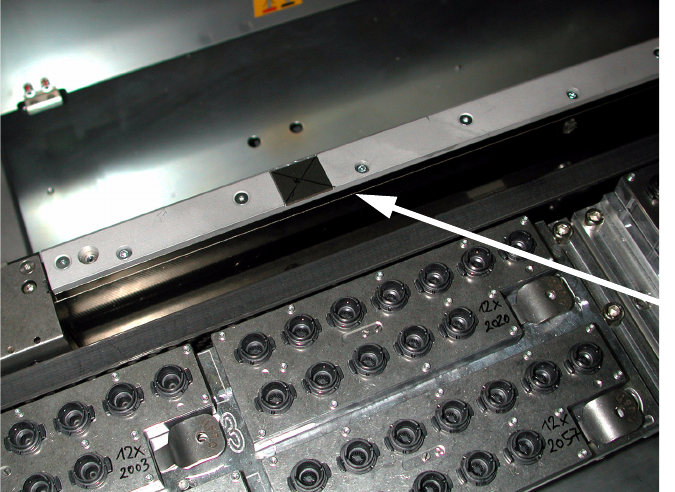
: Remove the clamping rail in the placement area on all conveyor rails using a size 2 hexagon
socket spanner.
2
2
: Insert the 460 mm and 519 mm spacer bars between the relevant clamping and guide rails,
and tighten the bolts once more.
2
2
2
2
2
2
2
2
2
2
2
2
2
Separate the upper
clamping rail from
the lower clamping
rail 2
6 mm PCB thickness 2 Assembly instructions: 6 mm PCB thickness SIPLACE SX1 / SX2
06/2009 Edition
23
: Make sure that the rails are aligned with the outside of the conveyor rail. To do this, insert the
clamping rail so that the PCB clamping edge is pointing up..
2
2
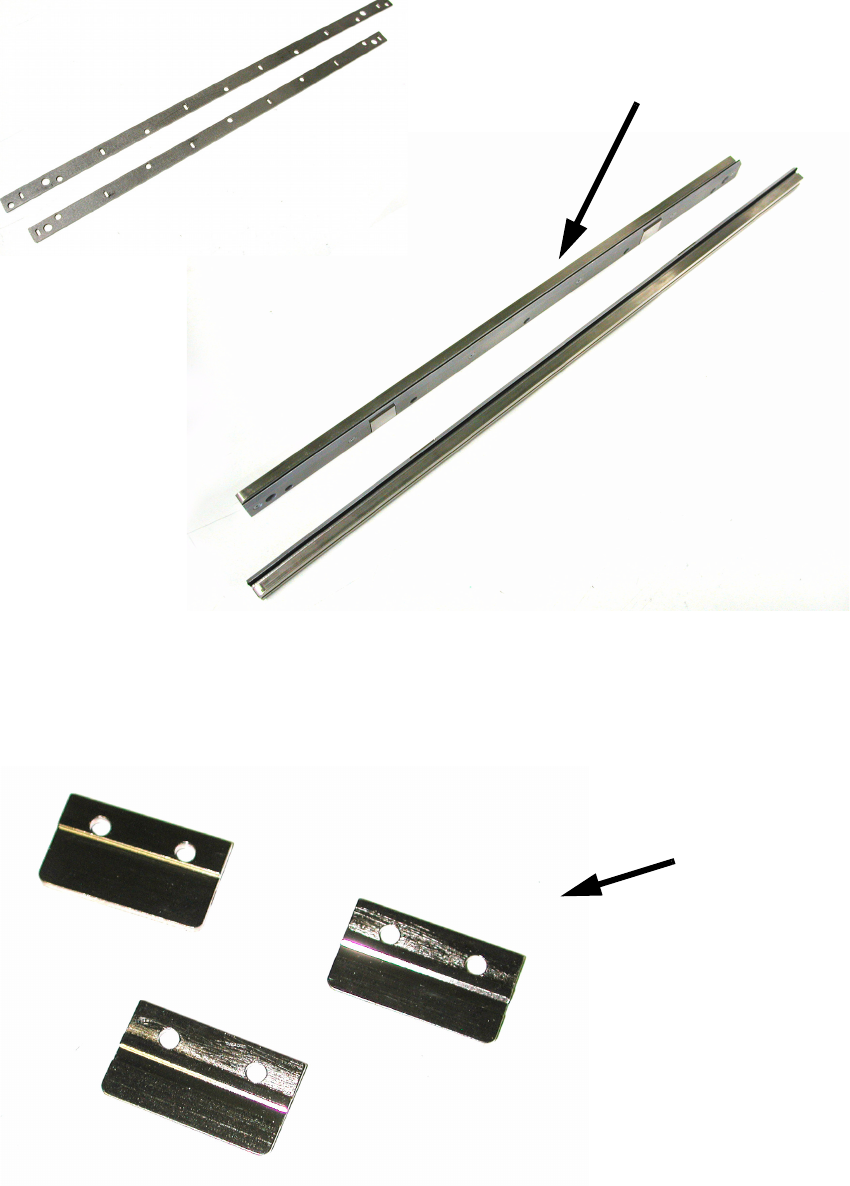
: Remove all the stoppers and insert the 29 mm spacer bar.
Insert the plates beneath each stopper (3 on each conveyor rail).
2
Bars for spacing
Clamping rails with spacing bars inserted
Plates

2 Assembly instructions: 6 mm PCB thickness SIPLACE SX1 / SX2 6 mm PCB thickness
06/2009 Edition
24
: Fit all the clamping bars and stoppers.
2
As you tighten the bolts, push the conveyor rails outwards (against the contact edge). 2
2
2
: Measure the height of the conveyor again at at least 4 points as shown in the picture on page
19. It must measure 176.8 +/-0.2 mm once more.
2
The height must be exactly as stated, otherwise there is a risk of crashing. 2
2
2
: If you have not done so already, you should now fit the optional stopper. You will find the details
in the Assembly Instructions: Optional Stopper SIPLACE SX1/SX2 (item no.: 00196449-xx).
2
2