GEMINY-Product-Brochure.pdf
Y X L O N G EMIN Y – E X PERIEN CE SM A R T SY S T EM C O N T R OL A N D A DV A NC ED C T - INSPEC T IONS
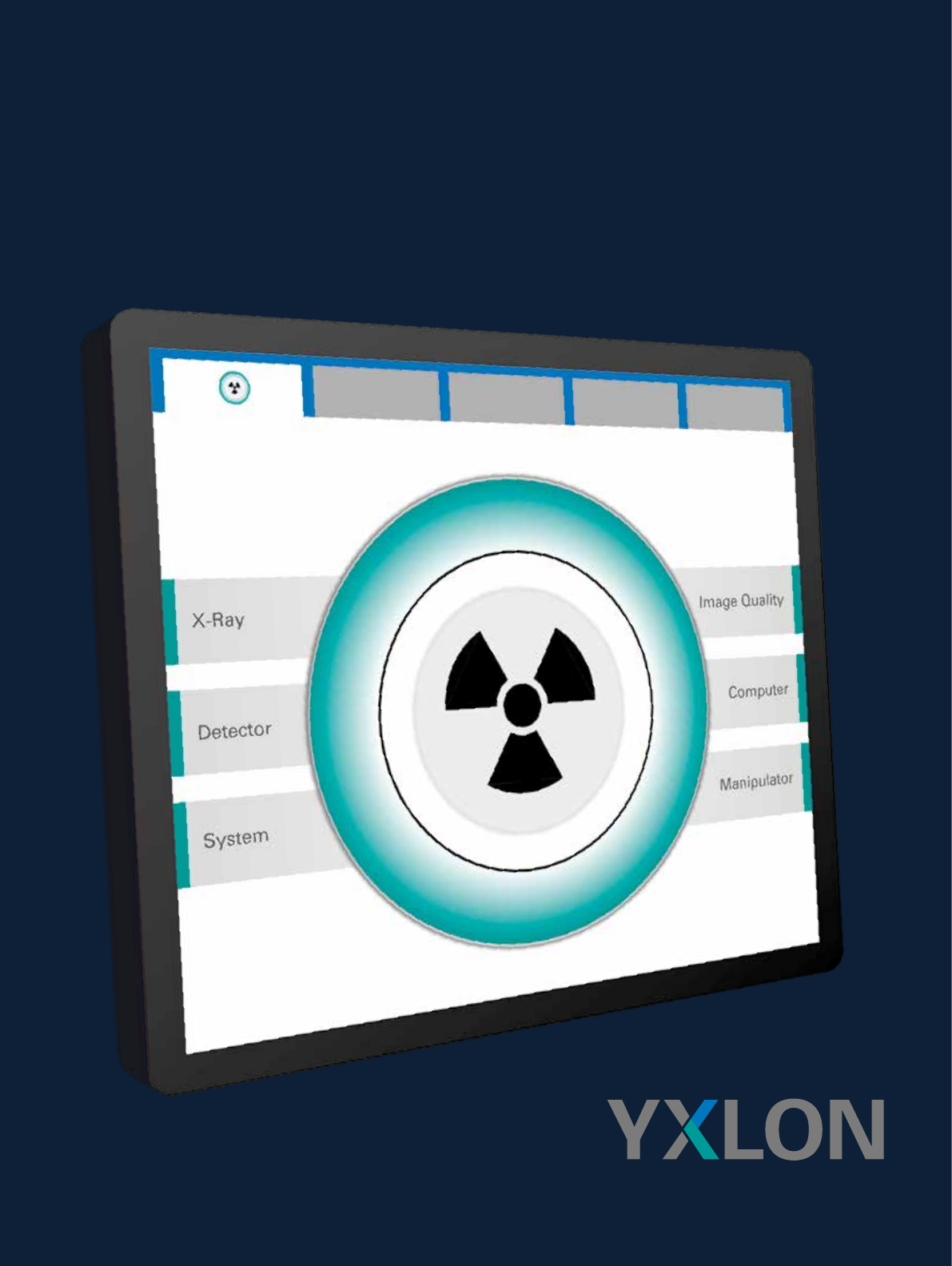
YXLON GEMINY – EXPERIENCE
SMART SYSTEM CONTROL AND
ADVANCED CT-INSPECTIONS
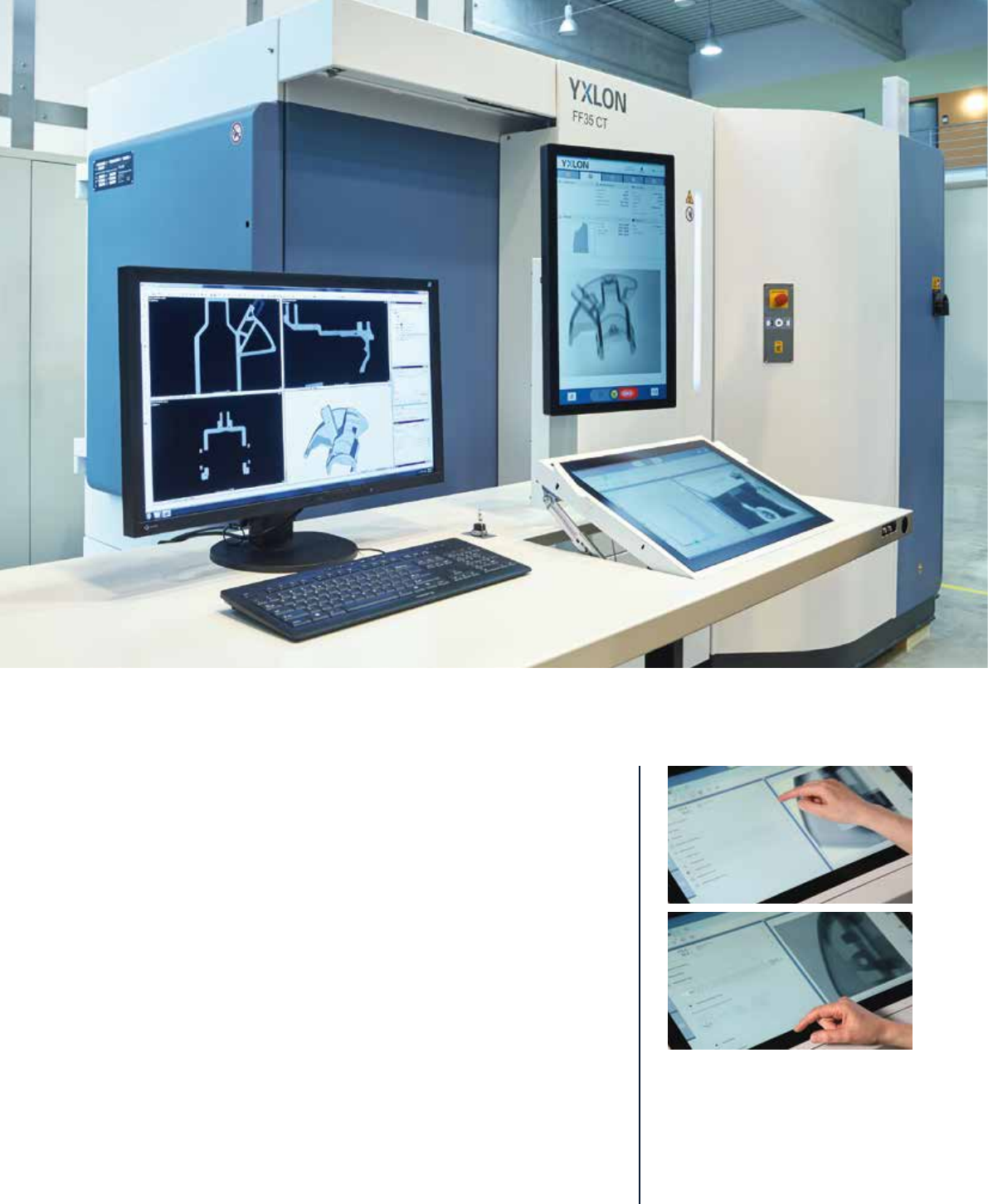
Intuitive operation for effortless system control allows operators to exploit
the full potential of x-ray and computed tomography inspections. Easy-to-
grasp indicators about systems settings, procedures, and conditions ensure
full focus on the job that matters most: inspection of parts.
Yxlon has taken the major step to develop an entirely new, future-proof opera-
tor interface for its inspection solutions. The Geminy software platform uses
state-of-the-art input devices, such as flexible touch screen controls. Fully
automated routines running in the background enable safe system usage even
under most difficult conditions. The operator quickly checks settings, progress
and system conditions at the blink of an eye – and where desired comfortably
digs deeper by simple touch operations.
Even teaching an inspection system becomes a comfortable job. Composing an
inspection reduces to dragging wanted functions and operations into a simple
sequence which can be executed, saved for reuse, or tested in sections. An
entire range of different CT trajectories is available at the tip of a finger. Icons
for CT analyses allow to automatically reconstruct volume data and to apply
predefined analyses in a range of data analysis packages, such as VG Studio or
GOM inspect.
YXLON FF20/35/85 CT systems are the first products to benefit from the novel
Geminy software platform. With more products to join, new and existing
customers benefit from all major developments whether in new systems or
via software updates continuously adding to an existing system’s performance
and functionality.
Convenient control with a special
GUI design and touch operation
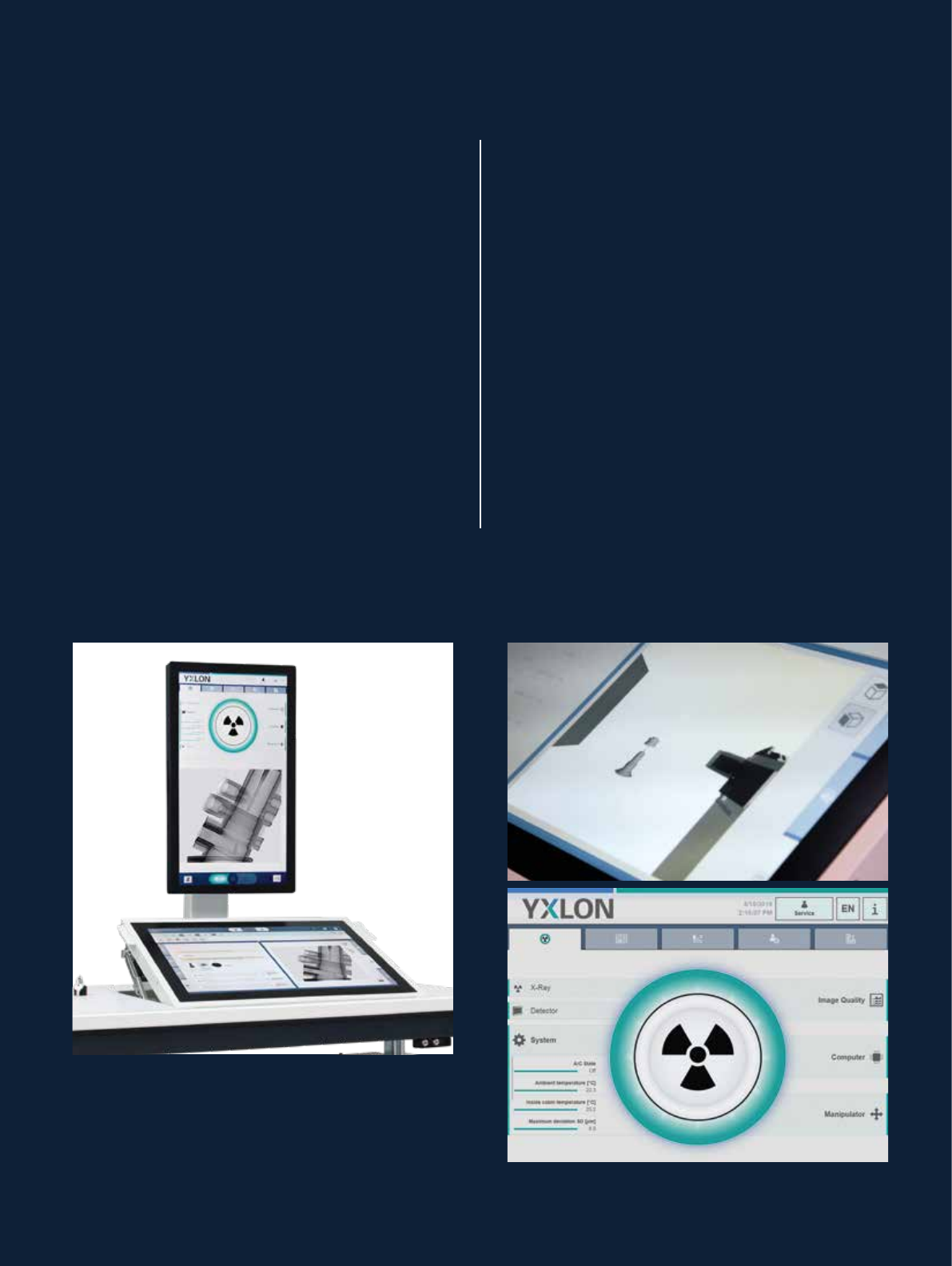
Upper viewing monitor:
• Health monitor: status of important components
and system properties
• Information display: most important parameters
at a glance
• System messages: information, warnings, and errors
• General administration: user administration
• Device manager: service and maintenance
Lower system control touch panel:
• Compose inspection sequences, set parameters
and run wizards
• Manipulate the part by simple touch gestures
• Visualize collision protection or display
the internal camera
• Enhance reports with markers …
Health monitor – all you need to know
about your system
The health is indicated in green, yellow or red for all
major components. This even includes some optional
functionality, such as a system’s readiness for metro-
logical inspections – where calibrations intervals and
temperature conditions are checked. Where corrective
actions are required, the system guides the operator
from this starting point.
IntelliGuard – fully automated collision protection
Systems with IntelliGuard assess a part’s individual
contour within a few seconds. Collision-free manipulation
is automatically ensured even at close proximity to the
tube and other components. Other systems deploy one
or more stacked cylindrical protection envelopes.
Above: dual monitor configuration, both full HD resolution
Above right: visualization of collision protection’s CAD
model and scanned inspection part
Below right: green health monitor indicating perfect
system condition