00197625-04_VersionDescription_SR708.1SP2_LPCD_DE_EN.pdf - 第18页
Software Versi on Description Language Pack 708 .1 SP2 11 /201 5 Edition 18 Comp onent S electio n The sc reen belo w allows you to select the langu age s you wish to ins tall. • Def ault: Chi nese Simp lified is s ele…
Software Version Description Language Pack 708.1 SP2 11/2015 Edition
17
Choose OK for the registration screen to be displayed.
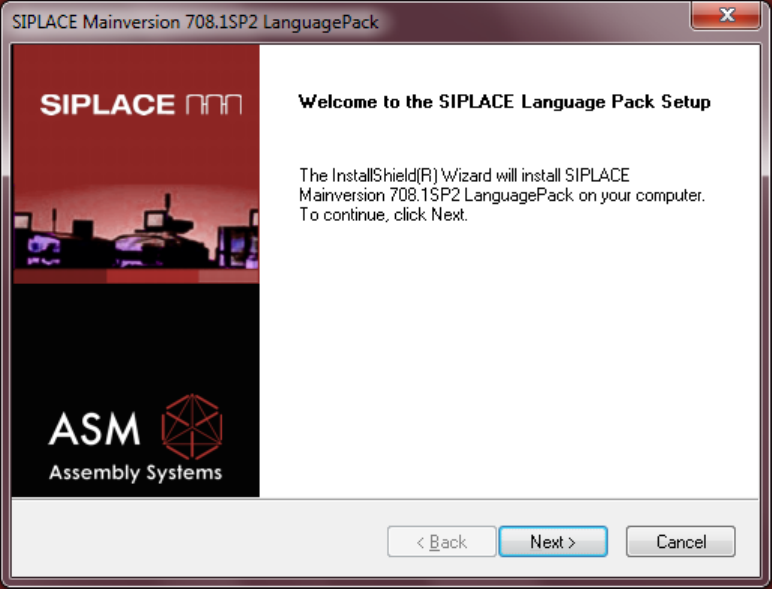
WELCOME
Choose Next to open the Component Selection.
Software Version Description Language Pack 708.1 SP2 11/2015 Edition
18
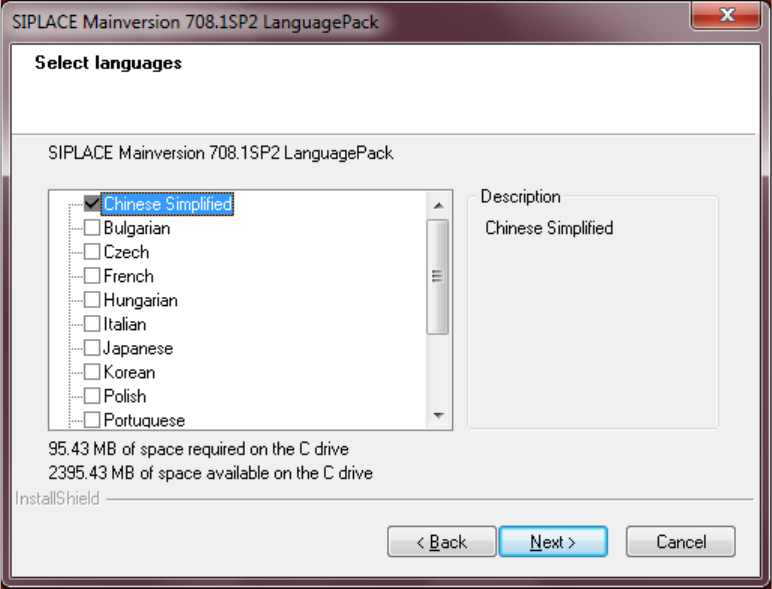
Component Selection
The screen below allows you to select the languages you wish to install.
• Default: Chinese Simplified is selected and will be installed.
• If you wish to install different languages, you must select those.
Actuate the Next button to start the installation.
Software Version Description Language Pack 708.1 SP2 11/2015 Edition
19
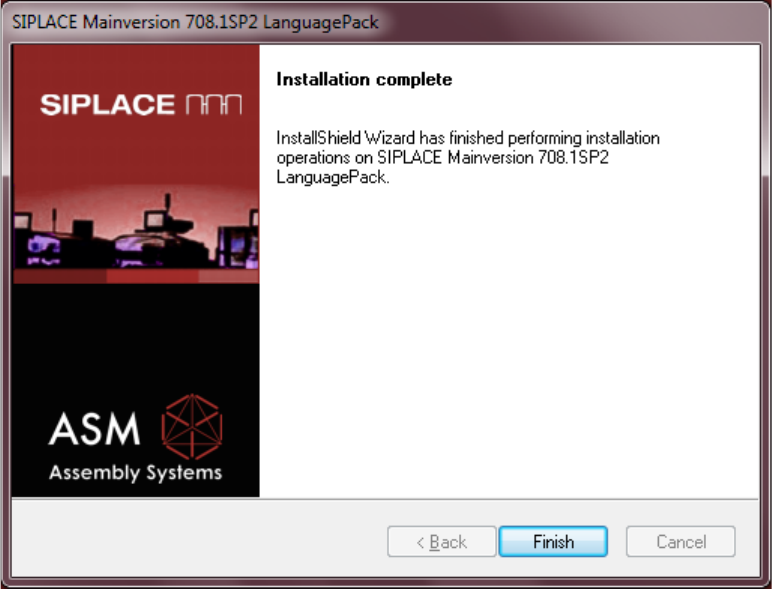
Completion Screen
Actuate the Finish button to complete the installation.