Printer 710_810 v8 Networking.pdf - 第11页
NETWO RKING TESTING TH E CONNECTION Chapter Issue 6 Oct 06 Technical Reference Manual 32.11 Using a Lapt op If ‘ Pinging’ the net work fail s, a laptop c omputer c an be at tached to t he print ing machine to test th e n…
NETWORKING
TESTING THE CONNECTION
32.10 Technical Reference Manual Chapter Issue 6 Oct 06
TESTING THE CONNECTION
Pinging the
Network
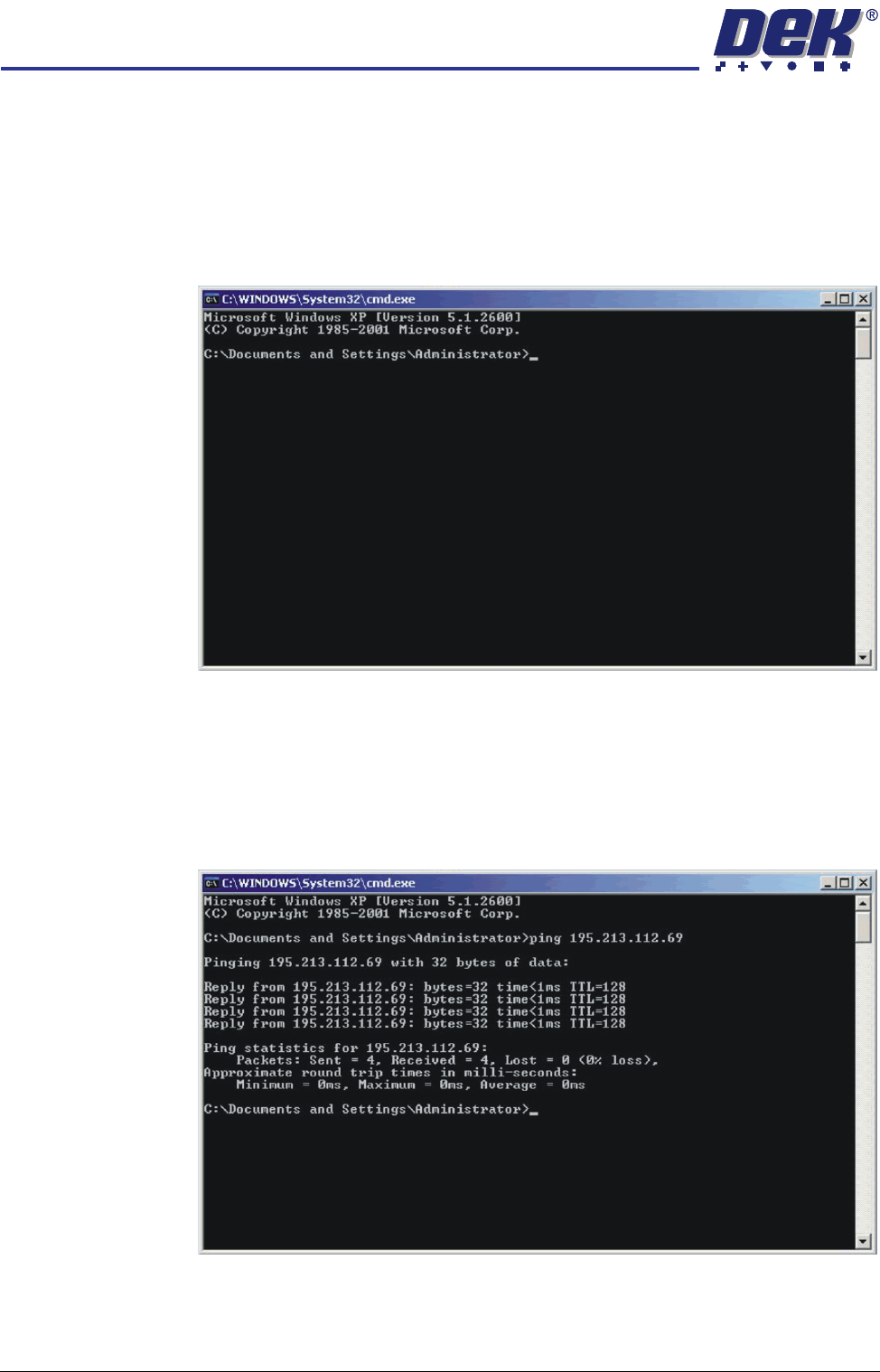
To test if the DEK machine is connected to the network, you can ‘Ping’ the
network using the following procedure:
1. From the Windows desktop, select Start - Run and enter CMD in the box
labelled ‘Open:’.
2. Select OK.
3. Type Ping <Server IP Address or Computer Name>.
NOTE
The network administrator can supply an IP Address or computer name to
ping.
4. If the ping is successful the reply shall contain information of the form: Reply
from 195.213.112.69: bytes=32 time<10ms TTL=128.
The installation of the printer to the company network has been successful.
NETWORKING
TESTING THE CONNECTION
Chapter Issue 6 Oct 06 Technical Reference Manual 32.11
Using a Laptop If ‘Pinging’ the network fails, a laptop computer can be attached to the printing
machine to test the network driver and card is working correctly.
NOTE
Before commencing testing, make a note of the original configurations of both
the laptop and the printer so that they can be reset on completion.
1. Connect the laptop to the DEK printer using a cross-over network cable.
2. On the laptop, change the IP Address to 195.100.100.2 with a subnet mask
of 255.255.255.0.
3. Select OK and reboot the laptop.
4. On the DEK printer, change the IP Address to 195.100.100.1 with a subnet
mask of 255.255.255.0.
5. Select OK and reboot the printer.
6. From the Windows desktop, select Start - Run and enter CMD in the box
labelled ‘Open:’.
7. Select OK.
8. Type Ping 195.100.100.2.
9. If the ping is successful, the reply displays the following information: Reply
from 195.100.100.2: bytes=32 time<10ms TTL=128.
10. Disconnect the cross-over network cable and reset the printer and laptop to
their original settings.
Finding an IP
Address
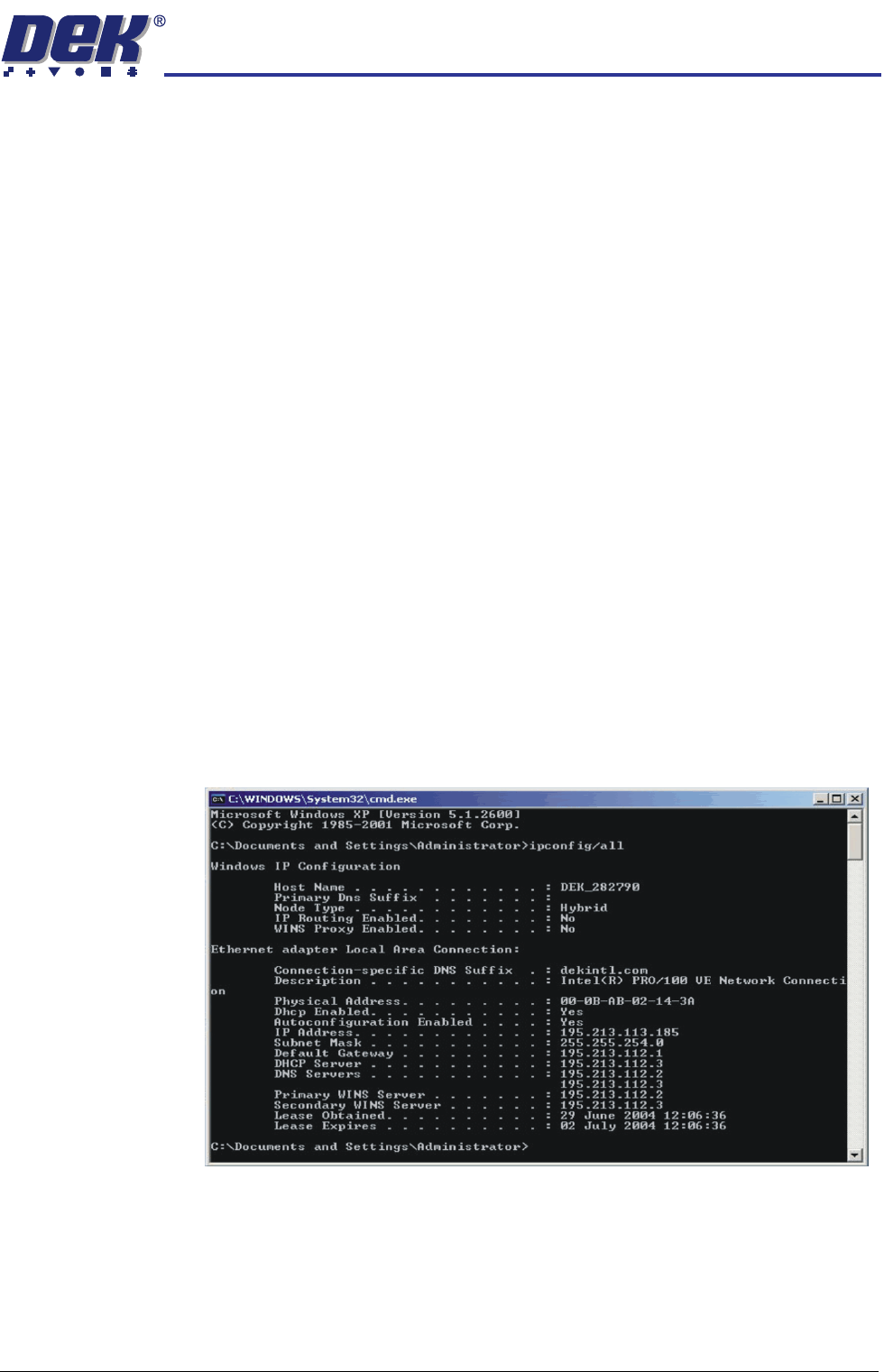
If the IP Address of a machine is not known (either PC or DEK Printer) these
can be obtained by opening the Command Prompt window. At the prompt type
IPCONFIG/ALL
All addresses are listed which the item is connected to including routers and
other servers.

NETWORKING
TESTING THE CONNECTION
32.12 Technical Reference Manual Chapter Issue 6 Oct 06