00197704-04_VD_SIPLACE-Client-API-4.3_EN.pdf - 第12页
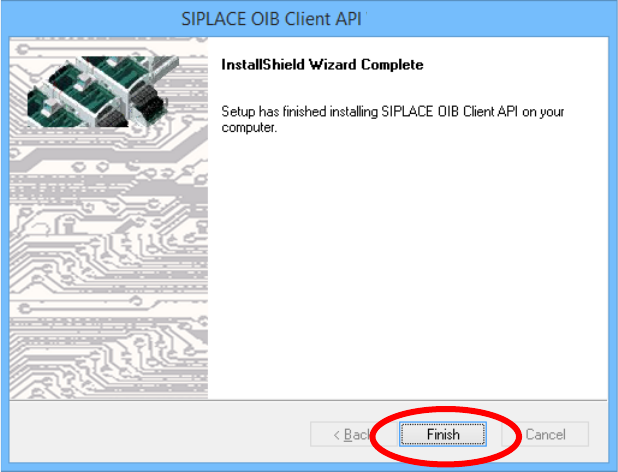
Software Versi on Description SIPLAC E OIB 4. 3 Clien t AP I 05/2016 Editi on 12 After suc cessf ul installati on click the Finish but ton You have install ed SIPL ACE OIB Clien t API su cces sfull y now.
Software Version Description
SIPLACE OIB 4.3 Client API 05/2016 Edition
11
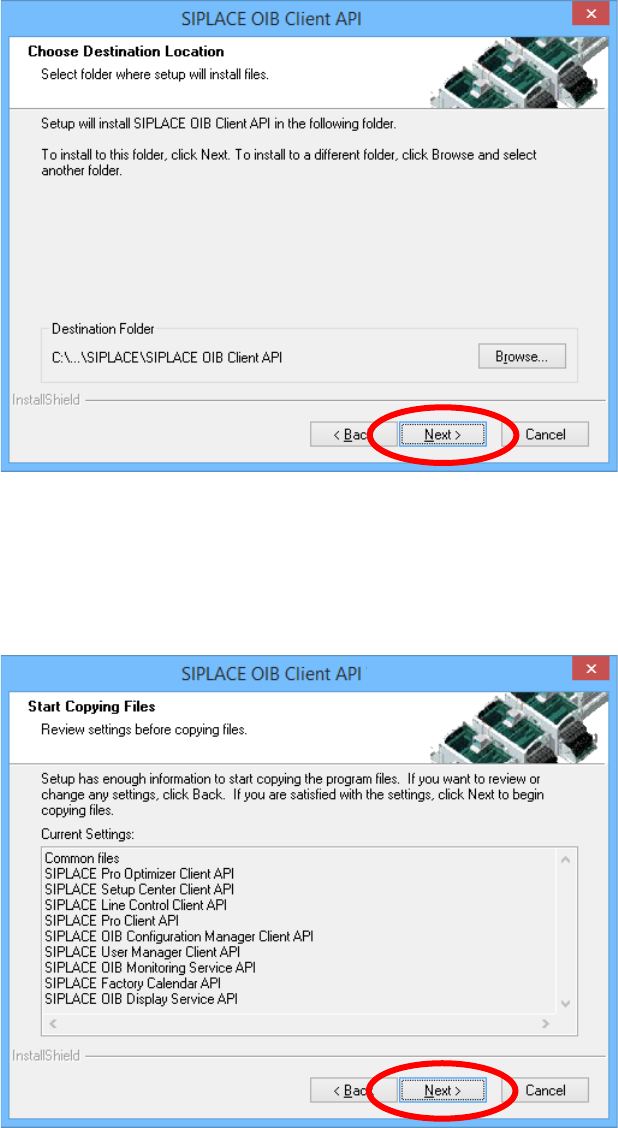
Select the destination folder of the installation
Click the Next button
In this dialog you may review the installation configuration. Check if everything is ok.
Click the Next button
Software Version Description
SIPLACE OIB 4.3 Client API 05/2016 Edition
12
After successful installation click the Finish button
You have installed SIPLACE OIB Client API successfully now.

Software Version Description
SIPLACE OIB 4.3 Client API 05/2016 Edition
13
5 Restrictions
5.1 Restrictions for the SIPLACE Client API
Smart Proxies are not available for all SIPLACE OIB Core services.
6 Functions in SIPLACE OIB Client API
6.1 Installing Assemblies into the GAC together with a policy file
This behavior of the SIPLACE OIB Client API will enable to update the SIPLACE OIB Smart Proxy
assemblies at the customer site. This might be required for bug fixes in the Smart proxies.
The policy files will redirect the existing application to use the new versions of the Smart Proxy assemblies
in the GAC. The SIPLACE OIB Client API installation will take care that the upgrade of these components
will be performed automatically.
Please see also the chapter “2.7 Upgrading with SIPLACE OIB” in the 00197701-04_IM_SIPLACE-OIB-
4.3_EN.pdf document.
CAUTION
The strategy how and which SIPLACE OIB Client APIs will update which versions
have been changed. Since SIPLACE OIB 3.1 each higher minor version will be the
sustaining version of the predecessor version.