Productivity Lift.pdf - 第87页
User Manual - Productivity Lift Soko 00166631-01 / 12031477 6 Set-up mode Software version V 43.140 Edition April 2006 6.1 1 Address width 1 / Address width 2 79 These setting are either already set or have been ad juste…

6 Set-up mode User Manual - Productivity Lift Soko 00166631-01 / 12031477
6.11 Address width 1 / Address width 2 Software version V 43.140 Edition April 2006
78
If the feature is enabled, the display shows „inspection track 2”.
Fig. 6 - 18 Inspection track 2
The PCB transport goes on, if the procedure was quit with the „Enter”- key.
6.11 Address width 1 / Address width 2
This function is optional and is concerned with the automatic width adjustment of the productivity
lift. If this option is available, it is inactive if the setting „absolut“ in chapter 5.14 “Width adjustment”
is selected, or the setting „manual“ in chapter 5.12 and 5.13 Width adjustment 1/Width adjustment
2 is selected.
The Siplace pick and place machines dictate the width of the line and certain machine prerequi-
sites must be fulfilled so that the width of the lifts can be automatically adjusted. A machine with
CAN Bus capability must be present in front of the inlet module and after the end module there
must be another pick and place module followed by another machine with CAN-Bus capability.
The machine in front of the inlet module (n-1) has the address 1 and is used to check the transport
width. The machine after the last pick and place machine (n+1) has the address 2 and the data
from this unit and is used for adjustment of the transport width. Since the machine „n+1“ checks
and verifies the width by means of a sensor on the last pick and place machine and conveys this
value via CAN-Bus to the Productivity Lifts, this method ensures that the transport width of the lifts
can only be adjusted when all the pick and place machines have been emptied.
Other settings are possible e.g setting addresses 1 and 2 to the same value. In this case however,
the machine „n-1“ is now responsible for checking and adjusting the transport width and the trans-
port width of the pick and place machines is not taken into consideration.
ALT
Enter
Start
Stop
Unit runs
Inspection track 2
User Manual - Productivity Lift Soko 00166631-01 / 12031477 6 Set-up mode
Software version V 43.140 Edition April 2006 6.11 Address width 1 / Address width 2
79
These setting are either already set or have been adjusted by the service personnel during instal-
lation of the machines.
NOTE:
Any changes to these settings may only be made with prior consent from service technicians from
SIEMENS AG L&A!
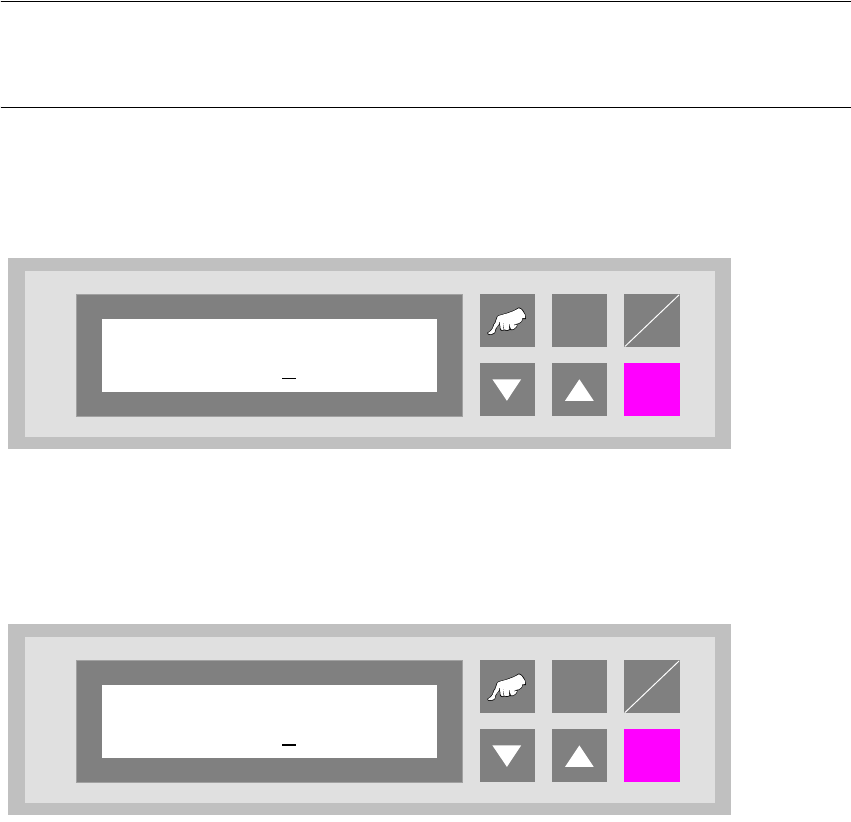
6.11.1 Address width 1
Fig. 6 - 19 Address width 1
6.11.2 Address width 2
Fig. 6 - 20 Address width 2
ALT
Enter
Start
Stop
Address width 1
0000
ALT
Enter
Start
Stop
Address width 2
0000
6 Set-up mode User Manual - Productivity Lift Soko 00166631-01 / 12031477
6.11 Address width 1 / Address width 2 Software version V 43.140 Edition April 2006
80