03225575-01-01 Smart Stencil Standalone Manual ZH.pdf - 第20页
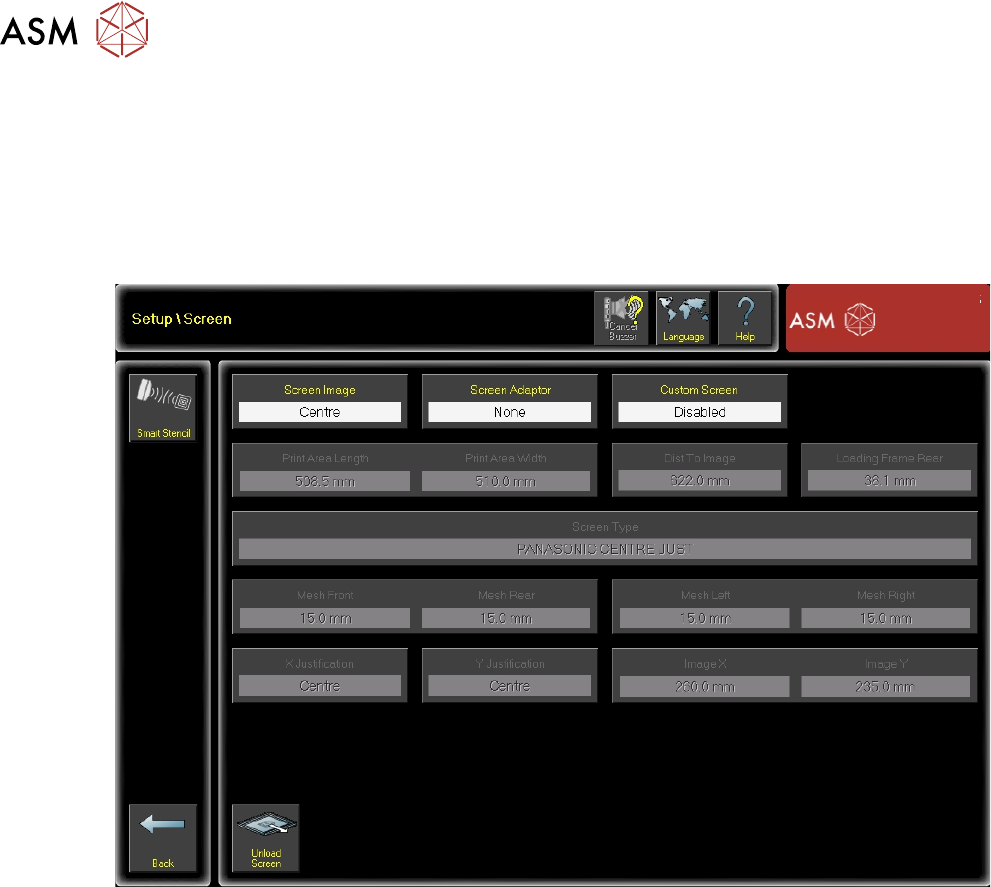
4 设置与操作 4.4 查看智能模板数据 20 独立手册 SMART STENCIL 07/2019 4.4 查看智能模板数据 要从加载到打印机的智能模板中查看当前数据,需要: 1. 选择 设置产品(Setup Product) 。 2. 选择 屏幕(Screen) 。 3. 在导航面板中选择 智能模板(Smart Stencil) 。 4. 模板信息会被展示。
4 设置与操作
4.3 设置标签写入尝试的限制次数
独立手册 SMART STENCIL 07/2019 19
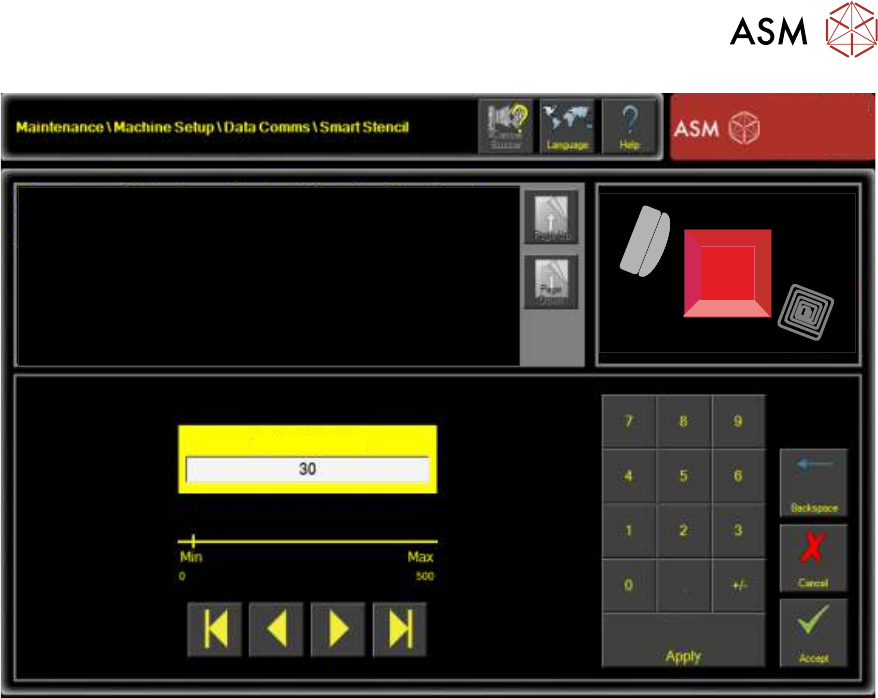
Tag Write Attempt Limit
This parameter sets the amount of attempts that are made to write to the
Smart Stencil tag before the printer stops printing.
Additional Information:
Setting the parameter to zero prevents the printer from stopping on
unsuccessful write attempts however this could result in an inaccurate stroke
count being recorded on the Smart Stencil.
7. 选择
接受(Accept)
。
8. 选择
返回(Back)
。
9. 选择
返回(Back)
。
10. 选择
返回(Back)
。
11. 选择
返回(Back)
。
未写入的笔画总数记录在“未写入的笔画数”参数中。在打印运行结束时,将显示一个操作选择,通知
用户处理信息的方式。
4 设置与操作
4.4 查看智能模板数据
20 独立手册 SMART STENCIL 07/2019
4.4 查看智能模板数据
要从加载到打印机的智能模板中查看当前数据,需要:
1. 选择
设置产品(Setup Product)
。
2. 选择
屏幕(Screen)
。
3. 在导航面板中选择
智能模板(Smart Stencil)
。
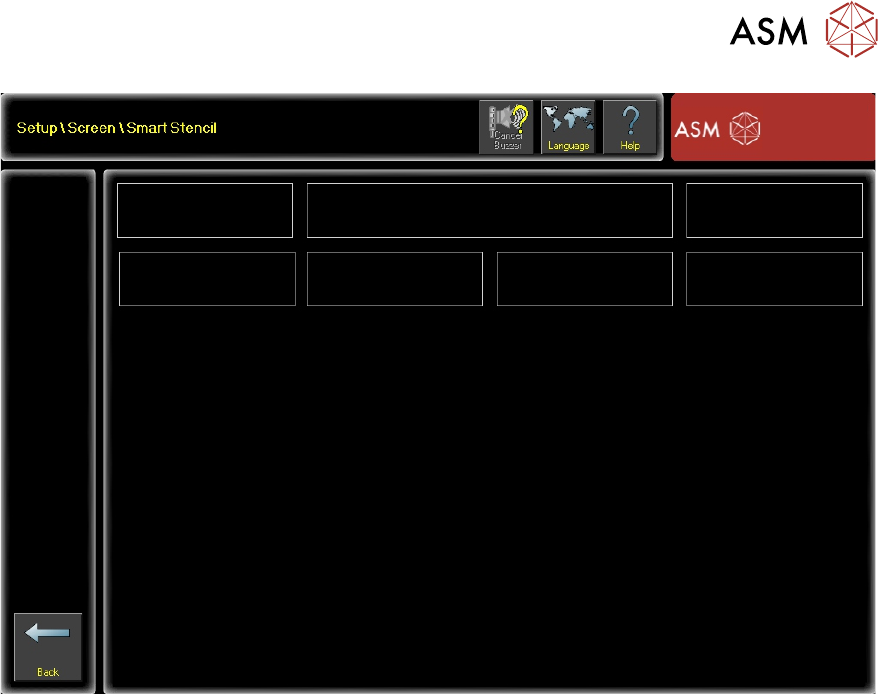
4. 模板信息会被展示。
4 设置与操作
4.4 查看智能模板数据
独立手册 SMART STENCIL 07/2019 21
DEK-08
Tag ID
987654321
Image Name
Stroke Count Warning Threshold
Stop Threshold
Manufacture Date
Manufacturer
ASM16288
10285
40000
60000
02/02/2019
ASM
5. 选择
返回(Back)
。
6. 选择
返回(Back)
。
7. 选择
返回(Back)
。