Infinity EX NetworkingInf.pdf - 第10页
INFINITY EX NETWO RKING CONNE CTI ON TO A NE TWO RK SER VICE 27.1 0 Technical Reference Manual Chapter Issue 1 Aug 02 Editing NET_FILE Comms Options The NET_FILE comms editing windo w allows the user to change IP address…

INFINITY
EX
NETWORKING
CONNECTION TO A NETWORK SERVICE
Chapter Issue 1 Aug 02 Technical Reference Manual 27.9
Selecting Comms
Protocol Options
The Comms Protocol Set Preference GEM, and NET_FILE options each display
additional menu parameters if they are selected in the Set Preferences window.
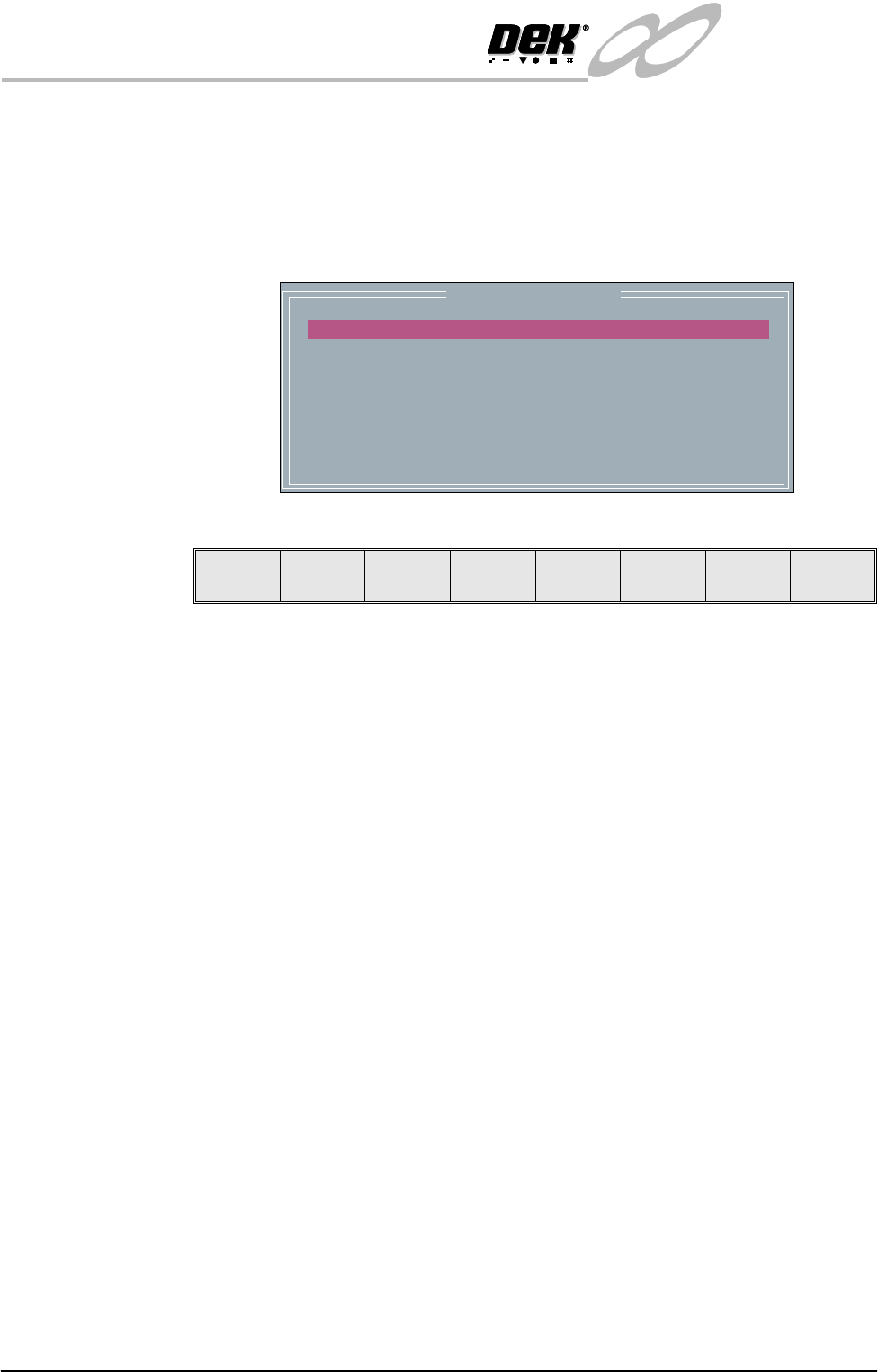
On selecting GEM the following menu bar is displayed:
On selecting NET_FILE the following menu bar is displayed:
If the Enable Comms key is pressed the following menu bar is displayed:
The user is given the option to Confirm or Exit their selection.
The NET_FILE option may display a further window requesting the Network
Password.
Enable
Comms
Next Previous Incr. Decr. Exit
Enable
Comms
Edit
Comms
Next Previous Incr. Decr. Exit
Confirm Exit
INFINITY
EX
NETWORKING
CONNECTION TO A NETWORK SERVICE
27.10 Technical Reference Manual Chapter Issue 1 Aug 02
Editing NET_FILE
Comms Options
The NET_FILE comms editing window allows the user to change IP addresses,
user ID and file paths.
To enter the Edit Comms window from the set preferences window, select
NET_FILE from the comms protocol, set preference and press the Edit Comms
menu bar option.
The Edit Comms window is displayed as follows:
To edit the Edit Comms window select from the following menu bar:
The Next and Previous keys move the highlight bar up and down the list of
network parameters.
With any of the following highlighted:
• Remote Drive
• User ID
• Products Path
•Data Path
On selecting Incr. the message ‘Please type in the text, then press Return’ is
displayed. The menu softkeys are blanked out.
With any of the following highlighted:
• Local Copies
• Reconnect Period
• Timeout
The Incr. and Decr. keys change the value of the highlighted parameter.
The Exit key is used to leave the Edit Comms window.
Network Parameters
REMOTE DRIVE
USER ID
PRODUCTS PATH
DATA PATH
LOCAL COPIES
RECONNECT PERIOD
TIMEOUT
c:
typhoon
product
data
ENABLED
60
30
Next Previous Incr. Decr. Exit
INFINITY
EX
NETWORKING
CONNECTION TO A NETWORK SERVICE
Chapter Issue 1 Aug 02 Technical Reference Manual 27.11
IP Address Configuration
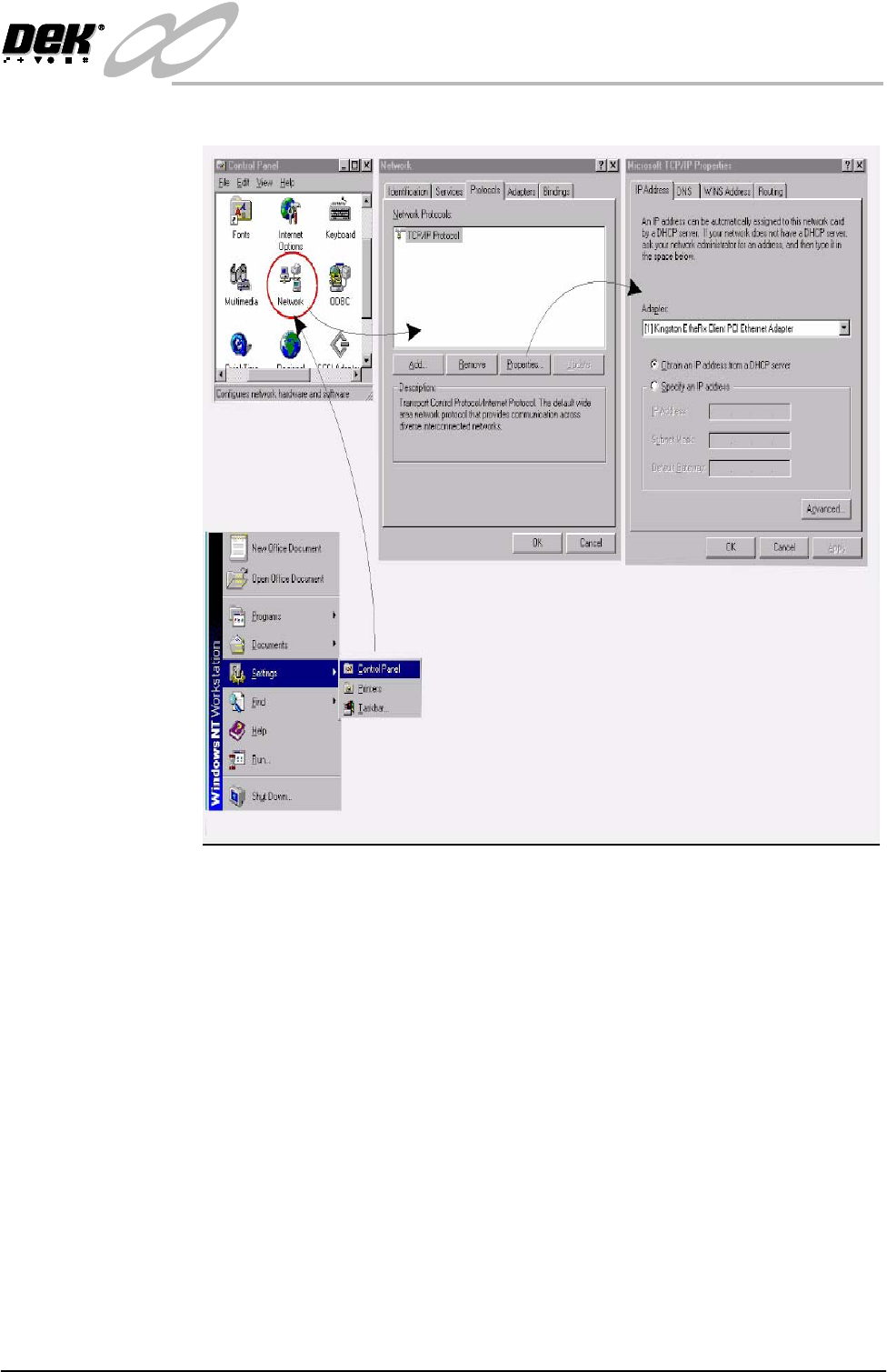
Figure 28-5 Selecting the Protocol Type
TCP/IP
Driver (GEM
and NET_FILES)
Windows NT Network Configuration option can be set up using the Network
icon in Control Panel. Select Protocols and highlight TCP/IP Protocol. From
Properties choose the appropriate adapter and either obtain or specify a fixed IP
Address for the printer in Protocols - Properties.
NOTE
The network administrator should be instructed to create two working directo-
ries for the product and data fields to be stored. These directories must have
read/write capabilities.
SDR Driver (GEM
Only)
The GEM - IP Address for the machine must be set up in the SDR driver, this
can be checked and edited if necessary in the configuration file D:\ Program
files\DEK\Machine Control\Printer\sdrconf.cfg
Set the PASSIVE ENTITY IP ADDRESS to the printers’ ‘IP Address’.
If there is more than one printer communicating with the GEM Host, set the
DEVICEID differently for each printer. The default value is 0x109 (265).
Alternative DEVICEID values should be chosen within the range 0x0000 -
0x7FFF (0 - 32767).