1022330_6 Edison Safety 3 Dec 2015.pdf - 第32页
Safety (Edison) 32 This Page Intentionally Blank
SAFETY (EDISON)
Overview
30 Safety (Edison)
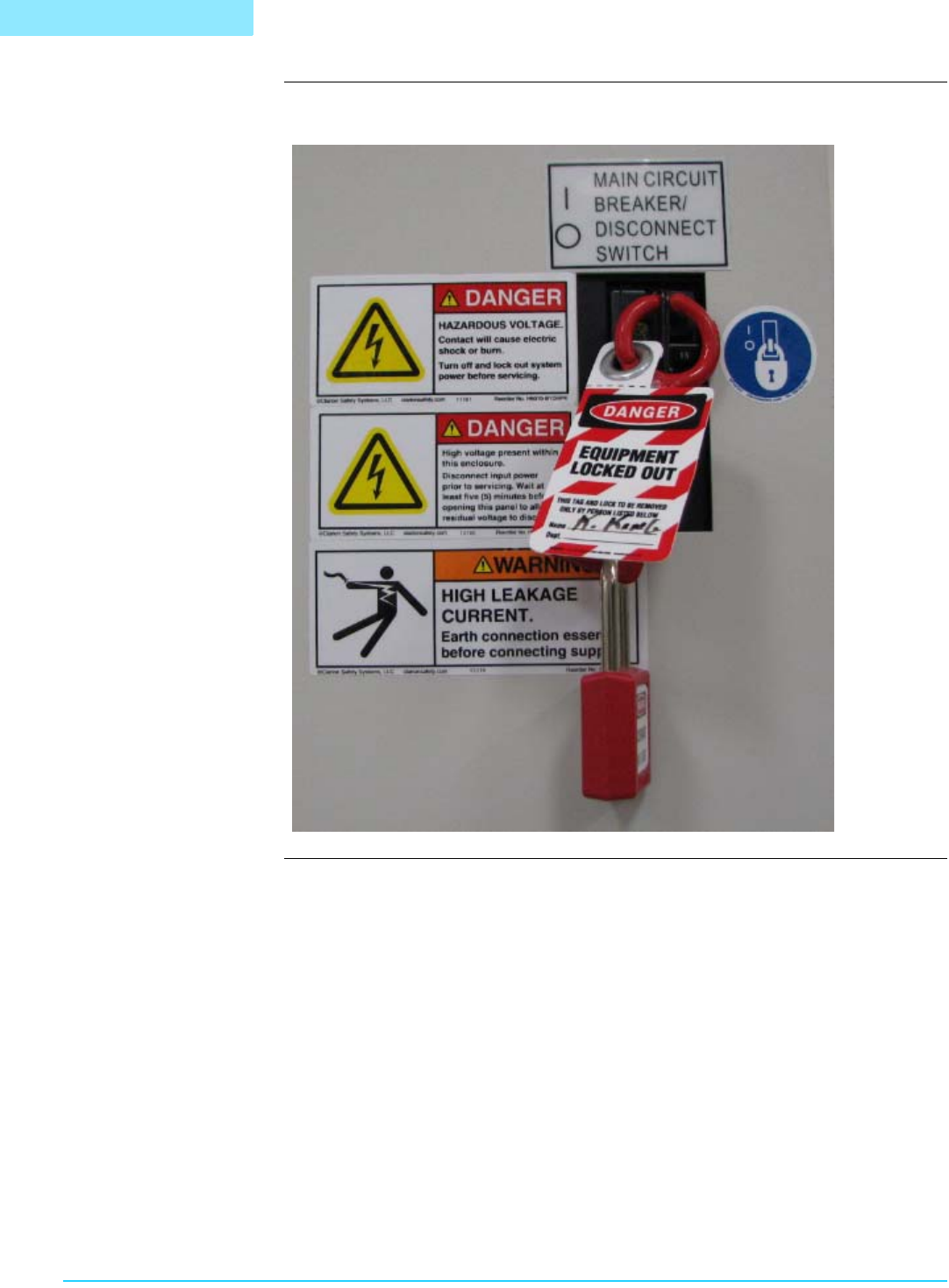
Sample Lockout Following is a sample lockout configuration:
B
A
. . . . .
SAFETY (EDISON)
Overview
1022330_6 31
Section F:
. . . . . . . . . . . . . . . . . . . . . . . . . . . . . . . . . . .
Safety Circuit and Interlocks
Introduction The Edison printer safety circuit and interlock system employs an interlock device on
the front hood to prevent access to specific printer hazards during printer motion. Do
not attempt to defeat this interlock through the use of spare interlock actuators or any
other means.
Motion Control Printer motion is available via the Motion Control screen. To access this screen, select
View > Diagnostics (from the menu bar at the top of the screen), then click the Motion
Control tab.
Hand Crush Hazard
Caution. Keep hands clear of printer while testing printer motion.
Interlock Bypass
and Printer Motion
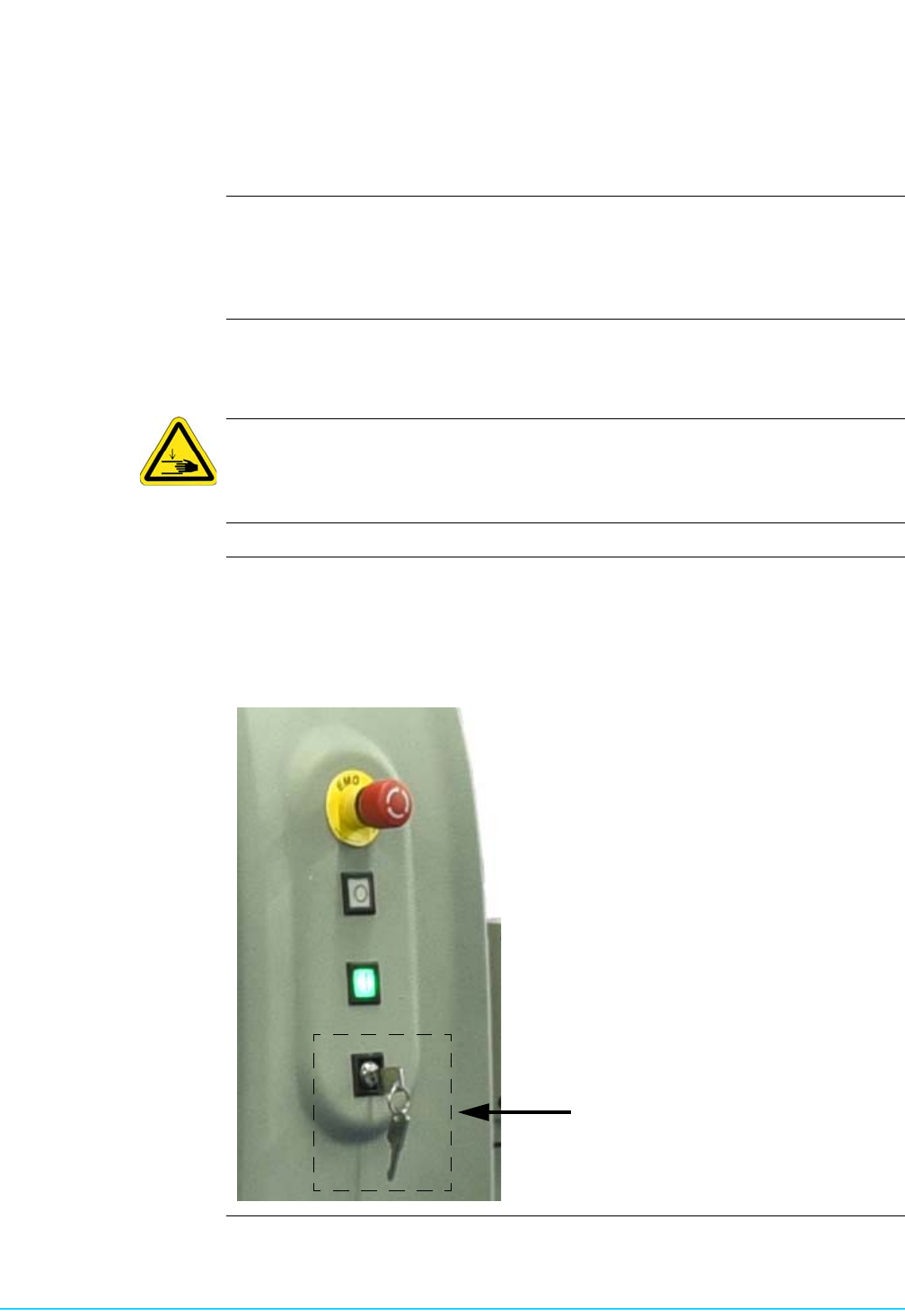
There is an Interlock Bypass key switch located at the front of the printer. When this
key switch is placed in the horizontal position, you can open the hood and jog axes,
but only when instructed to do so by the Intueri software. During these situations,
speed is reduced to 25% for all axes. Axes will travel at normal speed with the key set
to Bypass and the hood closed.
B
A

Safety (Edison) 32
This Page Intentionally Blank