00196772-04_VersionDescription_SR705.04SP2_LPCD_DE_EN.pdf - 第20页
Software Version Description Language Pack 705.04 SP2 08/2012 Edition 20 5.1.3.2 Uninstallation Proceed as follows to uninstall the language pack: • Switch the station computer on. • Log in as the administrator. • Switch…
Software Version Description Language Pack 705.04 SP2 08/2012 Edition
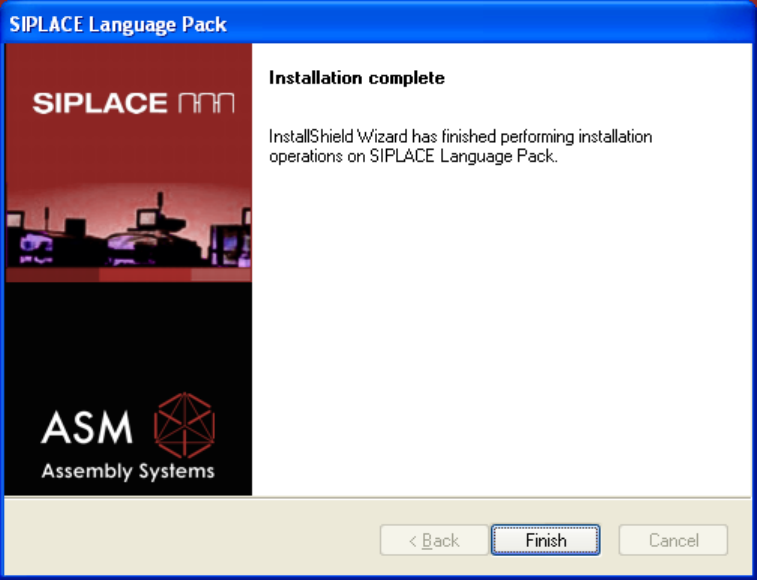
Completion Screen
Actuate the Finish button to complete the installation.
19
Software Version Description Language Pack 705.04 SP2 08/2012 Edition
20
5.1.3.2 Uninstallation
Proceed as follows to uninstall the language pack:
• Switch the station computer on.
• Log in as the administrator.
• Switch to the Windows XP operating system.
• Start the uninstallation:
Start -> Programs -> SIPLACE -> SIPLACE Language Pack Uninstall
Software Version Description Language Pack 705.04 SP2 08/2012 Edition
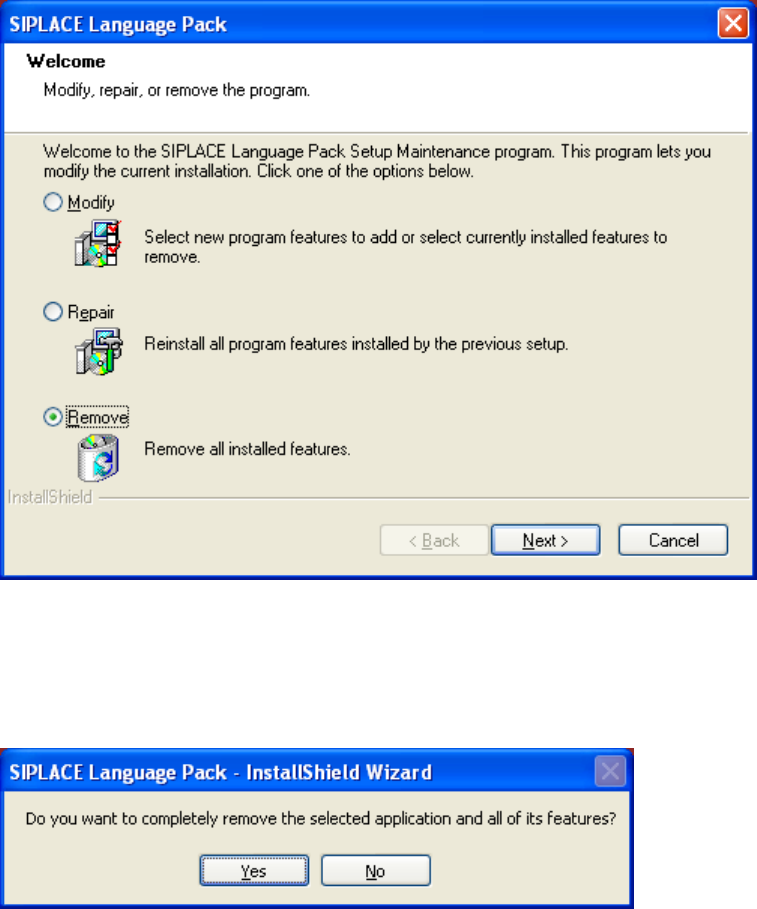
Remove
Select the radio button Remove, actuate the button OK to start the uninstallation.
CONFIRM UNINSTALL
Actuate the OK button to confirm the uninstallation.
21