00194547-07_InstallationManual_60103SP2_Hotfix_03.pdf - 第23页
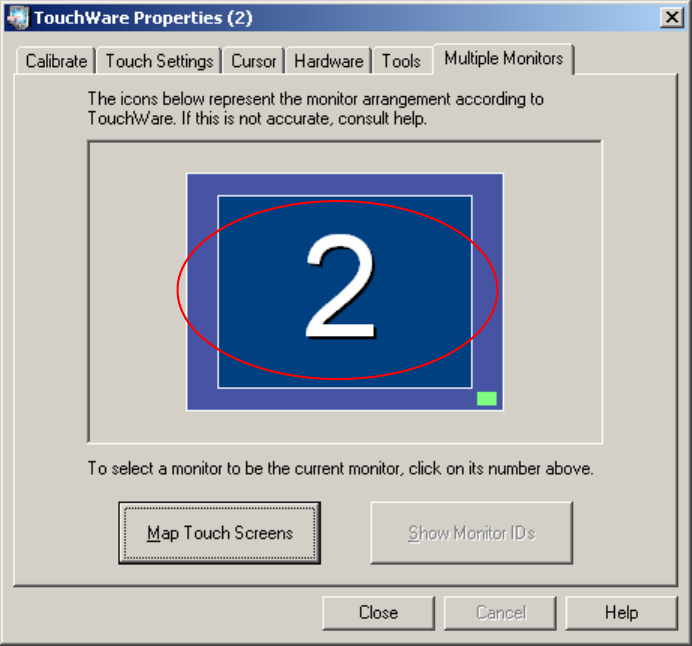
Installation Manual, Station Software Version 601.03 SP2 Edition 11/2006 Fig. 4-6: TouchWare Properties – Multiple Monitors tab (example for Monitor 2) → Click the number of the monitor you wish to calibrate. → Open the …
Installation Manual, Station Software Version 601.03 SP2 Edition 11/2006
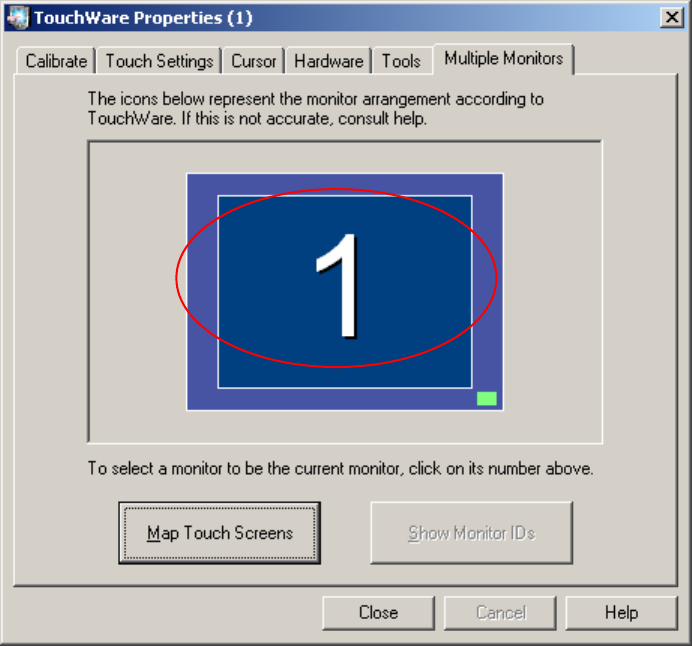
Fig. 4-5: TouchWare Properties – Multiple Monitors tab (example for Monitor 1)
22 of 90
Installation Manual, Station Software Version 601.03 SP2 Edition 11/2006
Fig. 4-6: TouchWare Properties – Multiple Monitors tab (example for Monitor 2)
→ Click the number of the monitor you wish to calibrate.
→ Open the Calibrate tab.
23 of 90
Installation Manual, Station Software Version 601.03 SP2 Edition 11/2006
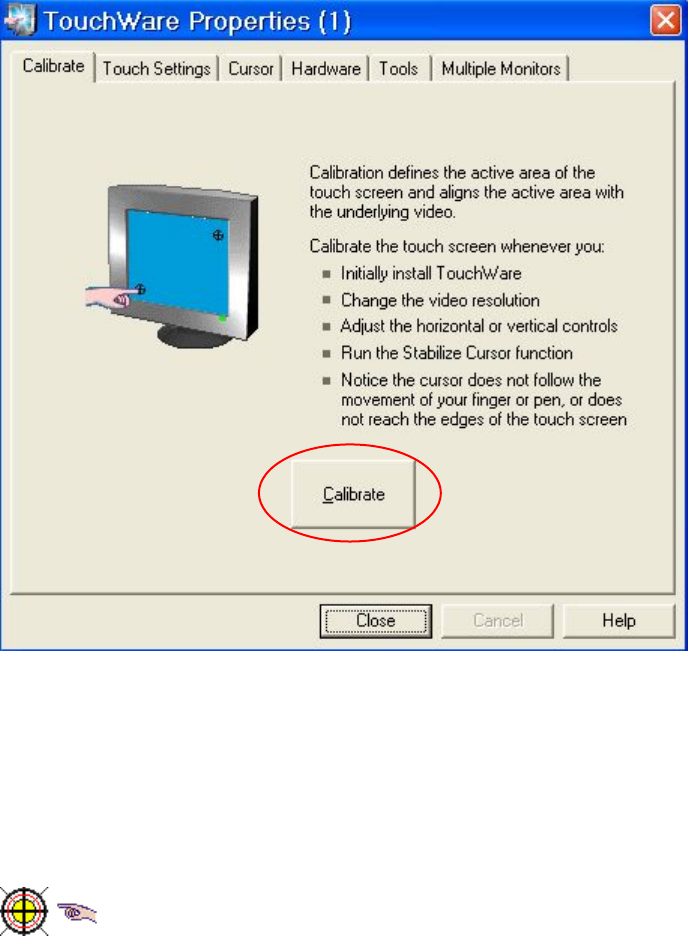
Fig. 4-7: TouchWare Properties – Calibrate tab (example for Monitor 1)
→ Click the Calibrate button. An icon representing the calibration is shown on screen. An icon
representing a hand guides you through the calibration steps by pointing to the calibration icon
you must touch.
Fig. 4-8: Calibration icon
24 of 90