00196737-09_IM_eWinXP_DE_EN.pdf - 第11页
W indows XP Em bedded / I nstallat ion Ma nual Ausgabe 10/2014 Edit ion 11 Nam e IBase AB P 402 - A CPU / cloc k fr equency Intel ® Celer on ® CPU 1020 E / 2.2 GHz RAM 2 GB Harddis k Yes External D VD dr ive Yes Internal…

Windows XP Embedded / Installation Manual Ausgabe 10/2014 Edition
10
Name SIMATIC BoxPC 827B
CPU / clock frequency Core 2 Duo T7400 / 2.16 GHz
RAM 2 GB
Harddisk Yes
External DVD drive No
Internal DVD drive Yes
Serial interfaces 1
USB interfaces Yes
External USB hub Yes (X-series) / No (SX4)
Network 2x 100 MBit
Table 3-6: Machine/Vision computer hardware SIPLACE X-series and SX4
Name SIMATIC BoxPC 827C
CPU / clock frequency Intel® Core(
TM
) i3 / 2.13 GHz
RAM 2 GB
Harddisk Yes
External DVD drive Yes
Internal DVD drive No
Serial interfaces 1
USB interfaces and external USB hub Yes
Network 2x 100 MBit
Table 3-7: Machine/Vision computer hardware SIPLACE X-series and SX4
Name IBase ABP 102-A
CPU / clock frequency Celeron® Dual Core T3100 / 1.9 GHz
RAM 2 GB
Harddisk Yes
External DVD drive Yes
Internal DVD drive No
Serial interfaces 1
USB interfaces and external USB hub Yes
Network 2x 1000 MBit
Table 3-8: Machine/Vision computer hardware SIPLACE D-series

Windows XP Embedded / Installation Manual Ausgabe 10/2014 Edition
11
Name IBase ABP 402-A
CPU / clock frequency Intel® Celeron® CPU 1020E/ 2.2 GHz
RAM 2 GB
Harddisk Yes
External DVD drive Yes
Internal DVD drive No
Serial interfaces 2
USB interfaces and external USB hub Yes
Network 2x 1000 MBit
Table 3-9: Machine/Vision computer hardware SIPLACE Di-series
Windows XP Embedded / Installation Manual Ausgabe 10/2014 Edition
12
4 Installation
4.1 Overview
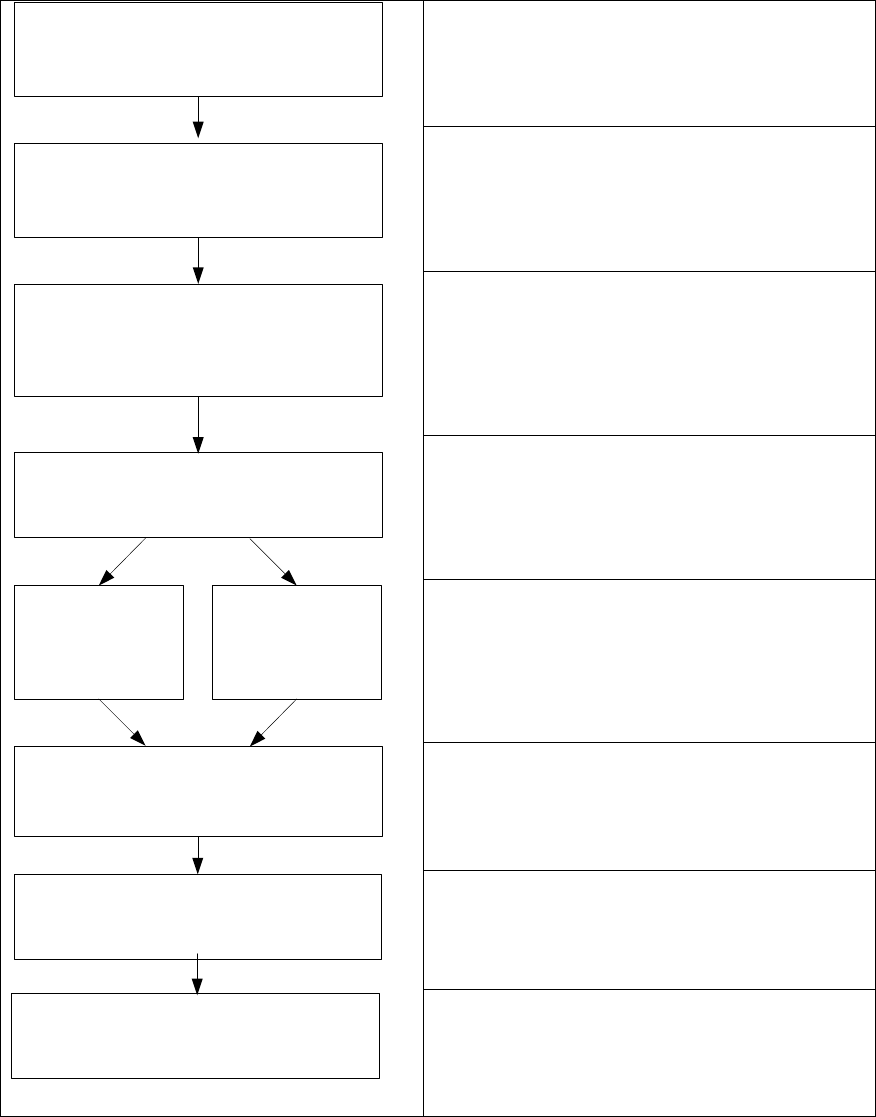
Install Boot CD/DVD
Choose computer configuration
CD SIPLACE XP embedded Configurator
Install and calibrate Touchscreen
BIOS settings on the machine/Vision
computer
Perform BIOS settings
Back up the machine data
BIOS update on the machine/Vision
computer
Perform BIOS update
Restore CD
CPU 627/627B/
827B, IBase 102-A
Restore DVD
CPU 627C/827C,
IBase 402-A
Restore the initial configuration
See section 4.2.
See section 4.2.
Installing the operation system Windows XP
embedded, see section 4.3.
See section 4.3.2.
See section 5.
See section 6.