Infinity EX Printhead Lift.pdf - 第8页
INFINITY EX PRINTHEA D LIFT MODU LE SEQUEN CES 8.8 Technical Reference Manu al Chapter Issu e 2 Jan 04 SEQUENCES Head Up On pressing Head , when av ailable on the menu bar, a message is displayed on the message prompt ba…
INFINITY
EX
PRINTHEAD LIFT MODULE
ELECTRICAL DETAIL
Chapter Issue 2 Jan 04 Technical Reference Manual 8.7
Head Lift Circuit
Operation
The head lift power driver card provides motor drive to the head lift actuator
enabling the head to be driven up or down.
Two 16A relays on the card switch the motor drive voltage to enable the actuator
to drive the head in both directions. The DIR signal from MultiMove Source 6
(PL20) controls the change-over of the relay contacts by switching the relays on
or off.
When ENABLE from MultiMove Source 7 (PL20) is high, the Darlington pair
output driver device Q3 switches on making motor drive voltage available to the
head lift actuator.
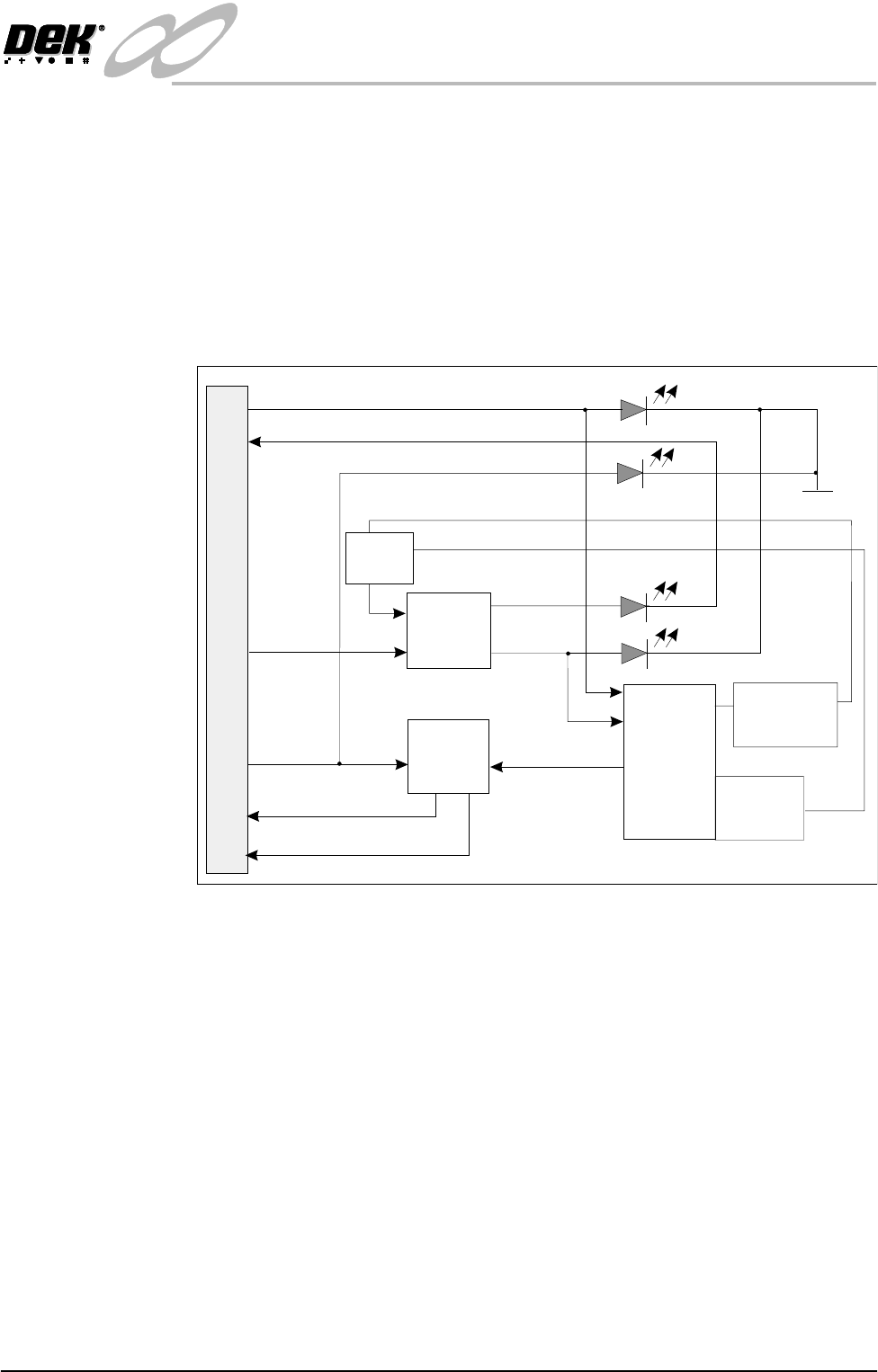
Figure 8-5 Simplified Headlift Actuator Circuit
Error Conditions
Thermal Overload Q3 is thermally linked to RT1 a thermal over temperature trip device, should the
motor current cause a temperature rise to an unacceptable level, RT1 triggers
the gate of the thyristor Q4. This action turns Q3 off.
Current Overload Q1 and associated sense resistors R5, R6, R7, R8 and R10 sense the current
through Q3 and hence the motor. If a condition exists where the acceptable
current level is exceeded, Q1 switches on bringing Q4 on as described for the
thermal overload error condition.
ERROR indication ERROR indication is provided by the circuit associated with Q2 and D4 the red
led. Error indication is an input to the MultiMove backplane (IN8) at SK13A.
Circuit Protection The circuit is protected from the back e.m.f’s of the motor and the relays by D6
and D7 respectively (not shown).
Q2
Error
Monitor
Q1
Over Current
Sense
Q3
Darlington
Po w e r
Driver
RT1
Over Temp.
Protection
DIR
MOTOR +
MOTOR -
ENABLE
Motor O/P
ENABLE
ERROR
ERROR
24V (HL)
SK2
Green
Red
Yellow
Yellow
0V
Polarity
Switching
Relays
Q4
(Gate)

INFINITY
EX
PRINTHEAD LIFT MODULE
SEQUENCES
8.8 Technical Reference Manual Chapter Issue 2 Jan 04
SEQUENCES
Head Up On pressing Head, when available on the menu bar, a message is displayed on
the message prompt bar - ‘Raise Head Under 2- button Control’ and the head
latches de-energize.
To raise the head, the two jog buttons, located on the MMI, must be pressed
simultaneously within 0.5 second of each other.
Provided the head lift circuit breaker CB11 and the head over travel switches are
intact, the head rises. Whilst the jog buttons are held on and the Head Up switch
is not made the head continues to rise. If the jog buttons are released or if the
head up/down switches are reached the head stops moving.
The sequence of actions on pressing the jog buttons is as follows:
As the head is lifted the head open interlock switch opens, dropping out the E
Stop relay. This de-energises the print carriage brake (clamp is on), contactors
1 and 3 are held on by the two handed relay, these contactors provide the 24Vdc
for the headlift card. A direction signal (DIR) is determined by the NextMove
controller reading the Head Up/Down reed switches attached to the head lift
actuator. When the printhead has reached the head up position, the head lift
circuit stops the motor. The NextMove controller monitors the reed switches,
senses that the up switch is made and signals the MultiMove to stop the action.
The warning window ‘Hazardous Operation - The head must be propped
while it is raised. Insert head prop’is displayed. The head prop must be
installed and the action confirmed before the warning window is cleared from
the MMI screen.
Head Down On pressing Lower Head the warning window ‘Hazardous Operation - The
head is about to be lowered. Remove the head prop and confirm that
everyone is standing clear’ is displayed. Once confirmed the head prop has
been removed and returned to it’s stowage the message ‘Lower Head Using 2-
button Control’ is displayed. When the two button controls are pressed and
the up switch is made or the Lower Head button is pressed (while the printhead
is open), the printhead is driven down. When the head down sensor is activated,
the motor stops driving and the head latches energize.
The system power down message is displayed and the machine does not reini-
tialize until the system button is pressed.

INFINITY
EX
PRINTHEAD LIFT MODULE
ADJUSTMENTS AND SETTINGS
Chapter Issue 2 Jan 04 Technical Reference Manual 8.9
ADJUSTMENTS AND SETTINGS
Head Lift Up/Down
Sensors
The head lift sensors are magnetic reed switches mounted on slides along the
body of the lift actuator, see figure overleaf. The switches are set to give the
maximum amount of printhead lift, and keep the actuator within its own mechan-
ical limits so as not to physically jam the mechanism.
Setting the
Actuator
1. Ensure that the printhead is fully down.
2. Set the Up and Down reed switches to the nominal dimensions given, see
figure.
3. Check that a 1mm gap exists between the clevis and the clamp, adjust the
printhead down reed switch to achieve this. Using Diagnostics, drive the
printhead up and down, re-adjusting the down switch to achieve this.
4. Raise the printhead and check that the printhead prop fits into the left hand
side of the printhead without fouling. If the prop does not fit adjust the
printhead up reed switch as necessary.
5. Check all diagnostics functions of the printhead module, refer to the Diag-
nostics chapter of the User Manual.