SOM-1804-001.pdf - 第4页
Contents Page Before Use .......................................................................................... 1 Contents .............................................................................................…
Before Use
• Identifying Alert Icons
: This symbol mark represents danger or prompts warn-
ing.
: This symbol mark represents prohibited operations.
: This symbol mark represents forced operations or in-
structions.
2. Explained in this manual are only the items different from those in
the instruction manual of the main machine.
Use the instruction manual of the main machine together with this
manual.
3. The contents of this manual are subject to change without prior
notice.
Please contact our marketing department or sales agency for the
detailed information on these special specifications.
0409-001 2 AIZ01EGP

Contents
Page
Before Use .......................................................................................... 1
Contents .............................................................................................. 3
1. Scope ............................................................................................... 4
2. Warning Display in "Start Protection" Mode ................................ 5
2.1 Warning Display at Start of Automatic Operation ..................... 5
2.2 Warning Display in "STOP" and "PAUSE" Mode ..................... 5
2.3 Warning Display in Continuous Operation ............................... 6
2.3.1 Cancellation of Alternate Mode for Feeder Carriage
Unavailability in Automatic Operation ............................ 7
2.3.2 Cancellation of Alternate Mode for Priority Unit ................. 8
3. Status Indication (Indication on Screen) .................................... 10
0409-001 3
AIZ01EGP
4 AIZ01EGP0409-001
1. Scope
1. Scope
This function (provided separately from the main machine side) regu-
lates the automatic operation of the main machine, using the input sig-
nal from the external host computer for the TCM-X series.
When the "Start Protection" mode is detected after the [READY] button
on the F-axis side is pressed, the "Machine Information" window opens.
Control the machine with the external host computer so that it cannot
start its automatic operation until the bar code of the component short-
age lane (feeder) is completely checked by the external host computer.
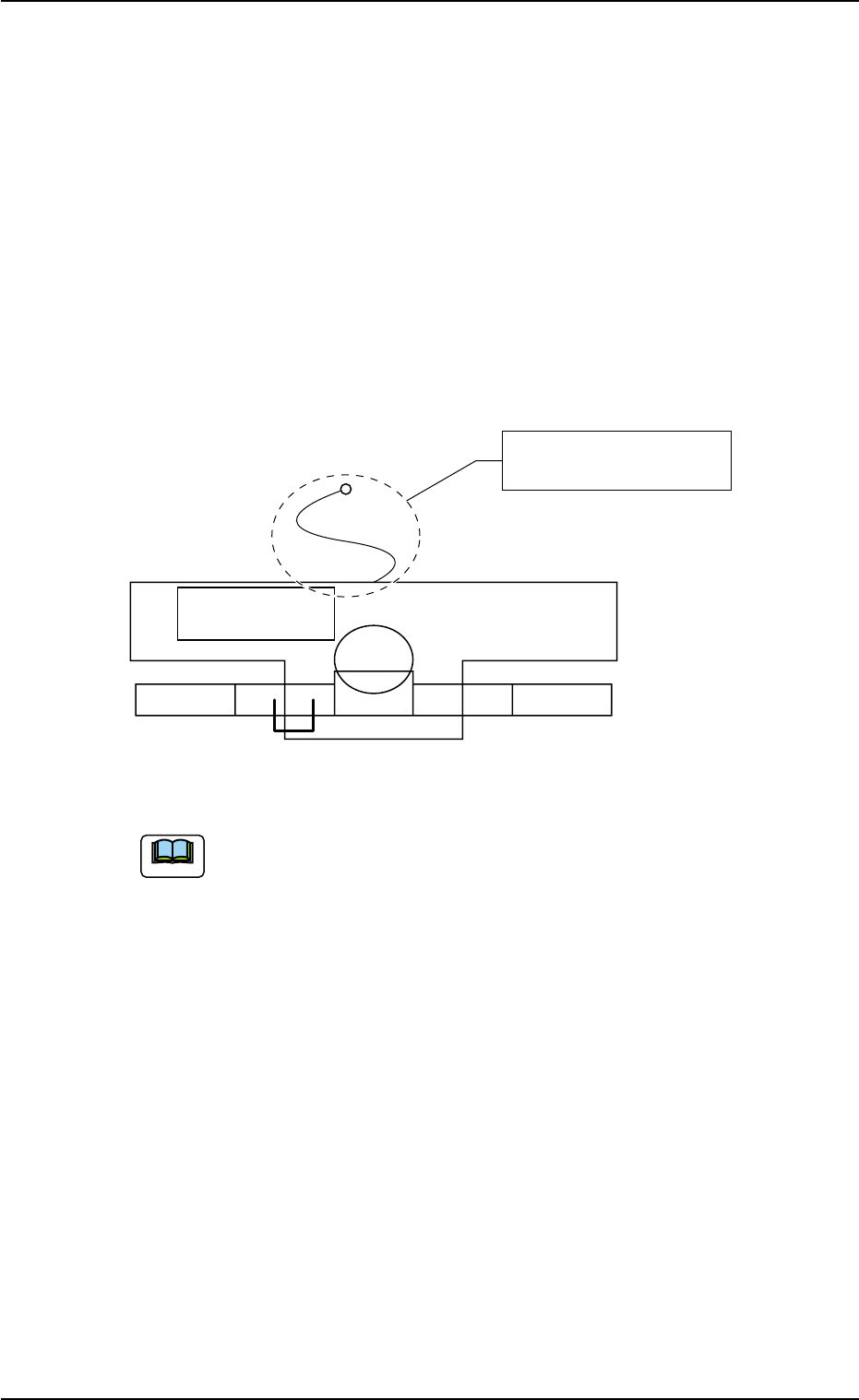
Layout
Fig. 1
(a) Even if the warning message is ignored, the automatic op-
eration cannot be started.
(b) Turn on or off the switch with the no-voltage contacts.
(Start Protect Signal ON upon Shipment of Machine)
Start Protect Signal ON (Short-Circuited) :
Automatic Operation Start Permitted
Start Protect Signal OFF (Open-Circuited) :
Automatic Operation Start Prohibited
(c) It is advisable that this function should be used together
with "Component Shortage Data External Output Function
(C-S206-08)".
This function can also be used singly.
Refer to the instruction manual of "Component Shortage
Data External Output Function (C-S206-08)" for details.
Note
Main Machine
of TCM-X
Start Protect Signal Nylon
Connector (2P)