Galaxy EX Blue Under Screen Cleaner Module.pdf - 第10页
BLUE UNDE R SCREEN C LEANER M ODULE REPLACEMENT PRO CEDURES 18. 10 Tech nical Ref erenc e Ma nual Ch apter Iss ue 5, May 15 REPLACEMENT PROCEDURES Solve n t Pum p W ARNING SOL VENT SPRA Y . THE UNDER STENCIL CL EANER SPR…
BLUE UNDER SCREEN CLEANER MODULE
ADJUSTMENTS AND SETTINGS
Chapter Issue 5, May 15 Technical Reference Manual 18.9
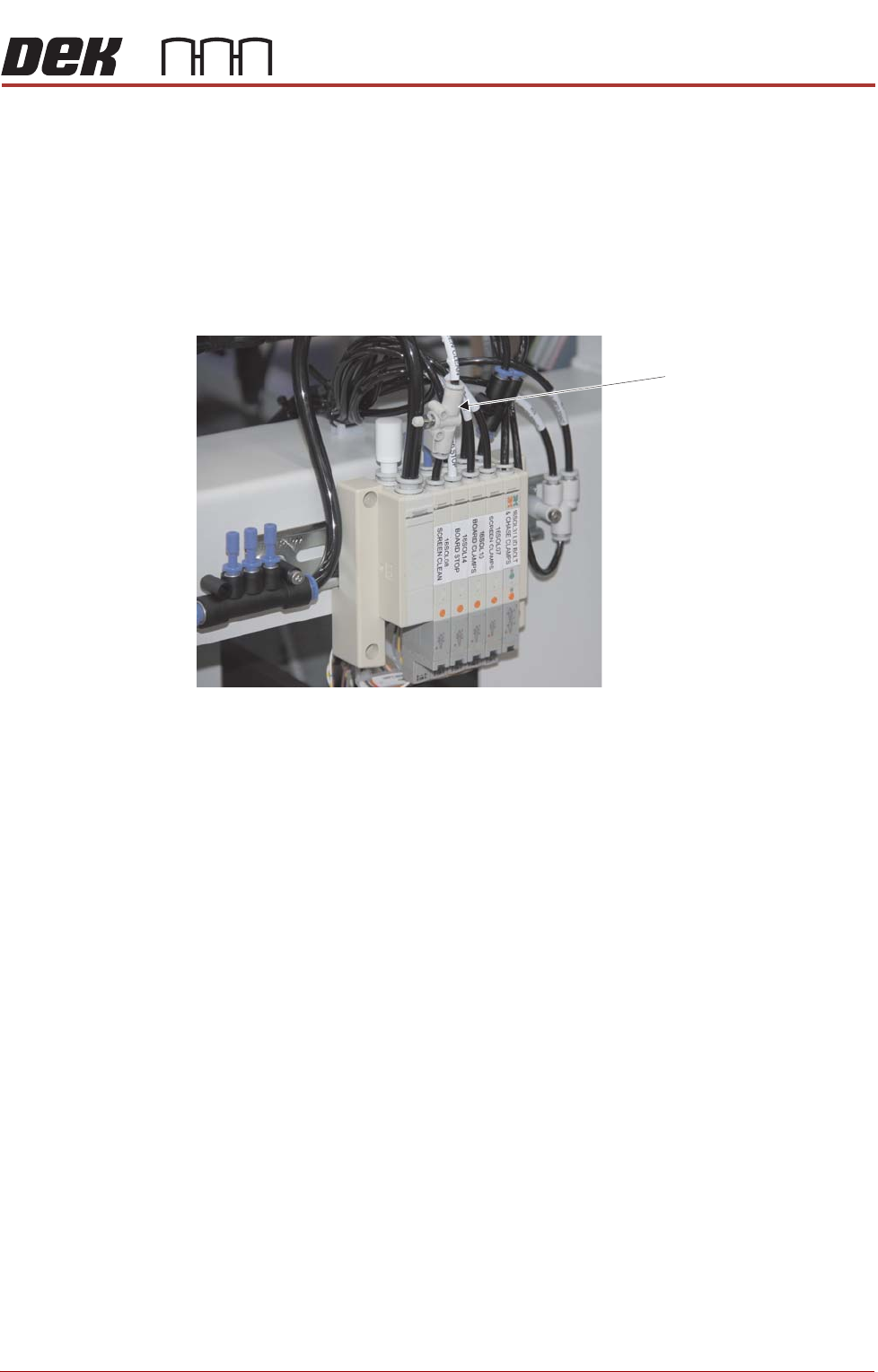
Lift Mechanism Air Flow Controller
An in-line flow controller restricts the air flow to the cleaner lift mechanism to
prevent the cleaner from hitting the screen with excessive speed.
The air flow should not need any adjustment unless replaced. Use the
following procedure to adjust the regulator:
1. Turn the thumbscrew on the lift mechanism air flow controller fully clock-
wise to shut off the air supply.
2. Fit the calibration screen into the machine.
3. Select Maintenance.
4. Select Diagnostics.
5. Use Next or Previous to highlight Screen Cleaner.
6. Select Module.
7. Ensure ‘Toggle Dry Wipe Blade’ is highlighted.
8. Select Run Diagnost.
9. Turn the thumbscrew on the lift mechanism air flow controller anticlock-
wise until the cleaner mechanism raises fully.
10. Select Run Diagnost multiple times ensuring that the lift mechanism raises
fully (without struggling or slowing).
11. Select Exit.
12. Select Exit.
13. Select Back.
Lift Mechanism Air Flow
Controller
View on Rear of Machine
BLUE UNDER SCREEN CLEANER MODULE
REPLACEMENT PROCEDURES
18.10 Technical Reference Manual Chapter Issue 5, May 15
REPLACEMENT PROCEDURES
Solvent Pump
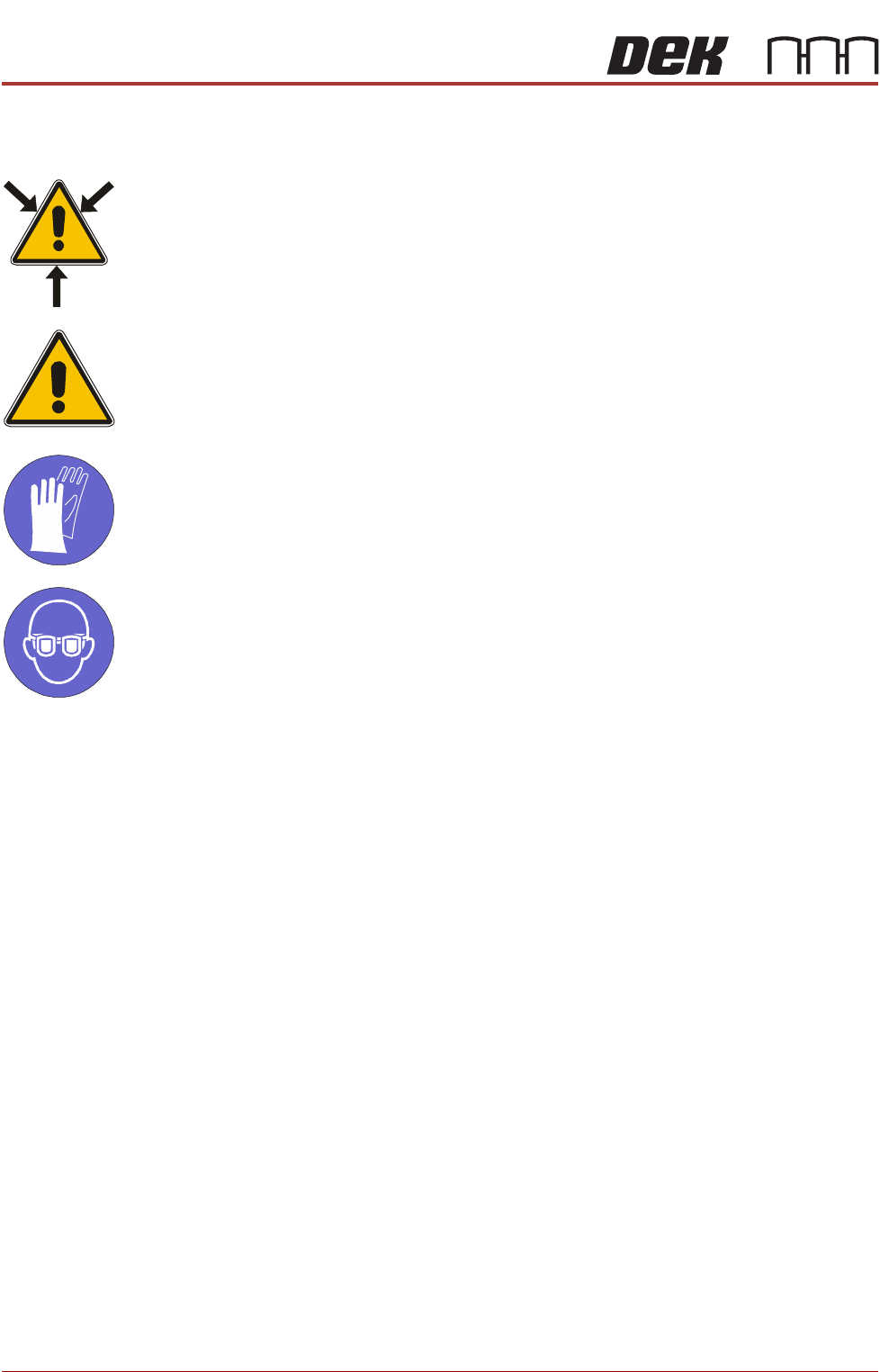
WARNING
SOLVENT SPRAY. THE UNDER STENCIL CLEANER SPRAYS A FINE JET OF
SOLVENT SOLUTION ON TO THE CLEANER. APPROVED PROTECTIVE
CLOTHING SHOULD BE WORN.
CAUTION
SOLDER PASTE AND SOLVENTS. WHEN USING OR HANDLING ANY SOLDER
PASTE OR SOLVENT FORMULATION THE MANUFACTURERS’ SAFETY DATA
SHEETS MUST BE STRICTLY ADHERED TO.
MANDATORY
TOXIC CHEMICALS MAY BE PRESENT. SAFETY GLOVES MUST BE WORN.
MANDATORY
TOXIC CHEMICALS MAY BE PRESENT. EYE PROTECTION MUST BE WORN.
1. Open the printhead front cover and remove the stencil.
2. Move the print carriage to the rear.
3. Power down the printer and fit a lock to the mains isolator lock out.
4. Disconnect the solvent feed tube on the right hand side bracket.
5. Disconnect the electrical connector on the right hand side of the pump
body.
6. Remove 2 M3 x 6 screws holding the pump mounting bracket on the
underside of the cleaner tray.
7. Remove the pump.
8. Fit the replacement pump and secure using the two M3 screws.
9. Refit the feed tube and the electrical connector.
NOTE
Ensure that the tubing is routed such that it is not stressed or kinked.
10. Pull the cleaner to the front of the machine such that it engages the mag-
nets.
11. Remove the lock from the mains isolator.
12. Turn the mains power ON.
13. Close the printhead front cover.
14. Select Diagnostics.
15. Press the System switch.
16. Select the Camera Axes.

BLUE UNDER SCREEN CLEANER MODULE
REPLACEMENT PROCEDURES
Chapter Issue 5, May 15 Technical Reference Manual 18.11
17. Select Home Camera X Axis and select Home Camera Y Axis to home
the camera axes.
18. Select Exit.
19. Select the Screen Cleaner module page.
20. Ensure that all functions within screen cleaner diagnostics operate cor-
rectly and that there are no leaks from the feed tubing.
21. Select Exit.
22. Select Exit.