RHS2B 操作手册.pdf - 第59页
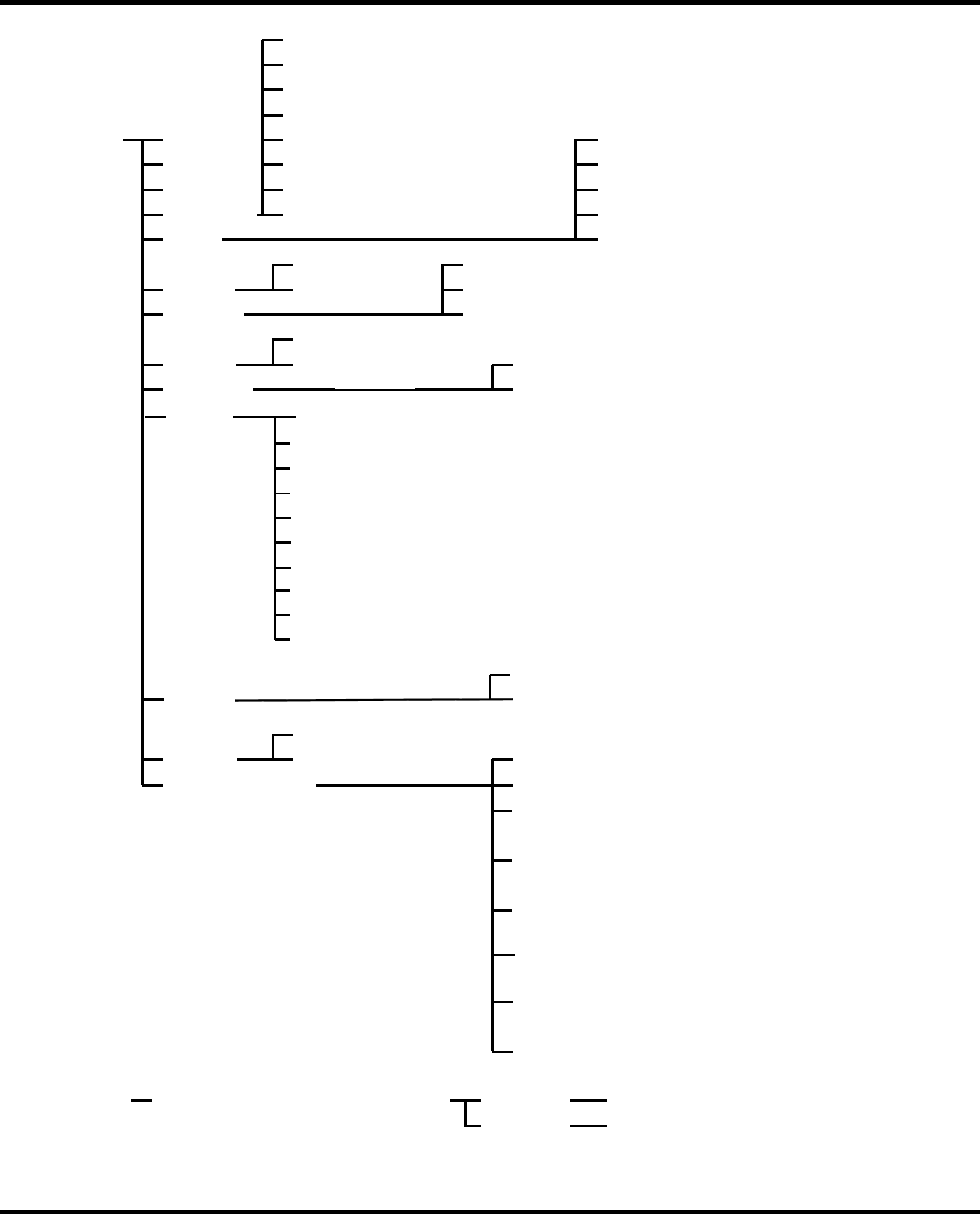
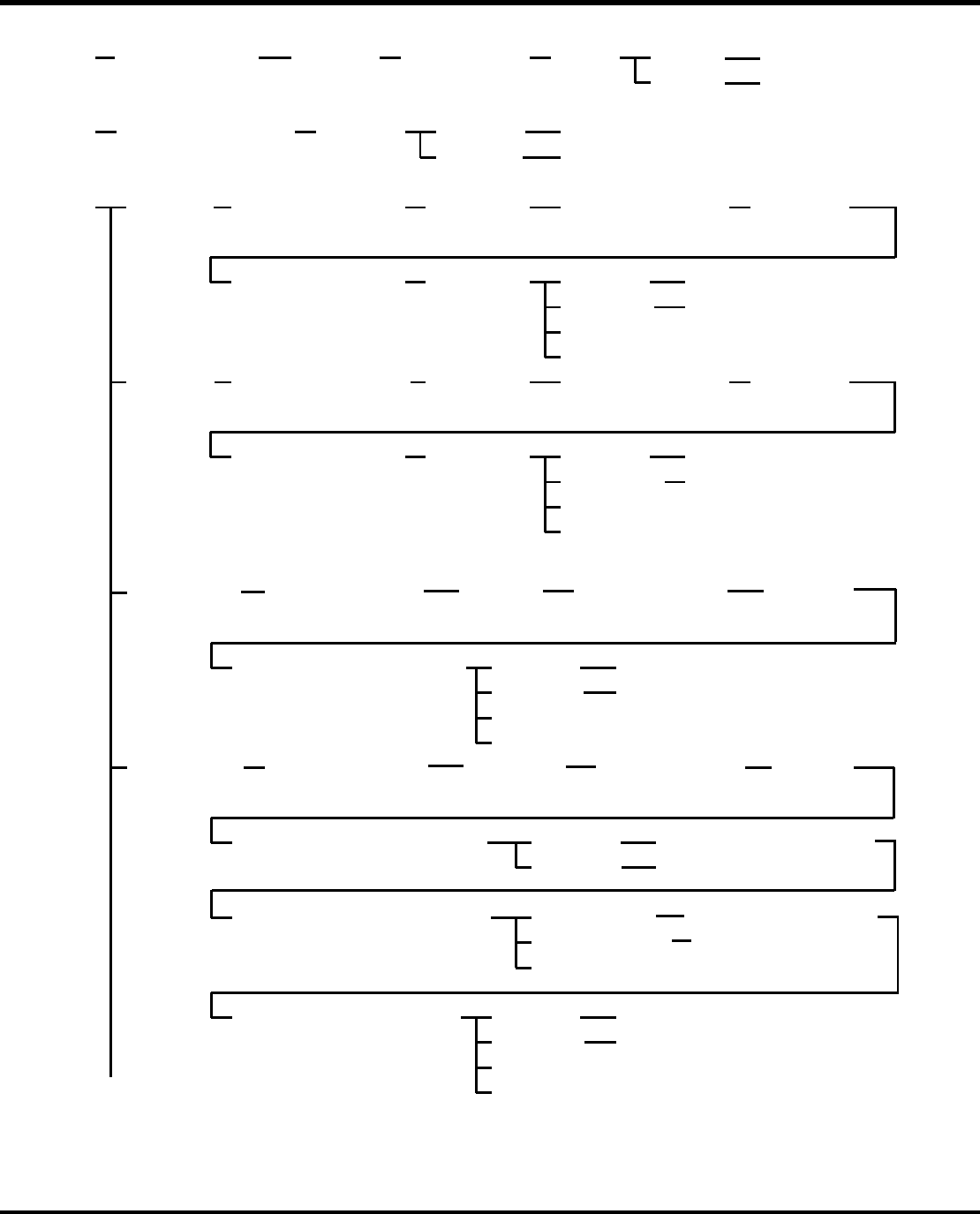
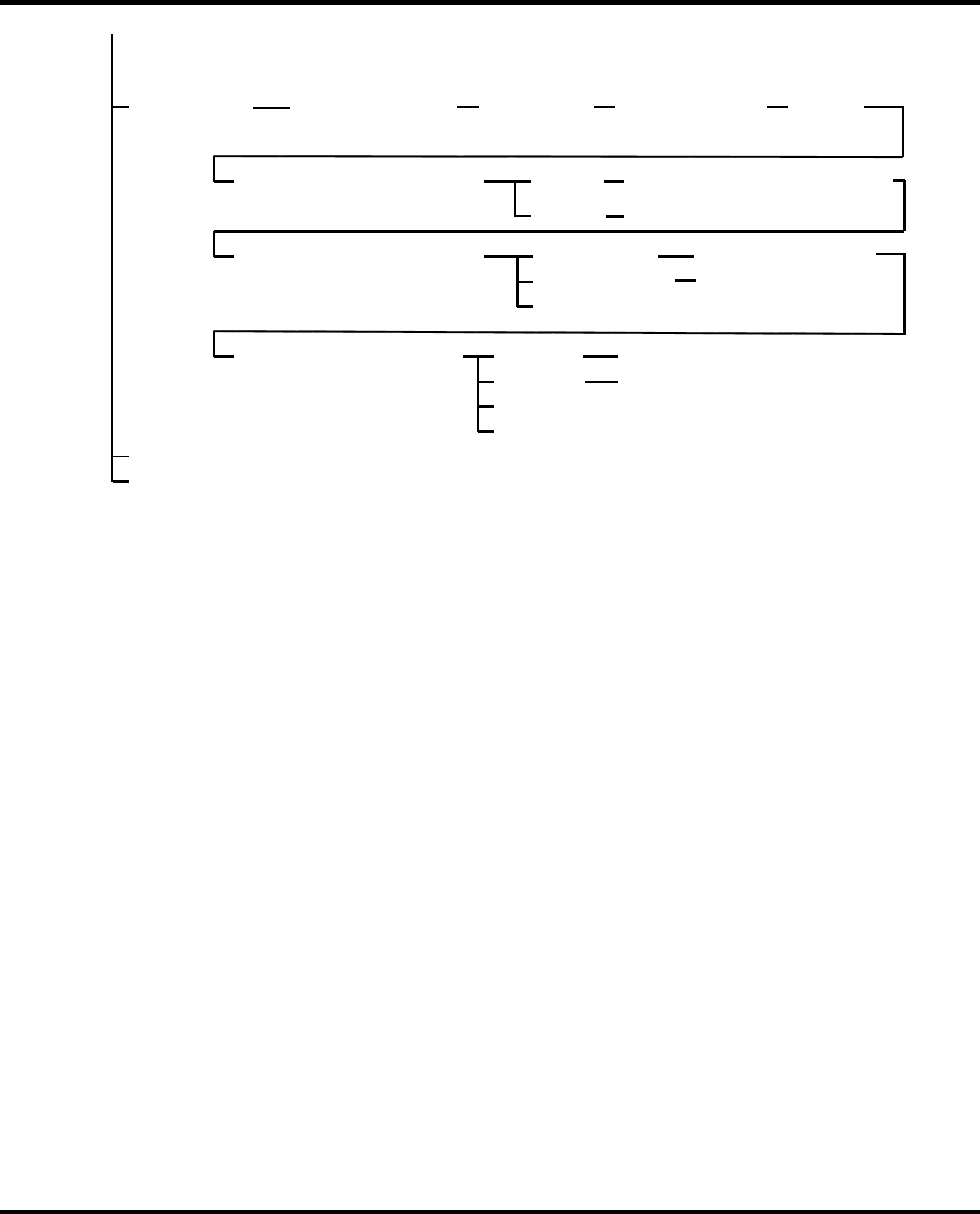
RHS2B 操作手册 3.5 操 作屏幕 DA4OCC – 13 – 040 – B0 3.5- 15 (3) (4) Move the cursor key to the starting block ENTER key ON Yes F1: No F2: Previous Screen Deletes data. Delete F2: Move the cursor to the final block Move the curso…
RHS2B
操作手册
3.5 操作屏幕
3.5 - 14 DA4OCC – 13 – 040 – B0
(2) Input block No. and Z No. ENTER key
ON
YesF1:
NoF2: Previous Screen
Searches data.
(1) X Coord.
Y Coord.
Z No.
Rot
PR
Insert
Skip Blk
Correct
Bad Mark
Speed : Tact time 0.17 s1
1-6, 8, 9: Conditional skip
3 Lead
: Insert 2-lead component0
: Insert 3-lead component1
2.5 mm
Large component
: Insert small & standard components0
: Insert large components1
: 5 mm pitch0
: 2.5 mm pitch1
: Insert small & standard components,
prohibit body correction
10
: Insert large components, prohibit body correction
11
100
: Insert small & standard components
correct V-cut position
: Insert large components, correct V-cut
position
101
110
111
: Insert large components, prohibit body correction, correct V-cut position
: Insert small & standard components, prohibit
body correction, correct V-cut position
: 050
: 9051
: 18052
: 27053
: 05 (1805 inverting unit used)10
: 905 (1805 inverting unit used)11
: 1805 (1805 inverting unit used)12
: 2705 (1805 inverting unit used)13
: Normal (Insert, No rotation)0
: Pattern repeat (No rotation)2
: Pattern repeat/905 rotation12
: Pattern repeat/1805 rotation22
: Pattern repeat/2705 rotation32
: Insert0
: Not Insert1
: No skip0
: Unconditional skip7
: No bad mark0
: Recognize bad mark1
: No recognition0
: Recognize optional hole
1
: Tact time 0.2 s2
: Tact time 0.25 s3
: Tact time 0.36 s4
: Tact time 0.45 s5
: Tact time 0.17 s (Low speed feed)11
: Tact time 0.2 s (Low speed feed)
12
: Tact time 0.25 s (Low speed feed)13
: Tact time 0.36 s (Low speed feed)14
: Tact time 0.45 s (Low speed feed)15
X 座标
Y 座标
Z 编号
ROT
PR
插入
跳块
插入
没有插
入
没有跳
跃
正
确
不良记
号
速
度
3 引
线
使用了 180° 倒置单元
使用了 180° 倒置单元
使用了 180° 倒置单元
使用了 180° 倒置单元
大组
件
跨距
跨距
正常(插入,没有转动)
图形区重复(没有转动)
图形区重复/90° 转动
图形区重复/180° 转动
图形区重复/270° 转动
无条件跳跃
有条件跳跃
无识别
识别选
项
孔
无不良标记
识别不良标记
:节拍时间
:节拍时间
:节拍时间
:节拍时间
:节拍时间
:节拍时间
:节拍时间
:节拍时间
:节拍时间
:节拍时间
(慢速进料)
(慢速进料)
(慢速进料)
(慢速进料)
(慢速进料)
插入 2 根引线组件
插入 3 根引线组件
插入小号、标准组件
插入大号组件
插入小号、标准组件,禁止本体校正
插入大号组件,禁止本体校正
插入小号、标准组件,校正 V-型切割位置
插入大号组件,校正 V-型切割位置
插入小号、标准组件,禁止本体校正,允许校
正 V-型切割位置
插入大号标准组件,禁止本体校正,允许校正
V-型切割位置
输入区段号及 Z 编号—回车键
ON
0
0
90
0
180
0
270
0
0
0
90
0
180
0
270
0
搜索数据
回到上一页
RHS2B
操作手册
3.5 操作屏幕
DA4OCC – 13 – 040 – B0 3.5- 15
(3)
(4)
Move the cursor
key to the starting
block
ENTER
key ON
Yes
F1:
No
F2:
Previous Screen
Deletes data.
DeleteF2: Move the cursor
to the final block
Move the cursor key to
the target block
YesF1:
NoF2: Previous Screen
Insert data.InsertF3:
(5)
MoveF1: Select starting block
No. (source) with
cursor keys.
ENTER
key ON
Select final block No.
(source) with cursor
keys.
ENTER
key ON
Select destination
block No. with cursor
keys.
ENTER
key ON
YesF1:
NoF2: Previous Screen
Moves data.
F8:
REQ:Production Status Screen
CopyF2: Select starting block
No. (source) with cursor
keys.
ENTER
key ON
Select final block No.
(source) with cursor
keys.
ENTER
key ON
Select destination
block No. with cursor
keys.
ENTER
key ON
YesF1:
NoF2: Previous Screen
Copies data.
F8:
REQ:Production Status Screen
Exit
Exit
Exchange
F3:
Select source block
No. with cursor
keys.
ENTER
key ON
Select target block
No. with cursor
keys.
ENTER
key ON
Do you wish to exchange data? YesF1:
NoF2: Previous Screen
Exchanges data.
ExitF8:
REQ:Production Status Screen
ReplaceF4:
Select starting block
No. with cursor
keys.
Select final block
No. with cursor
keys.
ENTER
key ON
YesF1:
NoF2: Previous Screen
Set Data to Replaces Screen
Replace
F4:
Is the above data range correct?
ReplaceF1:
Not ReplaceF2:
Select data to replace using cursor
keys.
ExitF8:
Confirmation message
Set data not to be replaces.
Do you wish to replace data? YesF1:
NoF2: Previous Screen
Replaces data.
ExitF8:
REQ:Production Status Screen
To next page
移动开始光标键
启动块
F1:删 除
移动光标到
最后一个块
回车
是
否
删除数据
回到上页
移动光标到目标块
F3:插 入
是
否
插入数据
回到上页
F1:移动
通过光标键选择启
动块(资源)
回车
用光标键选择最后
一个块号(资源)
回车
选择用光标键选择
目标块
回车
是
否
退出
移动数据
回到上页
请求:生
产状
态屏
幕
F2:复制
通过光标键选择启动
块(资源)
回车
用光标键选择最后
一个块号(资源)
回车
选择用光标键选择
目标块
回车
是
否
退出
复制数据
回到上页
请求:生
产状
态屏
幕
F3:更换 通过光标键选择启
动块(资源)
回车
用光标键选择最后
一个块号(资源)
回车
您希望更换数据吗? 是
否
退出
请求: 生
产状
态屏
幕
更换数据
回到上页
F4:替换
F4:替换
用光标键选择最后
一个块号(资源)
回车
通过光标键选择启
动块(资源)
上面的数据范围正确吗?
是
否
设定数据到替换屏幕
回到上页
使用光标键选择要替换的数据
替
换
退出
退出
请求:生
产状
态屏
幕
是
否
不
替
换
信息确认
设置不被替换的数据
替换数据
回到上页
您希望替换数据吗?
至下一页
请求:
RHS2B
操作手册
3.5 操作屏幕
3.5 - 16 DA4OCC – 13 – 040 – B0
From previous page
Search &
Replace
F5:
F8:
Production Status ScreenREQ:
Exit
Select starting block
No. with cursor keys.
Select final block
No. with cursor
keys.
ENTER
key ON
YesF1:
NoF2:
Previous Screen
Set Data to Search & Replaces
Screen
Search &
Replace
F5:
Is the above data range correct?
ReplaceF1:
Not replaceF2:
Select data to search & replace
using cursor keys.
ExitF8:
Confirmation message
Set data not to be replaced.
Do you wish to search &
replace data?
Yes
F1:
NoF2: Previous Screen
Searches & replaces data.
ExitF8:
REQ:Production Status Screen
接上页
F5:查找并
替换
通过光标键选择启
动块
F5:查找并
替换
用光标键选择最
后一个块号
回车
上面的数据范围正确吗?
是
否
将数据设定为“查找并替换”屏幕
回到上页
使用光标键选择要替换的数据
替换
不替换
退出
信息确认
将数据设定为“不替换
”
您希望替换数据吗?
是
否
退出
请求:生产状态屏幕
替换数据
回到上页
退出
请求:生产状态屏幕