00198233-01_VD_SIPLACE_Studio_2.1_EN.pdf - 第10页
Version Des cription SIPLACE Studio 2 .1 0 5/2016 Edition 10 In this dialog it is pos sible to review disk space. Check if everything is ok . Click the Install button
Version Description
SIPLACE Studio 2.1 05/2016 Edition
9
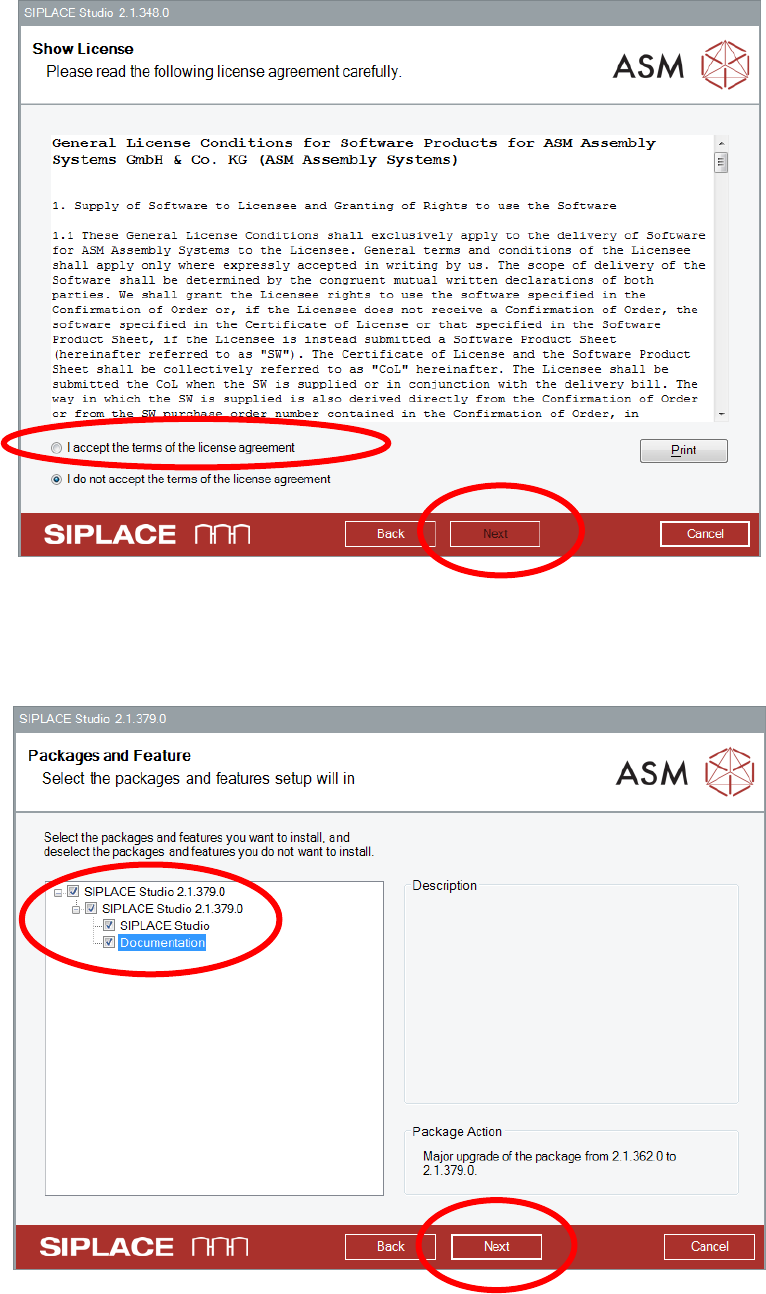
Read the license agreement.
Accept the license agreement.
Click the Next button.
This dialog specifies the packages being installed. Select or deselected the packages you want to be
installed.
Click the Next button.
Version Description
SIPLACE Studio 2.1 05/2016 Edition
10
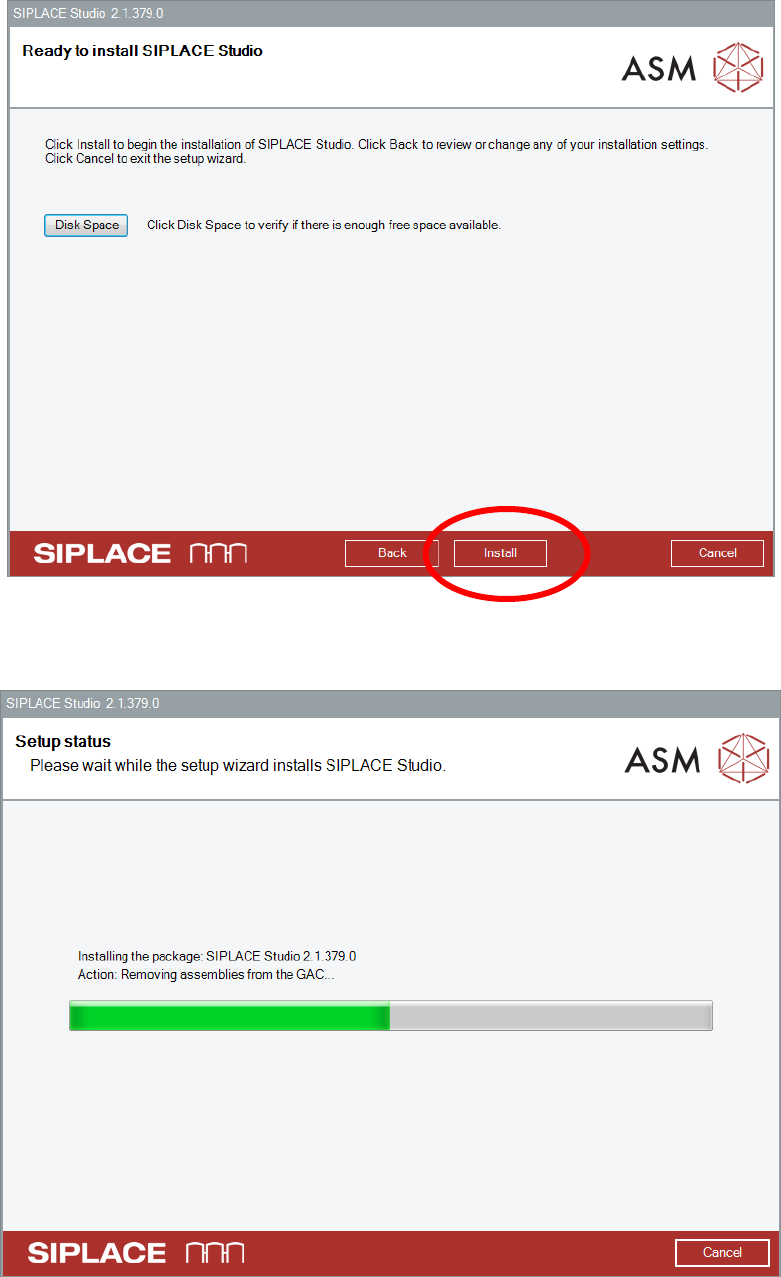
In this dialog it is possible to review disk space. Check if everything is ok.
Click the Install button
Version Description
SIPLACE Studio 2.1 05/2016 Edition
11
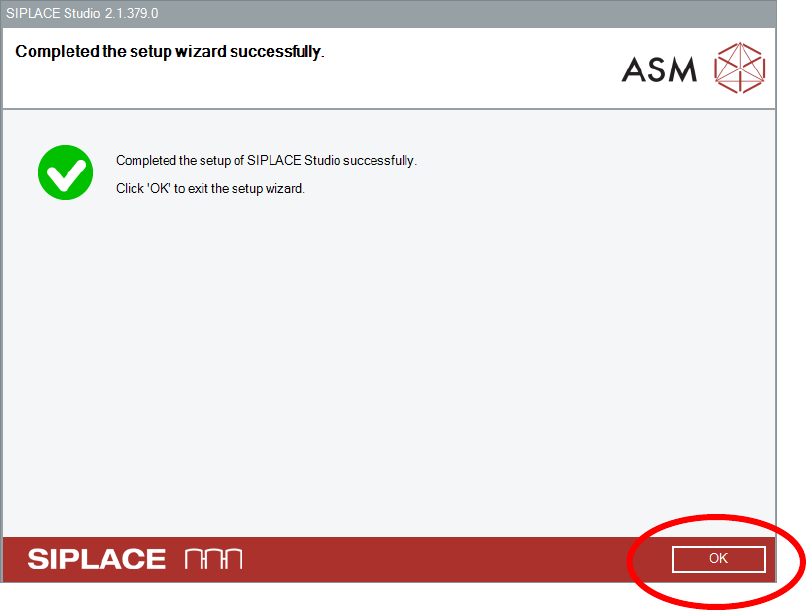
After successful installation click the OK button