00198233-01_VD_SIPLACE_Studio_2.1_EN.pdf - 第12页
Version Des cription SIPLACE Studio 2 .1 0 5/2016 Edition 12 5.2 Remov e the SIPLA CE Stu dio Inst allation Open the Add or Rem ove Program s application b y activating Start Settings Control Panel Add or Remove …
Version Description
SIPLACE Studio 2.1 05/2016 Edition
11
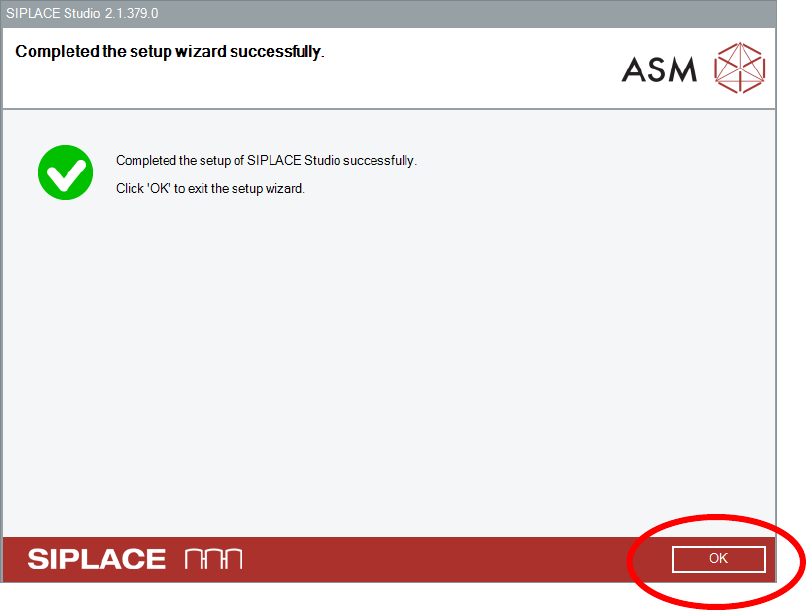
After successful installation click the OK button
Version Description
SIPLACE Studio 2.1 05/2016 Edition
12
5.2 Remove the SIPLACE Studio Installation
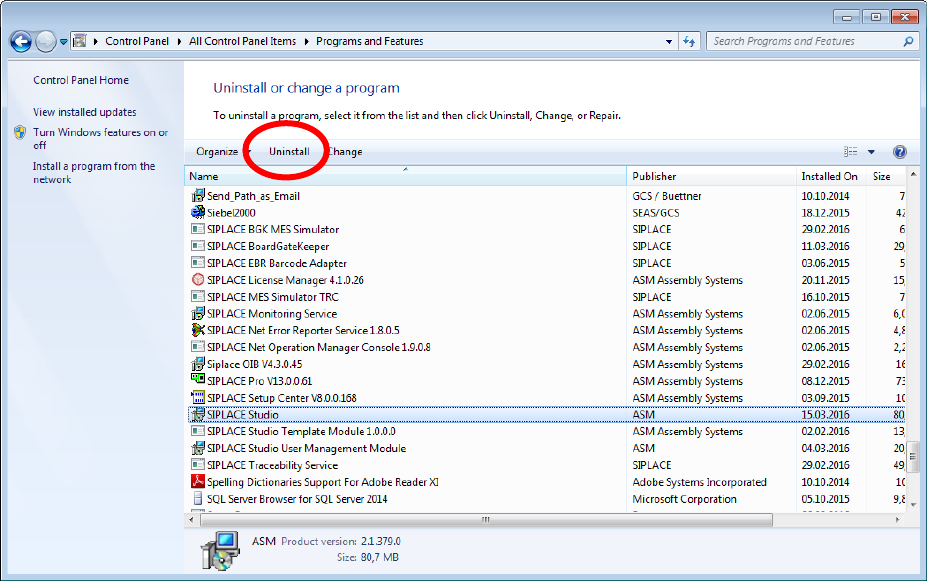
Open the Add or Remove Programs application by activating Start
Settings
Control Panel
Add or Remove Programs or Start
Control Panel
Programs and Features
Select the SIPLACE Studio entry in the list.
Click the Uninstall button.
Version Description
SIPLACE Studio 2.1 05/2016 Edition
13
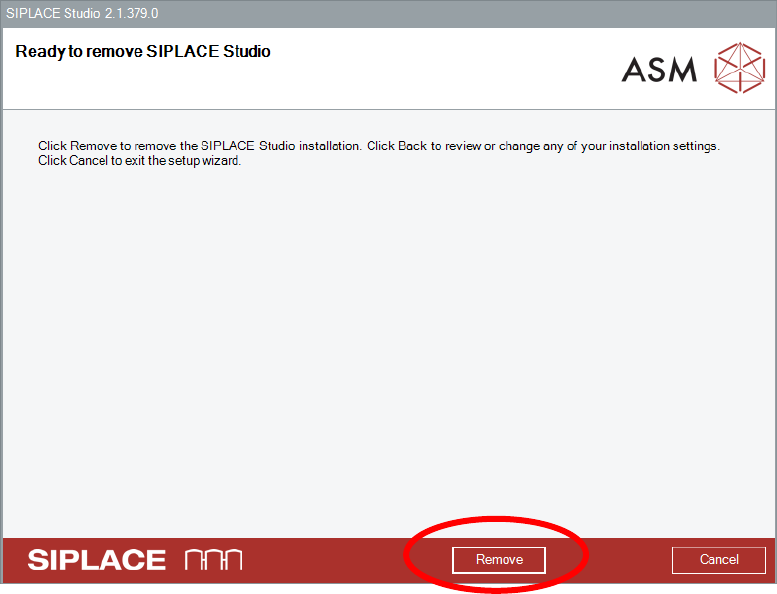
Ensure that you want to remove the SIPLACE Studio installation.
Select the Remove button.