00198233-01_VD_SIPLACE_Studio_2.1_EN.pdf - 第11页
Version Des cription SIPLACE Studio 2 .1 0 5/2016 Edition 11 After successf ul installation cl ick the OK button
Version Description
SIPLACE Studio 2.1 05/2016 Edition
10
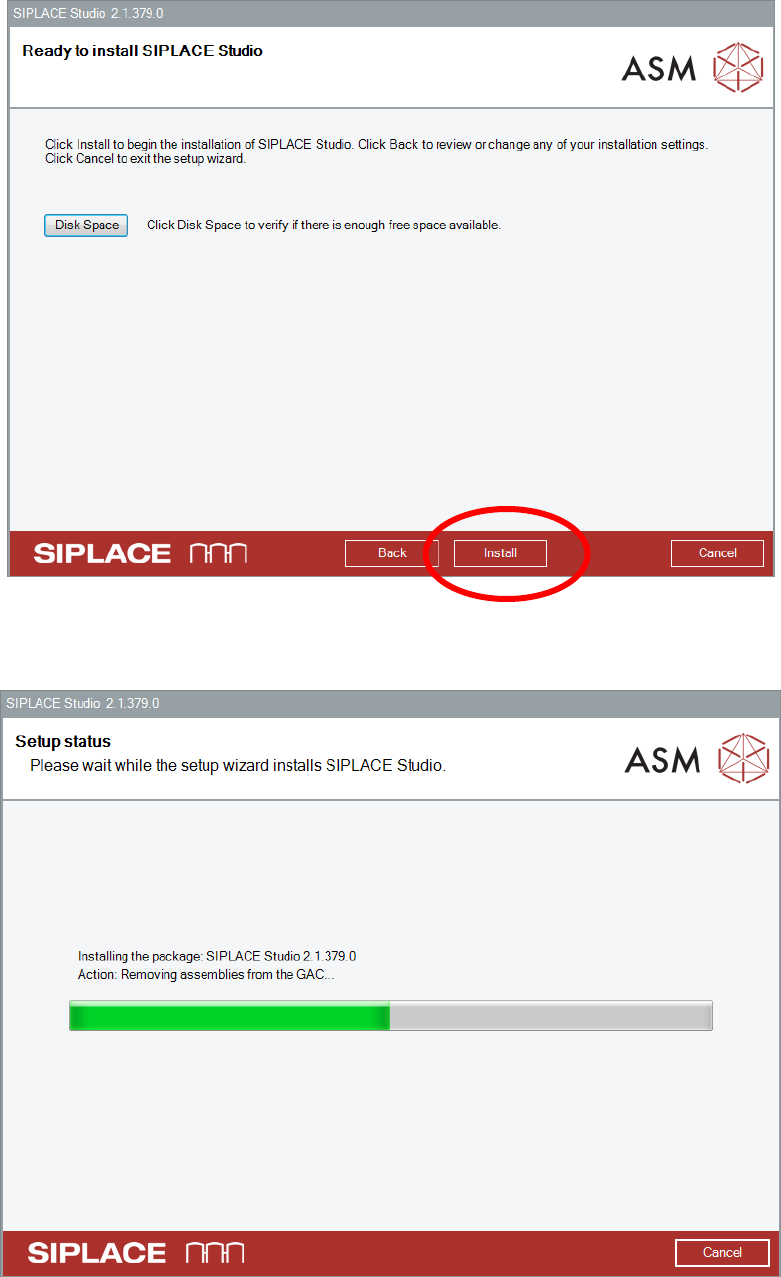
In this dialog it is possible to review disk space. Check if everything is ok.
Click the Install button
Version Description
SIPLACE Studio 2.1 05/2016 Edition
11
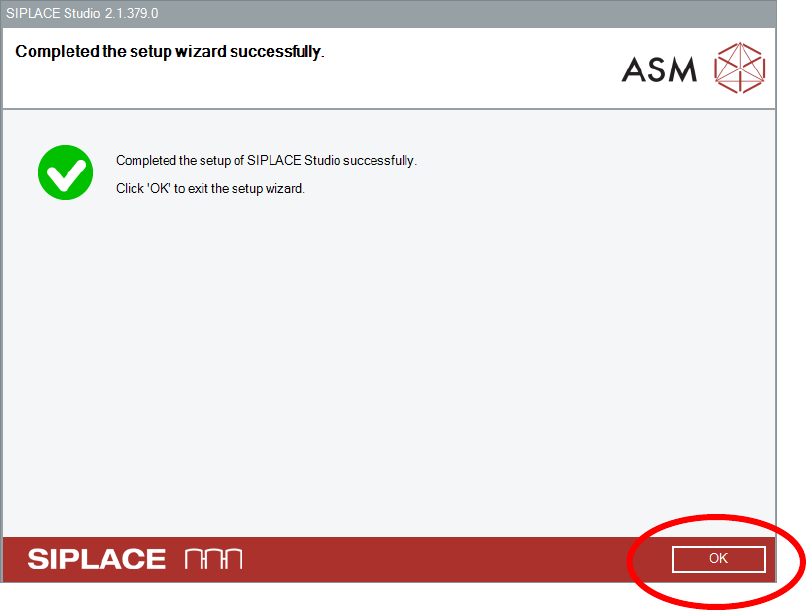
After successful installation click the OK button
Version Description
SIPLACE Studio 2.1 05/2016 Edition
12
5.2 Remove the SIPLACE Studio Installation
Open the Add or Remove Programs application by activating Start
Settings
Control Panel
Add or Remove Programs or Start
Control Panel
Programs and Features
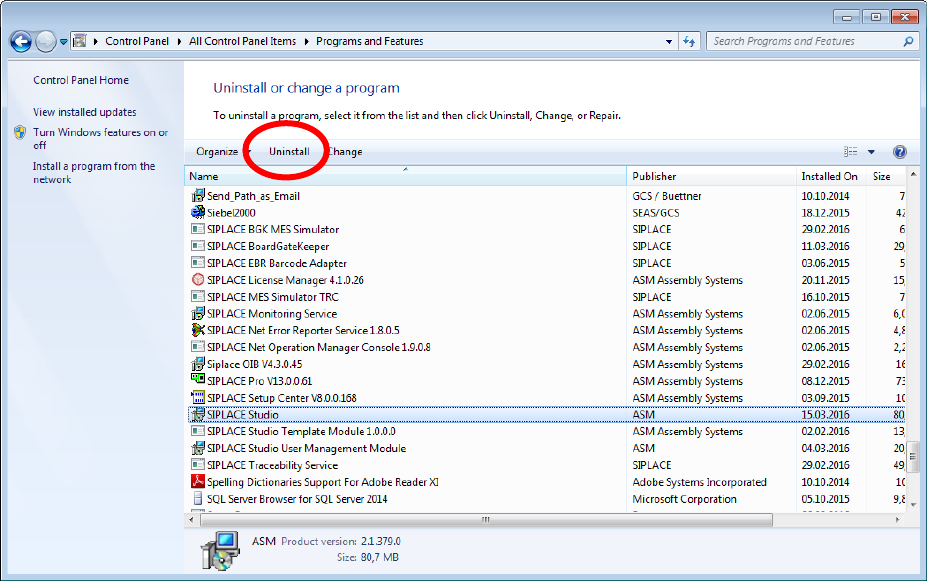
Select the SIPLACE Studio entry in the list.
Click the Uninstall button.