Vakuumtooling Neology HF3.pdf - 第40页
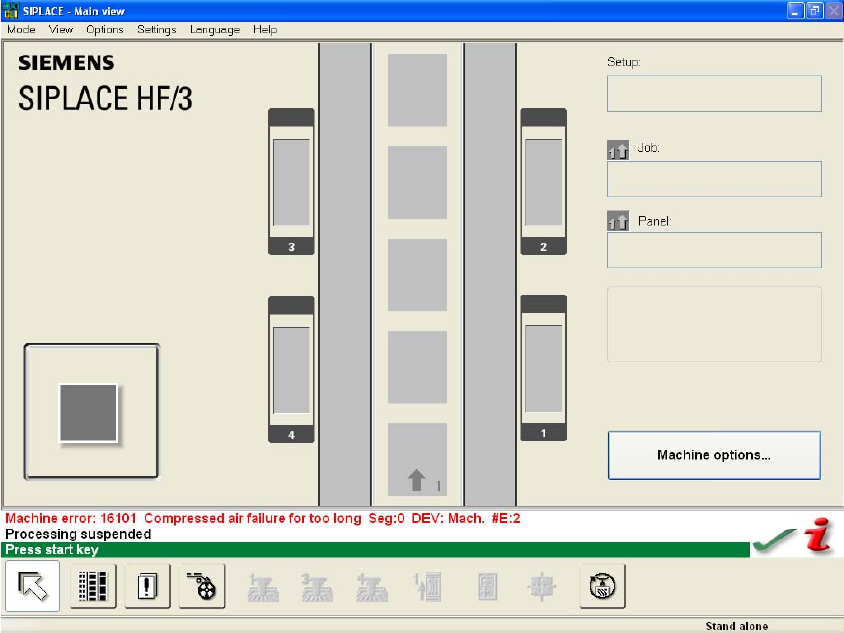
Installation instructions Vacuum Tooling Neology (00166109-01) SIPLACE HF3 02/2005 Edition 40 2.7 Pos sible er ror m essages and trouble shoo ting 2 Fig. 2.7 - 1 Error message for lack of compress ed air T roubleshooting…
Installation instructions Vacuum Tooling Neology (00166109-01) SIPLACE HF3
02/2005 Edition
39
Recommended settings for the existing customer's mounting plate: 2
2
2.6 Deliverables
– CD with HyperTerminal program, TSP firmware, 505.02 SP 2 including instructions
– Vacuum tooling activation circuit with vacuum suction device for placement area 1
– Vacuum tooling activation circuit with vacuum suction device for placement area 2
– Maintenance unit with mounting plate
– Modified cover for conversion board
– RS 232 cable
OUT1 2 OUT2 2
HYS, N.O. 2 HYS, N.C. 2
H1= 700 mbar 2 A2 = 150 mbar 2
h 1=0.05 mbar 2 b2 = 0.05 mbar 2
Installation instructions Vacuum Tooling Neology (00166109-01) SIPLACE HF3
02/2005 Edition
40
2.7 Possible error messages and troubleshooting
2
Fig. 2.7 - 1 Error message for lack of compressed air
Troubleshooting 2
– Check the compressed air connections
– Check the set pressure on the maintenance unit
2
2
2
2
2
2
2
2
Installation instructions Vacuum Tooling Neology (00166109-01) SIPLACE HF3
02/2005 Edition
41
2
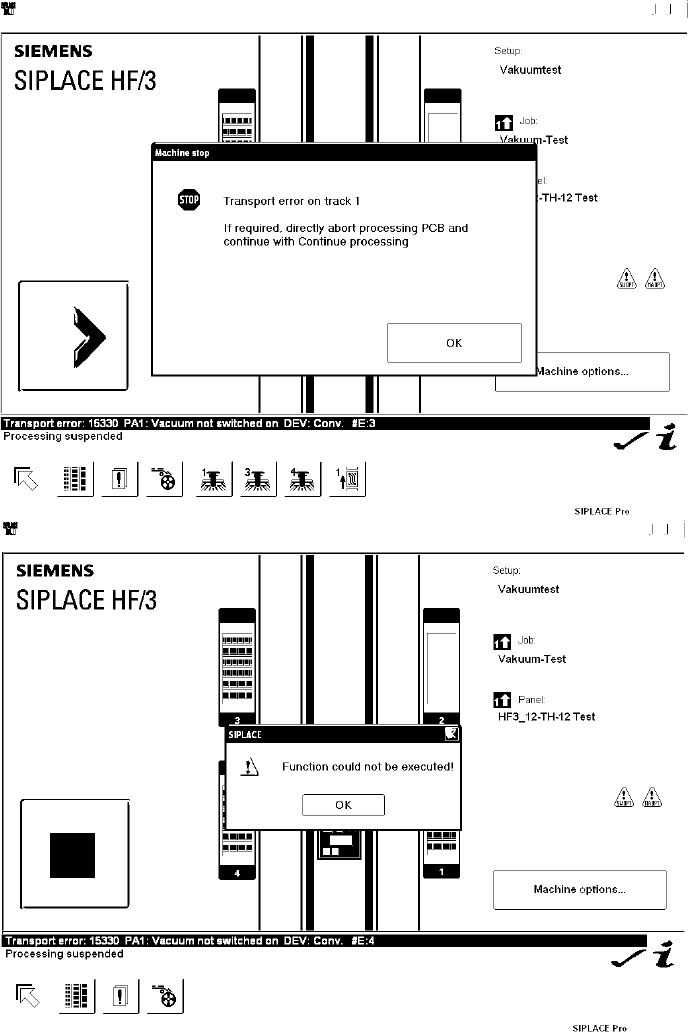
Fig. 2.7 - 2 Vacuum built up in placement area 1 is too low
Troubleshooting 2
– Check whether all the vacuum holes are covered (the as-delivered setting allows placement
with just one vacuum hole open)
– Check whether there are any components or dirt on the vacuum plate