OM-1650-001_w.pdf - 第6页
OM-1650 3 Contents Page 1006-001 Before Use ............................................................................................ 1 Contents ........................................................................…
2
1006-001
•
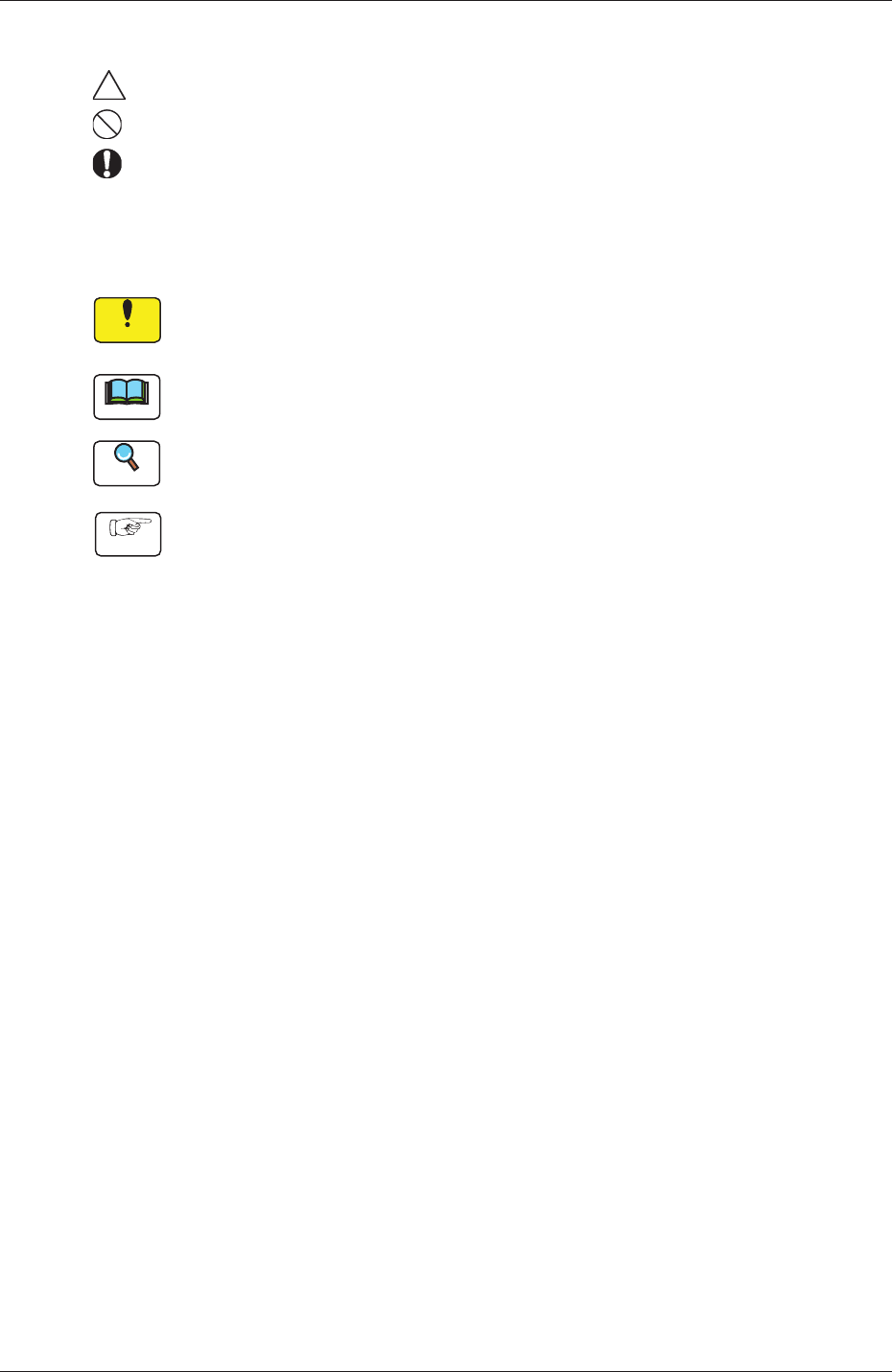
Identifying Alert Icons
: This symbol mark represents danger or prompts warning.
: This symbol mark represents prohibited operations.
: This symbol mark represents forced operations or instructions.
•
Identifying Icons in Manual
Notice
This icon shows an important precautionary or a regulatory item.
Note
This icon shows the descriptions for correct operations of the machine.
Reference
This icon shows the items to be referred to.
Procedure
This icon shows the operation procedures.
OM-1650

OM-1650
3
Contents
Page
1006-001
Before Use ............................................................................................ 1
Contents ............................................................................................. 3
1. Scope ............................................................................................. 4
2. Functions ........................................................................................ 4
3. Rough View of Machine ................................................................. 5
4. Scope of Actions ............................................................................ 6
5. Preparation Before Operation ........................................................ 7
5.1 In Sensor Mode ...................................................................... 7
5.2 In Camera Mode ..................................................................... 7
6. Pattern Program ............................................................................. 8
6.1 Operation Data ....................................................................... 8
6.2 Placement Data (P Data) ........................................................ 13
6.3 Placement Data (O Data) ....................................................... 14
7. Offset Data ..................................................................................... 15
8. Procedure for Bad Mark Sensor Adjustment .................................. 16
9. Bad Mark Camera Test .................................................................. 19
10. Camera Bad Mark Teaching ........................................................... 23
11. Bad Mark Communication Function ............................................... 26
11.1 "Product." Window .................................................................. 27
11.2 "OPERATION" Window ........................................................... 29
12. Specifications ................................................................................. 30
13. Electrical Circuit Diagrams ............................................................. 33

OM-1650
4
1. Scope
1006-001
1. Scope
When a bad mark is placed on any unit PCB in a multi-unit PCB with the same
repetitive patterns for each unit PCB, then, this function prevents the component
placement on such unit PCB.
The bad mark detection function includes Bad Mark Detection on Each Unit PCB,
as well as Master Bad Mark detection.
A bad mark detection photo-sensor or PEC recognition camera is used to detect a
bad mark.
2. Functions
•
Bad Mark Detection on Each Unit PCB
The bad mark detection photo-sensor or PEC recognition camera detects a bad
mark on a unit PCB and the machine automatically determines whether or not
the components should be placed on that unit PCB according to the results of
the detection.
A bad mark can be located on any position within the specified area on a unit
PCB.
•
Master Bad Mark Detection
The bad mark detection photo-sensor or PEC recognition camera detects
whether or not there is a bad mark on the multi-unit PCB in question. Then,
according to the results of the detection, the bad mark on any unit PCB is
detected and the machine determines whether or not the components should be
placed on that unit PCB.
This function shortens the time required for the BBR detection.