SM411 Administrator’s Guide(Chi Ver1).pdf - 第66页
Samsung Component Placer SM41 1 Administrator ’ s Guide 4.2.1.4.3. V iew Manager Mode Dialog… P Save Error T A <Check All&g…
Tools
简化操作
(shortcut)
菜单
4-3
将鼠标放在 Display window 上,在按住键盘上 ‘shift’键的同时双击鼠标左键,此时
就会转换到 ‘super compact’模式。
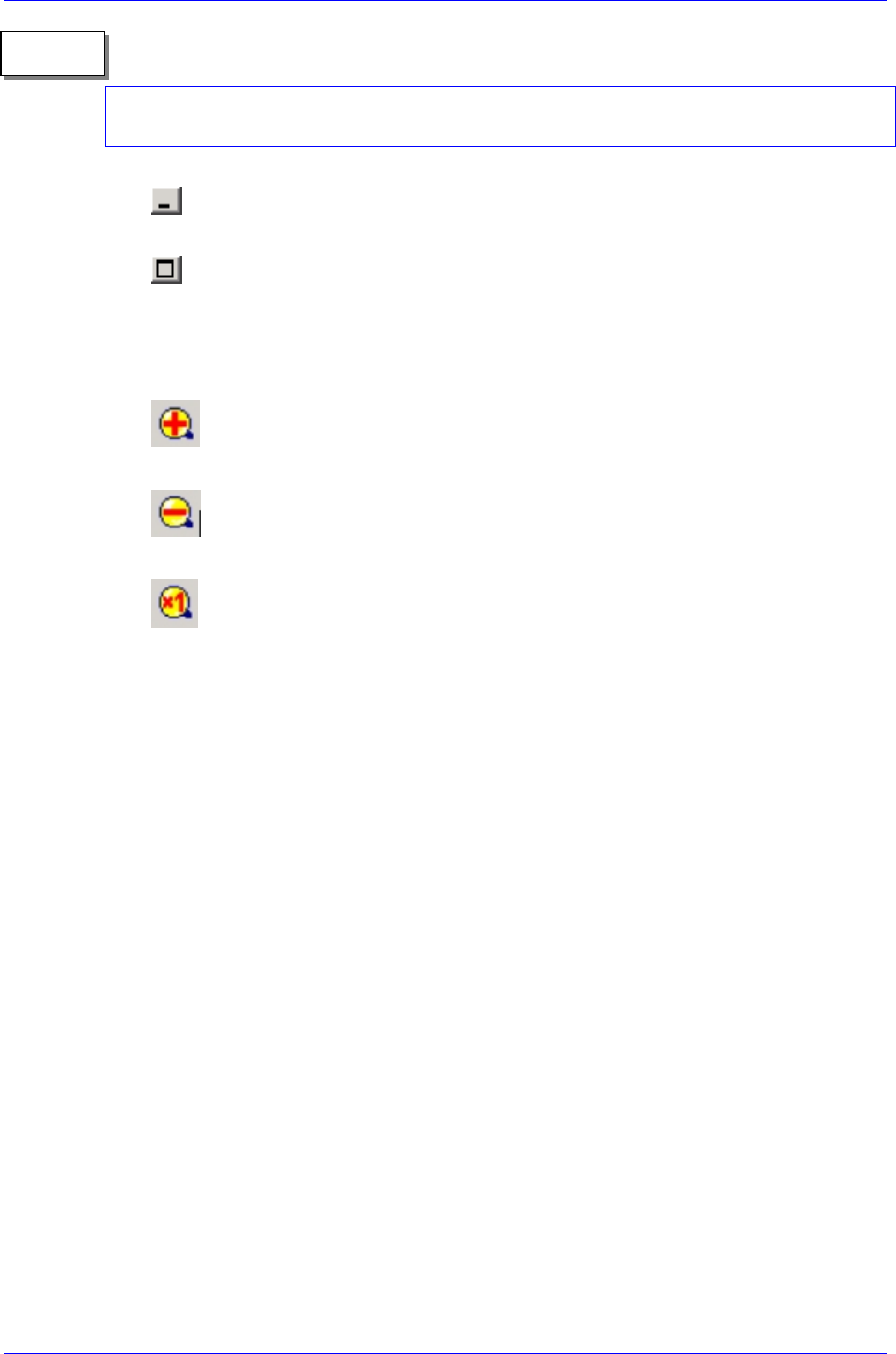
SMVision最小化
SMVision最大化
4.2.1.3. 镗杆(Toolbar)
扩大形象。
缩小形象。
实际大小显示形象。
4.2.1.4. 菜单(Menu)
4.2.1.4.1. File
Bitmap Save…
文件形式保存显示在SMVision的影象。
Export Device…
文件形式保存最近识别的部件信息。
Memory Save…
文件形式保存最近识别的影象。
Exit
结束SMVision。
4.2.1.4.2. 帮助
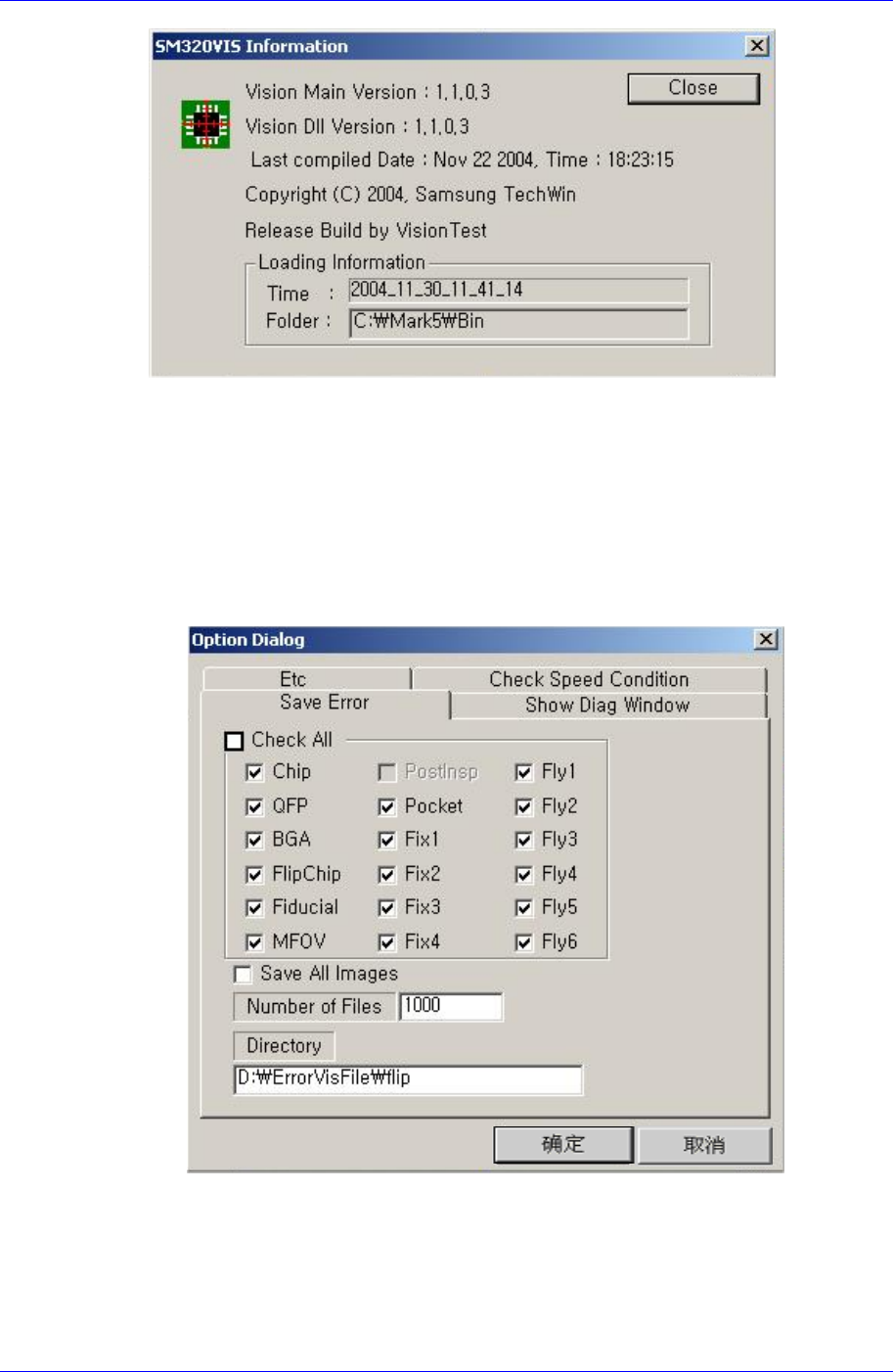
SMVision Info…
显示SMVision版本信息。
备注
Samsung Component Placer SM411 Administrator’s Guide
4.2.1.4.3. View
Manager Mode
Dialog…
P
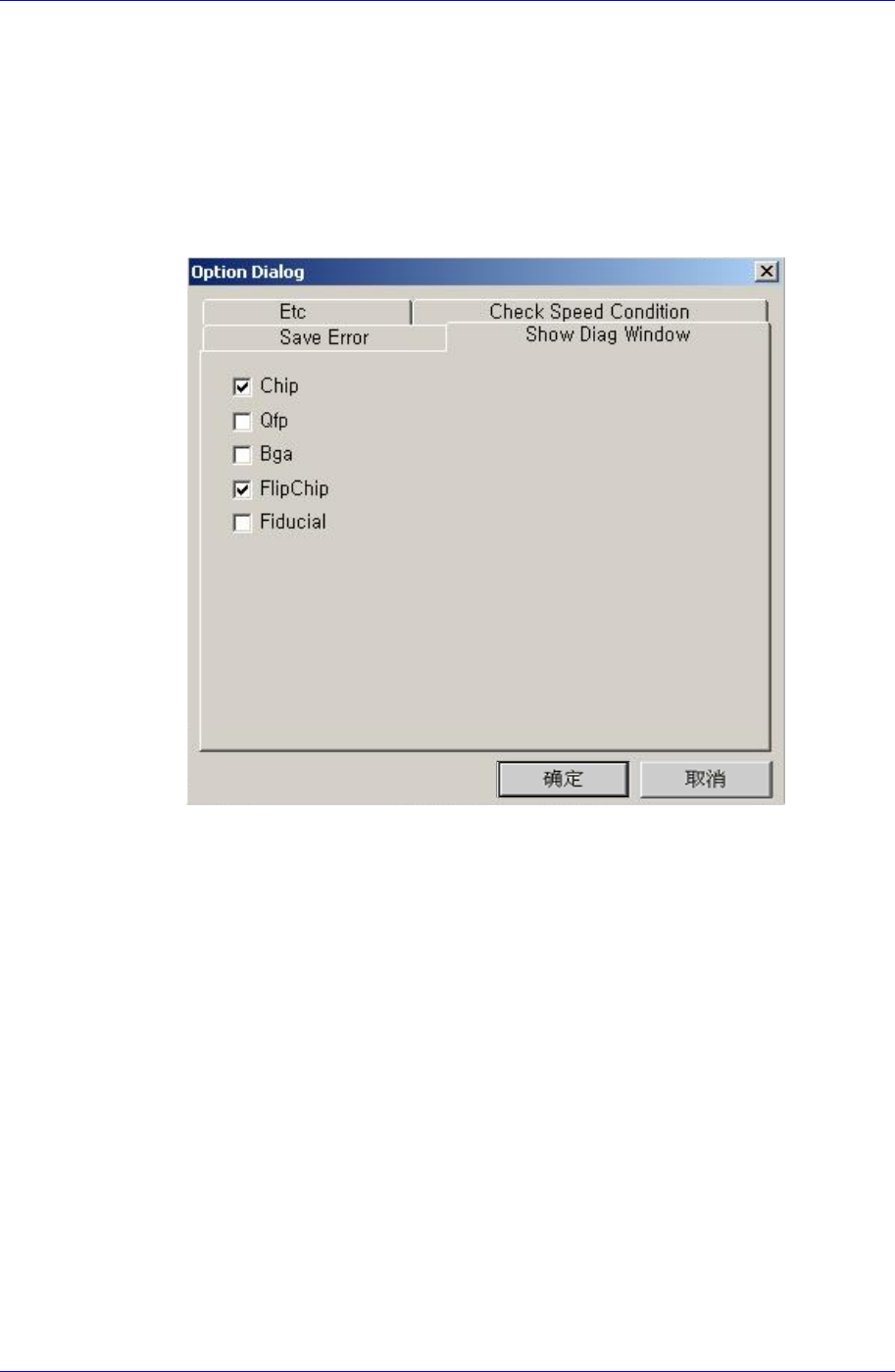
Save Error TA
<Check All>
<Save All Image>
4-4
Tools
(shortcut)
4-5
’Number of files’
5000
<Directory>
‘D:\ErrorVisFile’
Show Diag Window
Etc