00194888-01_DE_EN.pdf - 第99页
Installation Manual, Station Software Version 603.01 Issue 11/2006 Uninstalling Language Pack 601.01 (if installed) If Language Pack 601.01 is still installed on the computer , uninstallation is started automatically. If…
Installation Manual, Station Software Version 603.01 Issue 11/2006
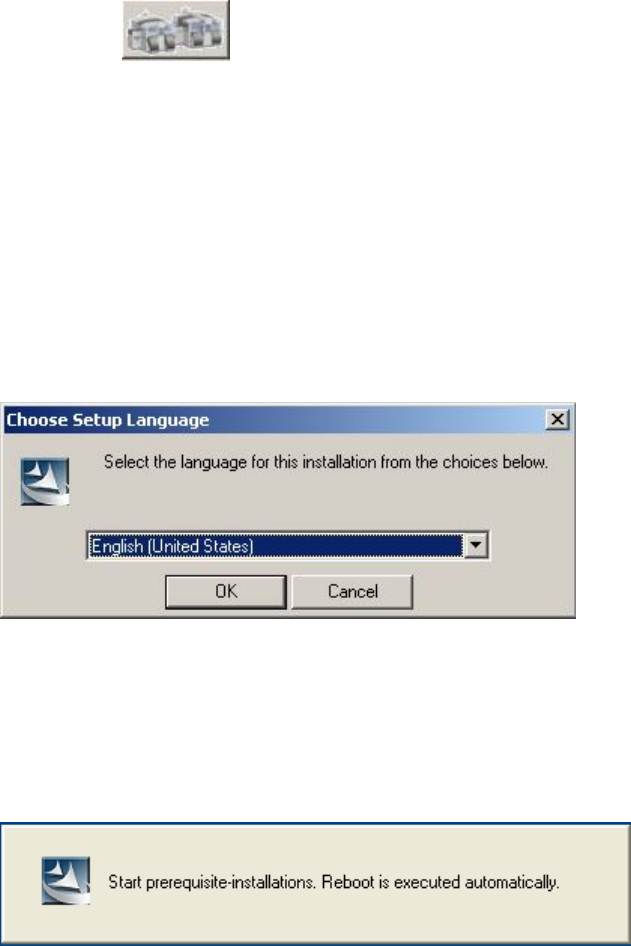
→ Click the "Station computer" button.
A check is carried out to determine whether a predecessor version of the 603.01 station software is
installed. If this is the case, the routine for uninstalling the predecessor version is called before actual
installation starts (see "Removing the program" in section
4.8).
Installation of the station software continues with the selection of the language.
Language selection
→ Select the language to be used during installation.
You can choose between German (Germany) and English (United States).
Fig. 4-17: Language selection
→ Click the OK button.
Installing the system files
The necessary system files are installed if they are not already on the station computer. The station
computer is rebooted automatically after installation. You are automatically logged in as administrator.
36 of 62
Installation Manual, Station Software Version 603.01 Issue 11/2006
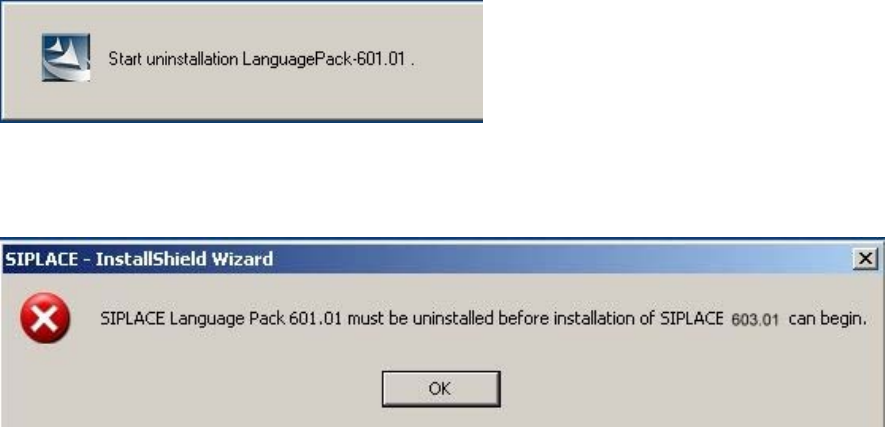
Uninstalling Language Pack 601.01 (if installed)
If Language Pack 601.01 is still installed on the computer, uninstallation is started automatically.
If uninstallation of the Language Pack is cancelled, the following error message appears:
→ Click the OK button. Installation of the station software is cancelled and must be restarted.
37 of 62
Installation Manual, Station Software Version 603.01 Issue 11/2006
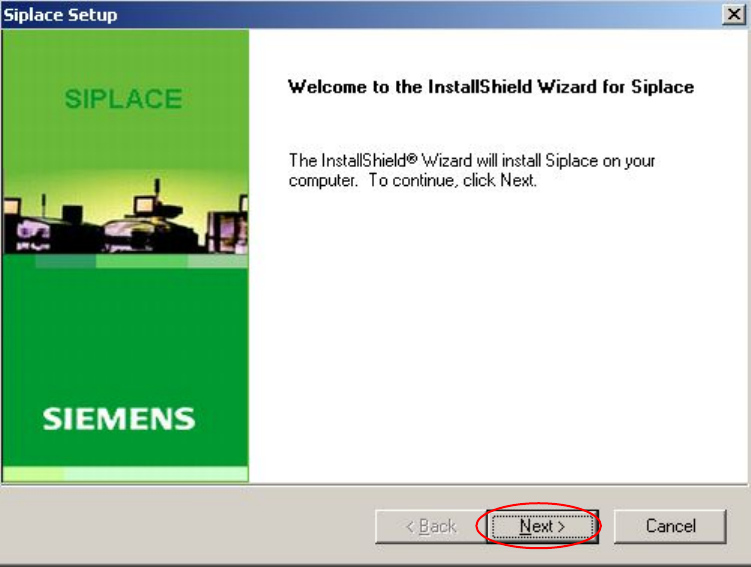
Installation of the station software continues with the welcome screen.
Welcome screen
Fig. 4-18 Welcome screen
→ Click the Next button.
38 of 62