TP2194.User Definition_Setting Item Editor_Manual.pdf - 第8页
SMT Software Engineering G roup IM Operations Y AMAHA MOTOR CO., L TD. MDOC-SOFT50065 8/9 4.3 Operation of ”Us er Definiton_Setting Item Editor” 4.3.1 The table o f items that should be set is registered This sec…
SMT Software Engineering Group
IM Operations YAMAHA MOTOR CO., LTD.
MDOC-SOFT50065
7/9
3. Table of items that should be set
Displays a table of items used in a target board of a target machine.
For details on each item, see “
4.3.1 The table of items that should be set is registered
”.
SMT Software Engineering Group
IM Operations YAMAHA MOTOR CO., LTD.
MDOC-SOFT50065
8/9
4.3 Operation of ”User Definiton_Setting Item Editor”
4.3.1 The table of items that should be set is registered
This section explains a procedure to register a new table of items that should be set.
See the procedure from step 2 to modify a registered table.
Step 1. Click the [Insert New Line] button, and another line of the table of items that
should be set is added.
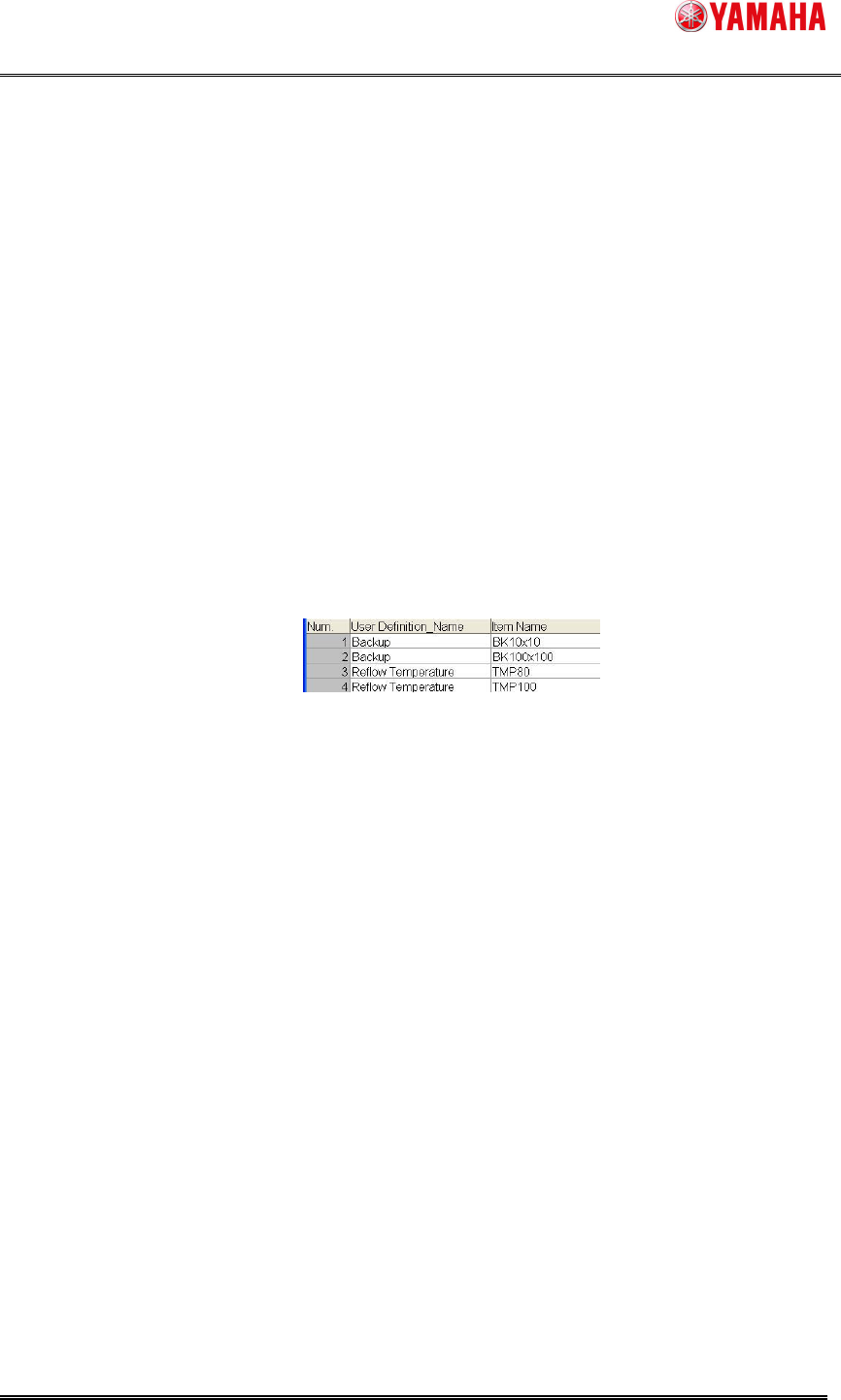
Step 2. Set the table of items that should be set. Set each item.
Figure 4.3.1 Setting Items
1 2 3
1. Num.
It is number of the table of items that should be set.
This number is not editable.
2. User Definition_Name
Select a name of “User Definition” registered in “ID Editor” from the drop-down list box.
3. Item Name
Select an item name belonging to the name of “User Definition” from the drop down list
box.
FREE
This is for compatibility with the previous versions.
Set this item if two or more items are registered, and if any ID information of item can
be scanned.
Step 3. Click the [Save] button to save the specified table of items that should be set.
SMT Software Engineering Group
IM Operations YAMAHA MOTOR CO., LTD.
MDOC-SOFT50065
9/9
4.3.2 The table of items that should be set is deleted
Step 1. Select a row you want to delete, and click the [Delete Line] button to delete it.
Step 2. Click the [Save] button to save the specified table of items that should be set.