UD1384_UD1394.Program List Editor.pdf - 第10页
SMT Software Engineeri ng Group IMOperationsYAMAHAMOTORCO. ,LTD. MD OC-SOFT50037 10/11 4.4 Option 1. Gr id View S etting As for each gr id item of "Pr ogram Contrast", " Program …
SMT Software Engineering Group
IMOperationsYAMAHAMOTORCO.,LTD.
MDOC-SOFT50037
9/11
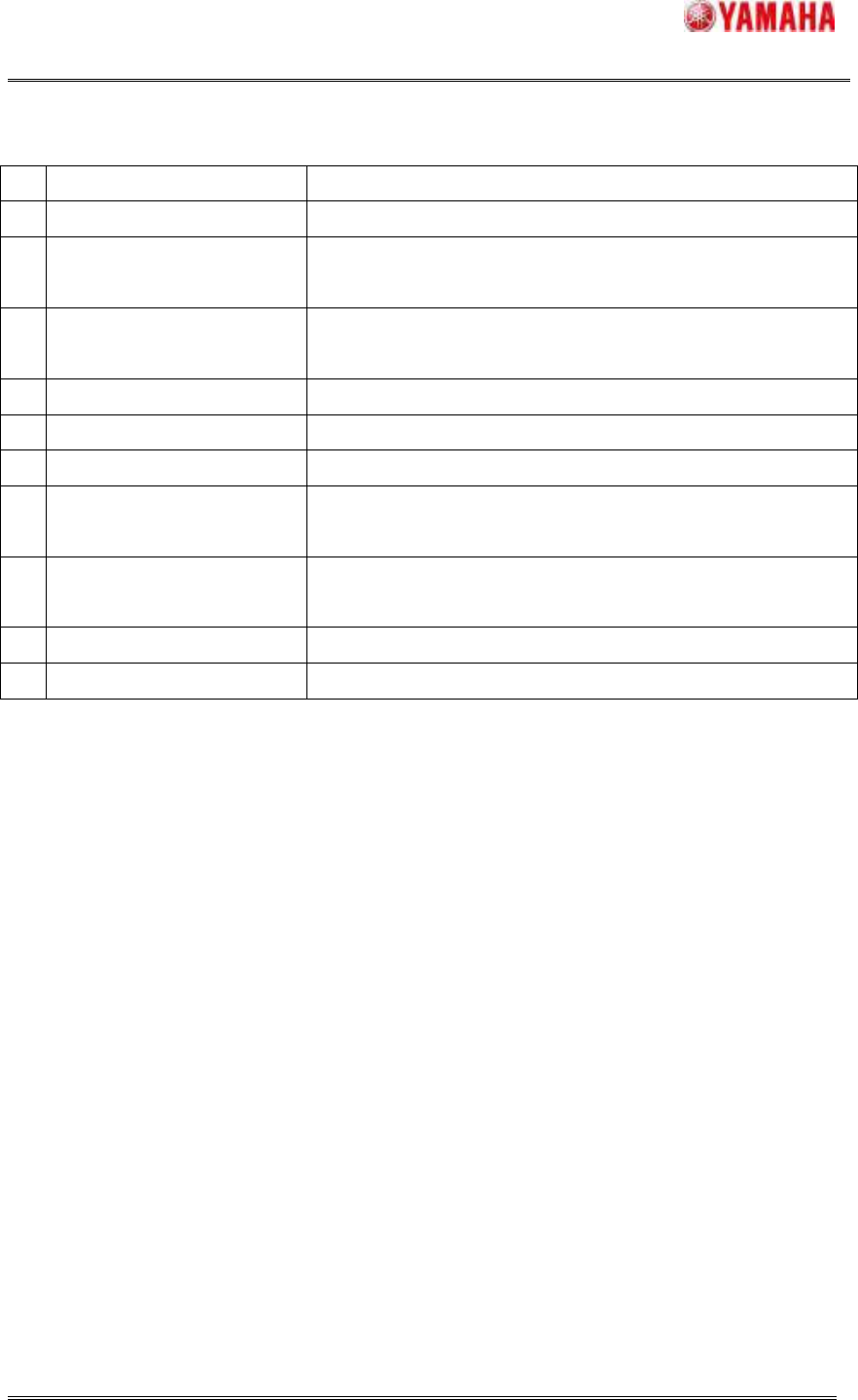
Table4.3.2 Explanation of item that can be edited
No
Items Explanation
1
ASSY Production model number is displayed.
2
Boardface
Information regarding the surface to which components are
to be mounted is displayed.
3
Program Name[Standard]
Board program name related to the information given in
[ASSY] and [Boardface] is displayed.
4
First Board Check First board check setting is displayed.
5
Final Board Check Final board check setting is displayed.
6
Interval Board Check Interval board check setting is displayed.
7
Program Name[1-9]
The board program name used for another machine of the
line is displayed.
8
Reflow Profile
The name of the program used for the reflow furnace
temperature profile is displayed.
9
Check Program Name The name of the program used for the checker is displayed.
10
Parameter1-20 Additional information is displayed.
SMT Software Engineering Group
IMOperationsYAMAHAMOTORCO.,LTD.
MDOC-SOFT50037
10/11
4.4 Option
1. Grid View Setting
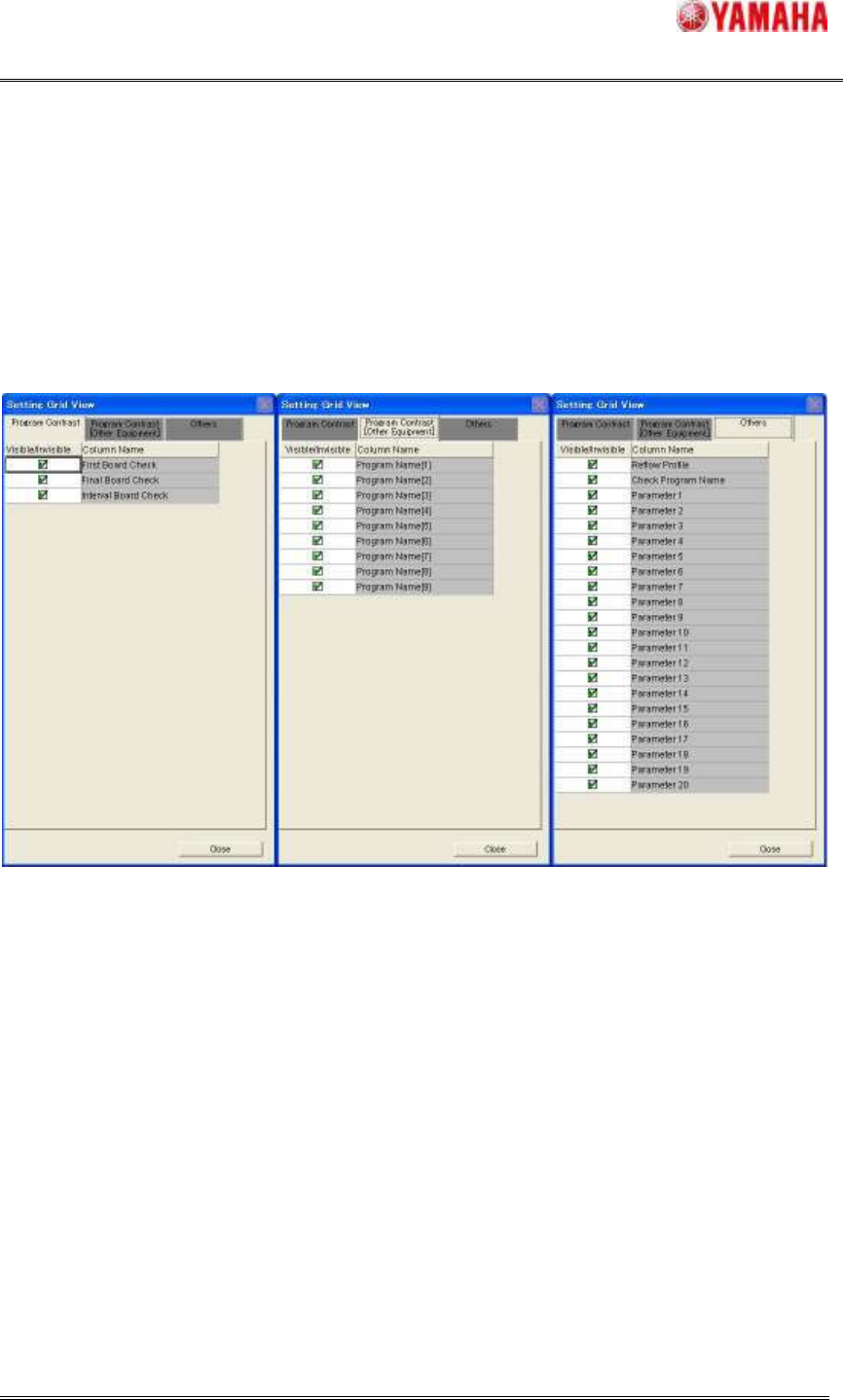
As for each grid item of "Program Contrast", "Program Contrast [Other Equipment]" and
"Others", the display or non-display can be selected. This setting can be set at [View] -
[Option]. (Figure4.4) Check the items to be displayed.
Figure4.4 Grid View Setting
SMT Software Engineering Group
IMOperationsYAMAHAMOTORCO.,LTD.
MDOC-SOFT50037
11/11
2. Program List Editor Item Edit
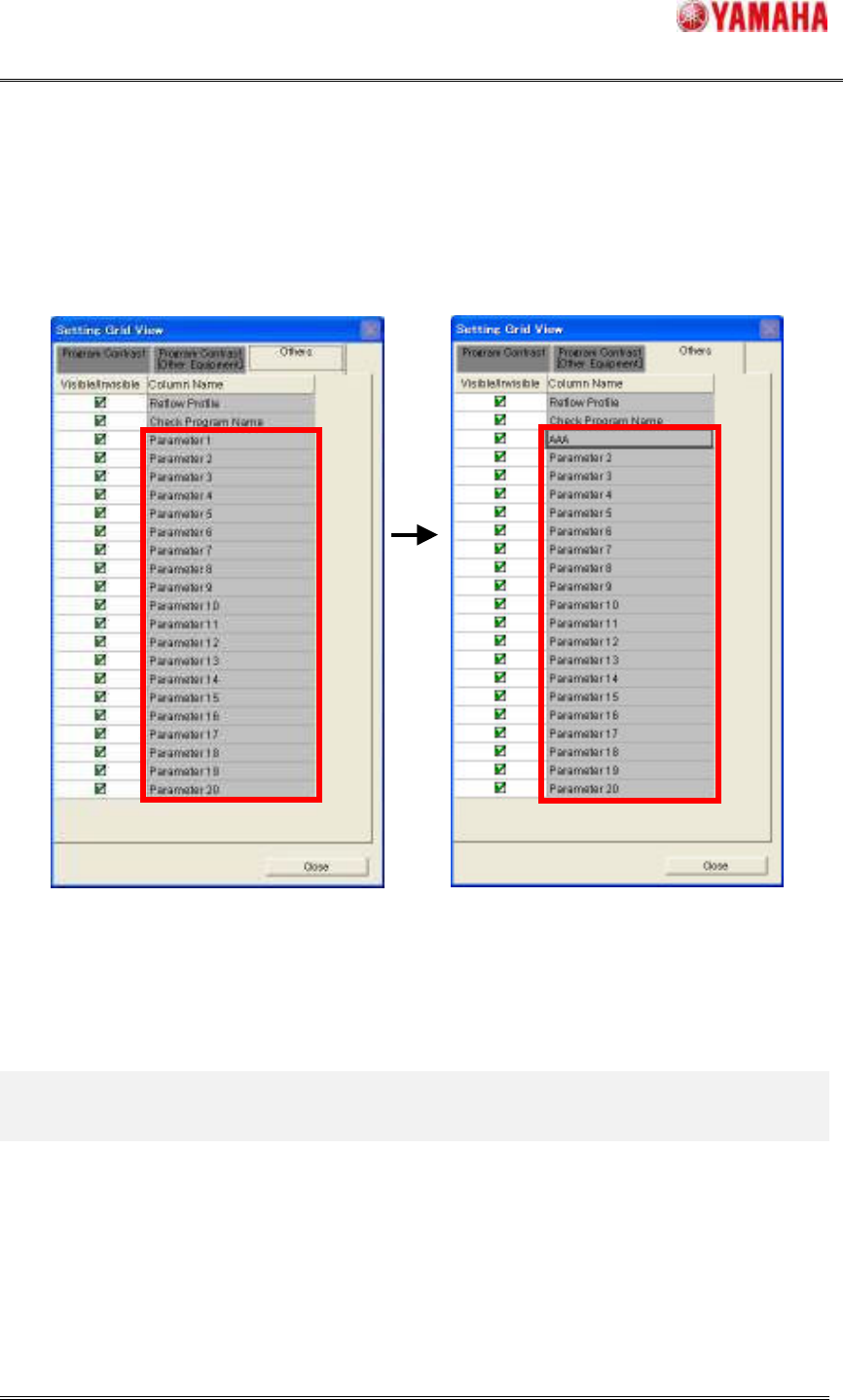
”Parameter1-20” title of the Program List Editor can be edited by following operation.
Select the item, double click or input some key to edit.
Figure4.4.2 Program List Editor Edit Item
There is an edit. There is no edit.
5. Limitation
The item name of
Program List Editor Item Edit can be entered up to 20 one-byte and
two-byte characters.
When the
Program List Editor Item Edit is used in English environment after the item
editing is done with Japanese character in Japanese environment, the item name is not
displayed correctly.