manual-fae1p-fume-extractor-0034505_ID-248873_EN.pdf - 第11页
11 40 mm 50 mm 60 mm 80 mm 100 mm 130 mm 130 mm par a manuales - c olor g r is 200 mm 300 mm Por t Par am eter Descr iption Progr am It set s the f um e ex trac tor as pir atio n fl ow . Y o u ca n se le ct be tw ee n pr…
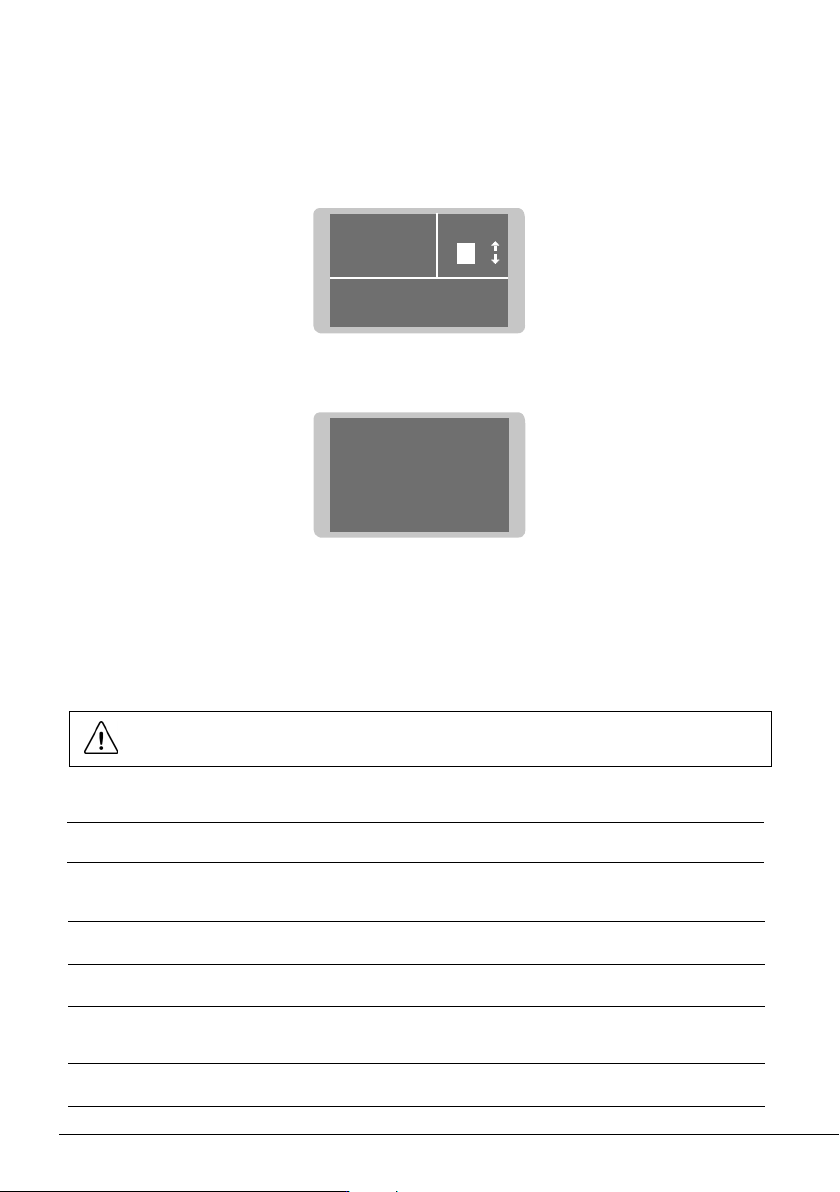
STOP STOP ## 44
Cover opened or badly
closed. Double check the
cover.
FlowFlow
H M L
Saturation 20%
FilterFilter
Carbon life 90%
Aspiration
ON
10
If the display shows STOP#4, power off the fume extractor, remove the cover, place it back and
secure it by using the quick release levers.
Fume Extractor Activation
Once the fume extractor is turned on, the display shows a similar screen as the following one and
the filter saturation indicator is green if the carbon filter lifetime is higher than 20%.
Troubleshooting
Station troubleshooting available on the product page at www.jbctools.com
Parameters
Important: Power off soldering stations connected to the fume extractor before
modifying any parameter.
Unit
Parameter
Continuous mode
Beep
PIN
Change PIN
Workbench
Description
Enable/disable continuous aspiration. Fume extractor aspirations remains
active independently from tool or pedal status.
Enable/disable the sound of the keypad.
Enable/disable PIN request when modifying parameters.
Change the default security PIN code.
Default PIN 0105
Select working mode for 1 or 2 workbenches (see page “Menu Interface”).
- Green: Filter OK
- Yellow: ≤ 20% carbon lifetime
or about to saturate
- Red: End of carbon lifetime
or filter saturated
11
40 mm
50 mm
60 mm
80 mm
100 mm
130 mm
130 mm
para manuales - color gris
200 mm
300 mm
Port
Parameter Description
Program
It sets the fume extractor aspiration flow. You can select between preset
and custom aspiration programs.
H (High), M (Medium) or L (Low) are the three available preset options.
Use UP and DOWN keys to switch between them while being on the main
screen.
Up to ten aspiration levels between H (High) and L (Low) can be selected
for custom program (range 10-100%). If a custom aspiration program is
selected, the selected aspiration level can be changed on the main screen.
By default, M (Medium) aspiration program is selected.
Delay to stop /
Stand
It sets the time that a fume extractor keeps aspirating fumes at the stand
once the tool is returned to it (range 0-999 seconds)
By default stand time is 60 seconds.
Delay to stop /
Work area
It sets the time that a fume extractor keeps aspirating fumes at the work
area once the tool is returned to the stand (range 0-300 seconds).
Pedal / Activation
It sets the pedal activation mode. There are two different modes: “pressed”
and “released”.
One-touch: Press the pedal once to activate aspiration. Press again to
stop aspiration.
Pressed: (Mode function must be pressed) aspiration is active as long as
the pedal is kept pressed.
By default activation is pressed.
Pedal / Mode
When the activation parameter is set to pressed, the mode parameter can
be configured to released mode. In this mode aspiration is always active
until the pedal is pressed.
By default mode is pressed.
12
Extraction Control via the Pedal
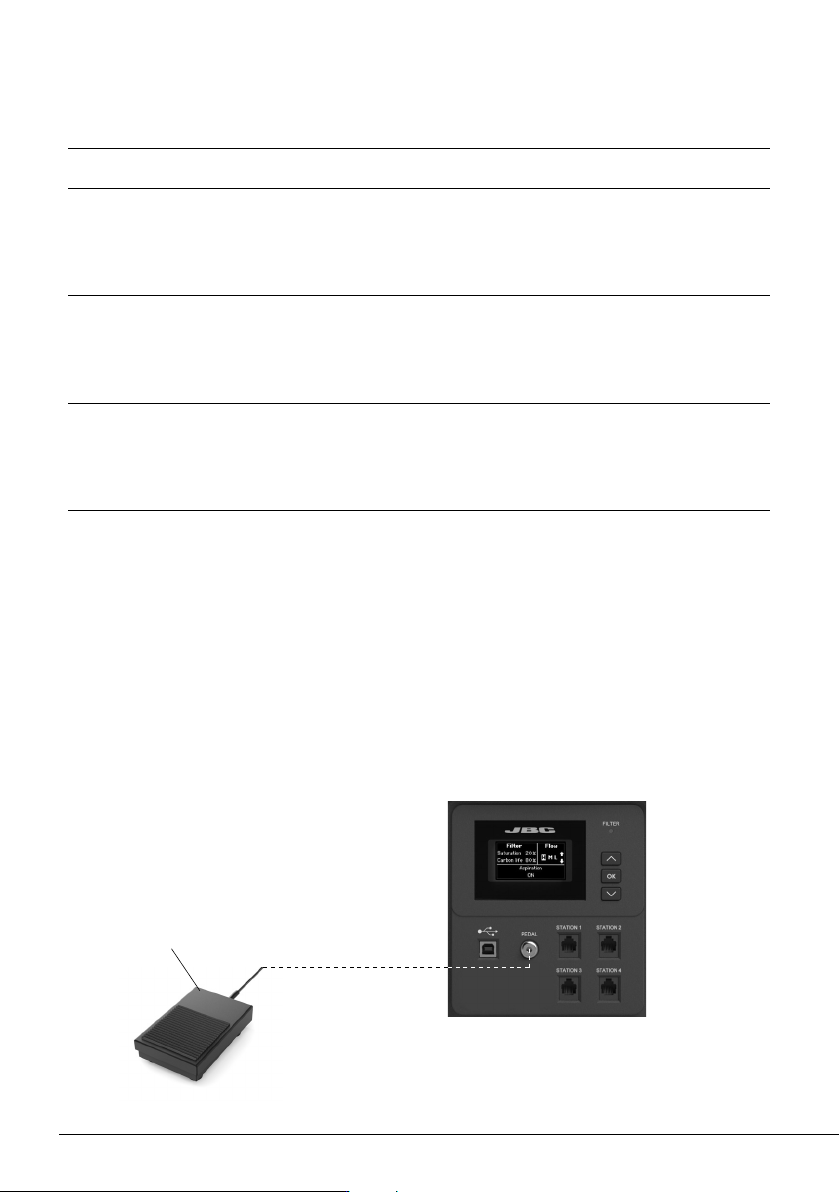
The fume extractor aspiration can be activated/deactivated by using JBC’s pedal P405 or P005.
Pedal Connection
Connect the pedal to the pedal connector and read the description for “Pedal / Activation” and
“Pedal/Mode” on the previous page.
Filter Set
Parameter Description
Carbon life
It shows remaining activated carbon lifetime expressed in %. It is also dis-
played on the main screen. When 0% is reached the system will show pop-
up message STOP#1 to replace the filter.
Saturation
It shows saturation status of HEPA + carbon filter set, expressed in %. It is
also displayed on the main screen. When 100% is reached the system will
show pop-up message STOP#2 to replace the filter.
Reset carbon
Perform this action after replacing the HEPA + carbon filter set. The carbon
lifetime counter will not start until the filter is detected for the first time. After
executing that function carbon filter life will be 100%.
P405 Pedal
or
P005 Pedal