00900085-04_IG_ASMProcessEngine_2.0-R18-1_EN.pdf - 第19页
4 Installation 4.2 Installing ASM ProcessEngine Installation Guide ASM ProcessEngine 2.0 (Pre-Placement) (R18-1) 10/2018 19 Ready to install… dialog box ► Click Install (1) , to start the installation of ASM ProcessEngin…
4 Installation
4.2 Installing ASM ProcessEngine
18 Installation Guide ASM ProcessEngine 2.0 (Pre-Placement) (R18-1) 10/2018
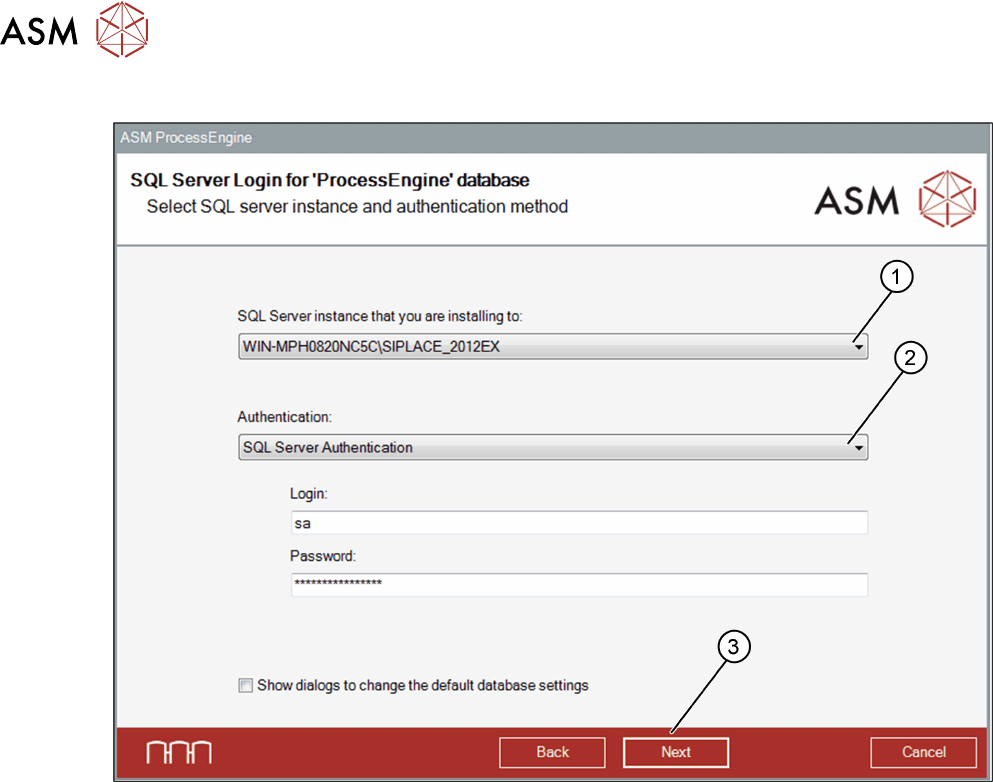
SQL Server Login dialog box
► From the list (1), select the SQL server instance on which the ProcessEngine database will be
installed.
► From the list (2), select the SQL Server Authentication… to connect to the SQL server.
► The default login name sa and the default password are set and should not be changed.
The database will be installed using this account.
► Click Next (3).
The Ready to install… dialog box opens.
4 Installation
4.2 Installing ASM ProcessEngine
Installation Guide ASM ProcessEngine 2.0 (Pre-Placement) (R18-1) 10/2018 19
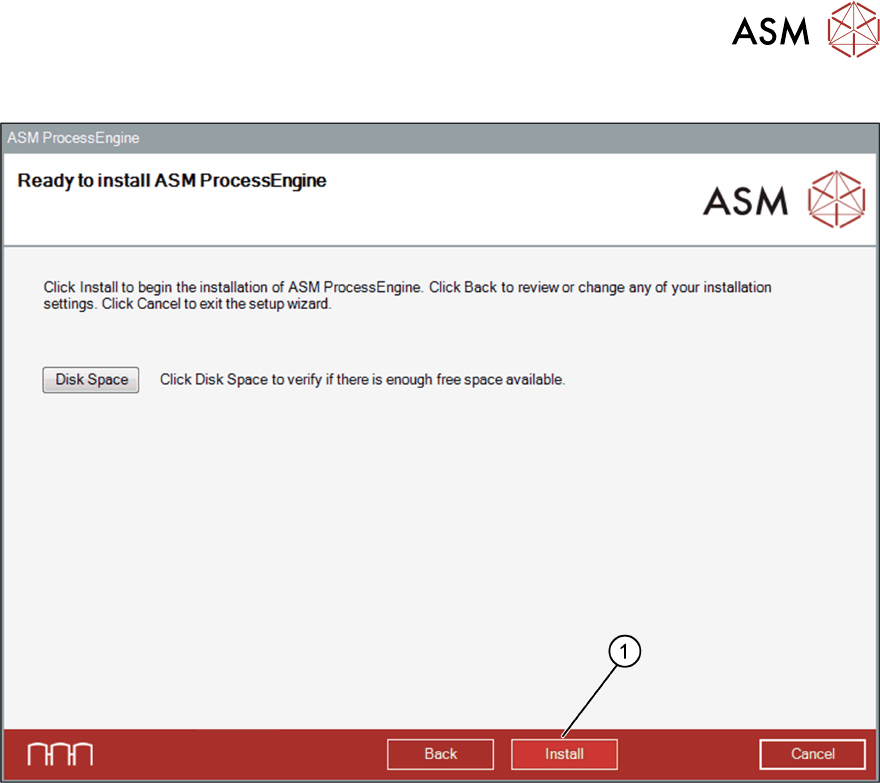
Ready to install… dialog box
► Click Install (1), to start the installation of ASM ProcessEngine.
Once the installation procedure has finished, the Completed… dialog box opens.
4 Installation
4.2 Installing ASM ProcessEngine
20 Installation Guide ASM ProcessEngine 2.0 (Pre-Placement) (R18-1) 10/2018
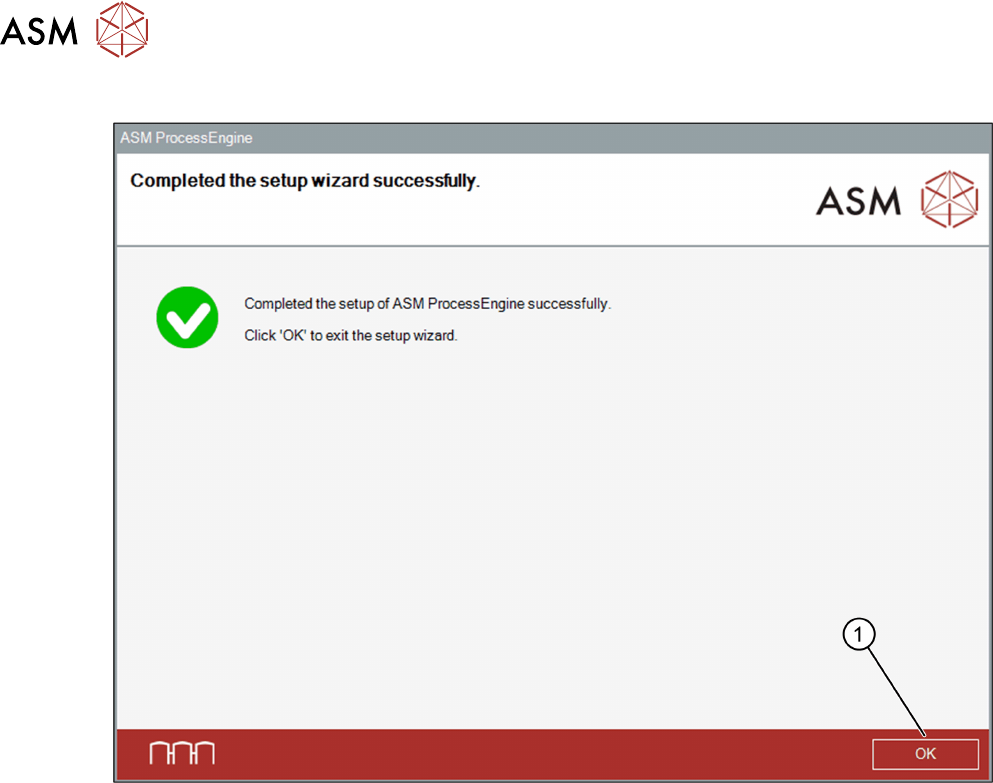
Completed… dialog box
► Click OK (1) to exit the Setup Wizard.