Galaxy EX Barcode Reader.pdf - 第14页
BARCODE READER BARCODE READER SET UP 23. 14 Tech nic al Ref ere nce Ma nual Cha pter Is sue 3, Au g 14 BARCODE READER SET UP For conf iguring and setting up the barco d e reader , contact your loca l custo me r su p po r…
BARCODE READER
REPALCEMENT PROCEDURES
23.12 Technical Reference Manual Chapter Issue 3, Aug 14
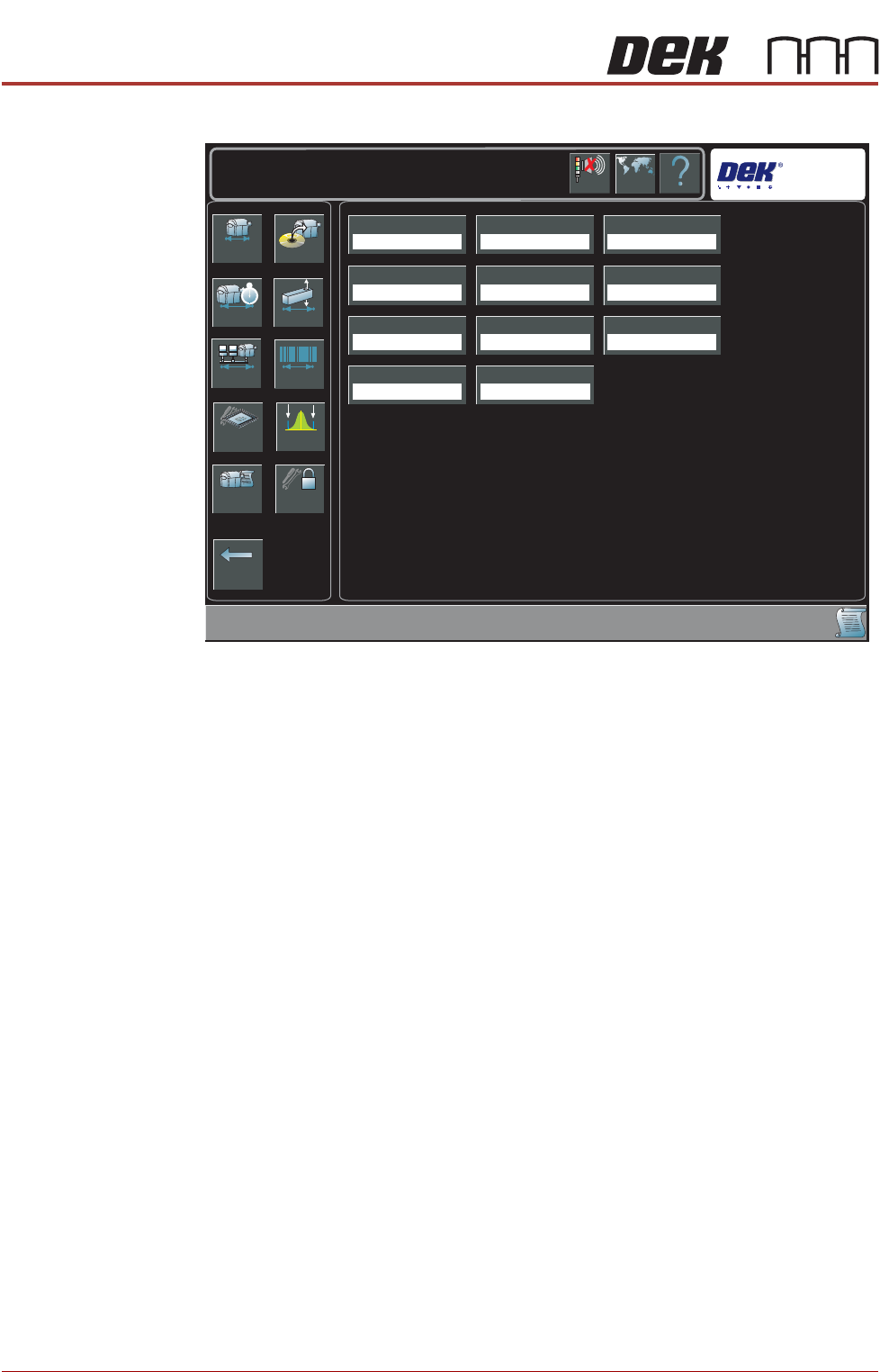
Dependent upon the options available, the following page is displayed:
3. Select Verification.
4. Select Enabled.
5. Select Accept.
6. Select Traceability.
7. Select Enabled.
8. Select Accept.
9. Select Back.
10. Select Back.
Network Replication The traceability file is saved on the hard drive of the PC and may also be
replicated to a network drive, use the following procedure to enable replication:
1. Select Maintenance.
2. Select Machine Setup.
3. Select Network.
Back
Basics Options
Performance Vision
Network Barcodes
Screen SPC Limits
Event Log Passwords
Transport Mode
Left To Right
Printer Mode
Print
Consumable Action
Warn
Too ling Hardware
Plain
Screen Size
Library
Shift Time
8.00 Hours
2D Inspection
Disabled
Hawkeye
Disabled
TTG BTG Estimates
Enabled
Help
Maintenance \ Machine Setup
Language
Cancel
Buzzer
Verification
Disabled
Traceability
Disabled
BARCODE READER
REPALCEMENT PROCEDURES
Chapter Issue 3, Aug 14 Technical Reference Manual 23.13
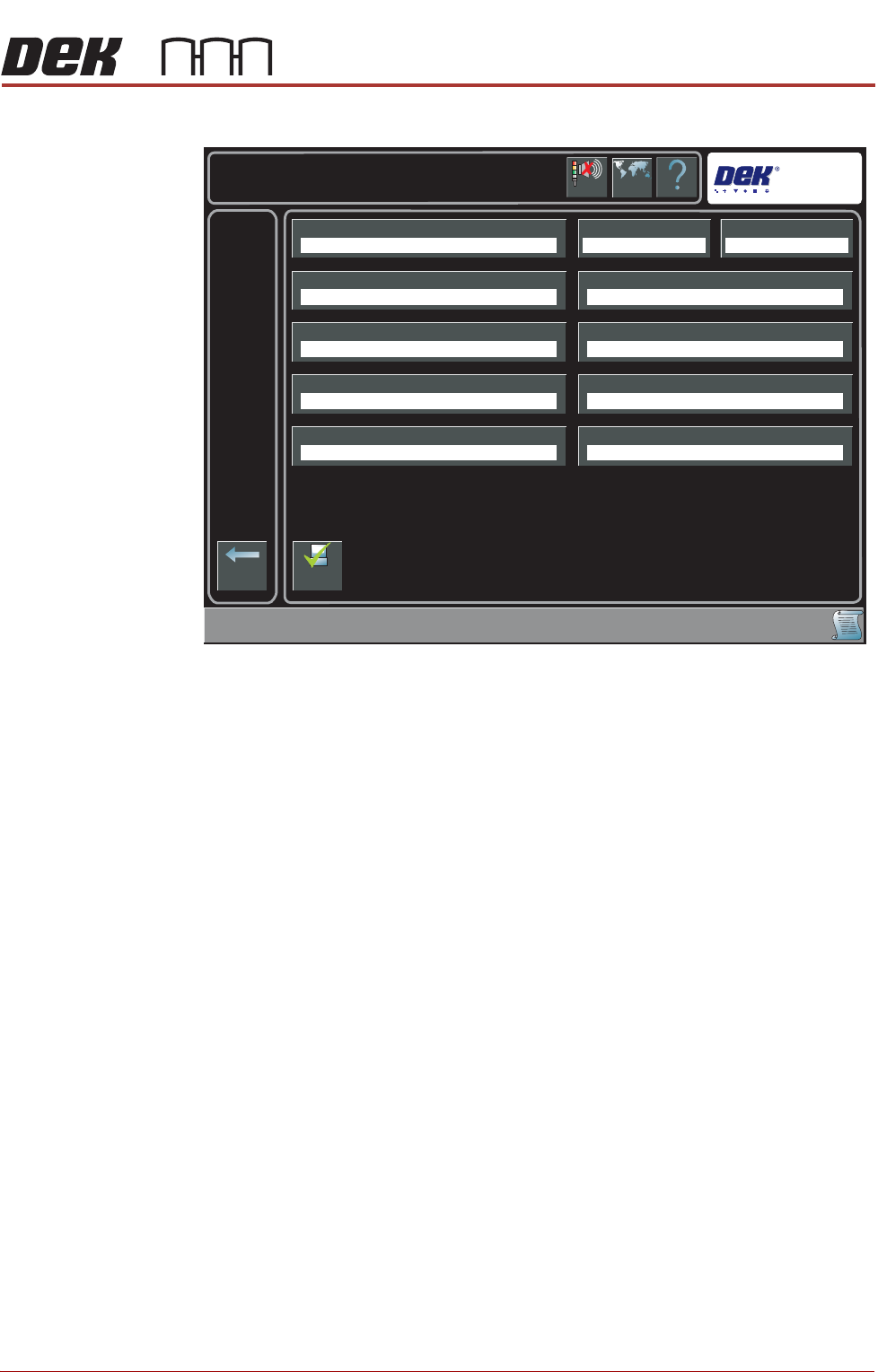
The following page is displayed:
4. Select Traceability Network Output.
5. Select Enabled.
6. Select Accept.
7. Select Traceability Network Drive.
8. Select the drive followed by the directory where the traceability files are to
be stored on the network.
9. Select Accept.
10. Select Back.
11. Select Back.
12. Select Back.
Help
Maintenance \ Machine Setup \ Network
Language
Cancel
Buzzer
Back
Comms ProtocolLocal CopiesMachine Location
Product Directory Data Directory
Remote Product Path
Run With GEM Remote
Traceability Network Drive
Gerber Directory
Remote Data Path
Traceability Network Output
No Comms Disabled
E:\configE:\Product
Disabled
Enable
Comms
BARCODE READER
BARCODE READER SET UP
23.14 Technical Reference Manual Chapter Issue 3, Aug 14
BARCODE READER SET UP
For configuring and setting up the barcode reader, contact your local customer
support office.
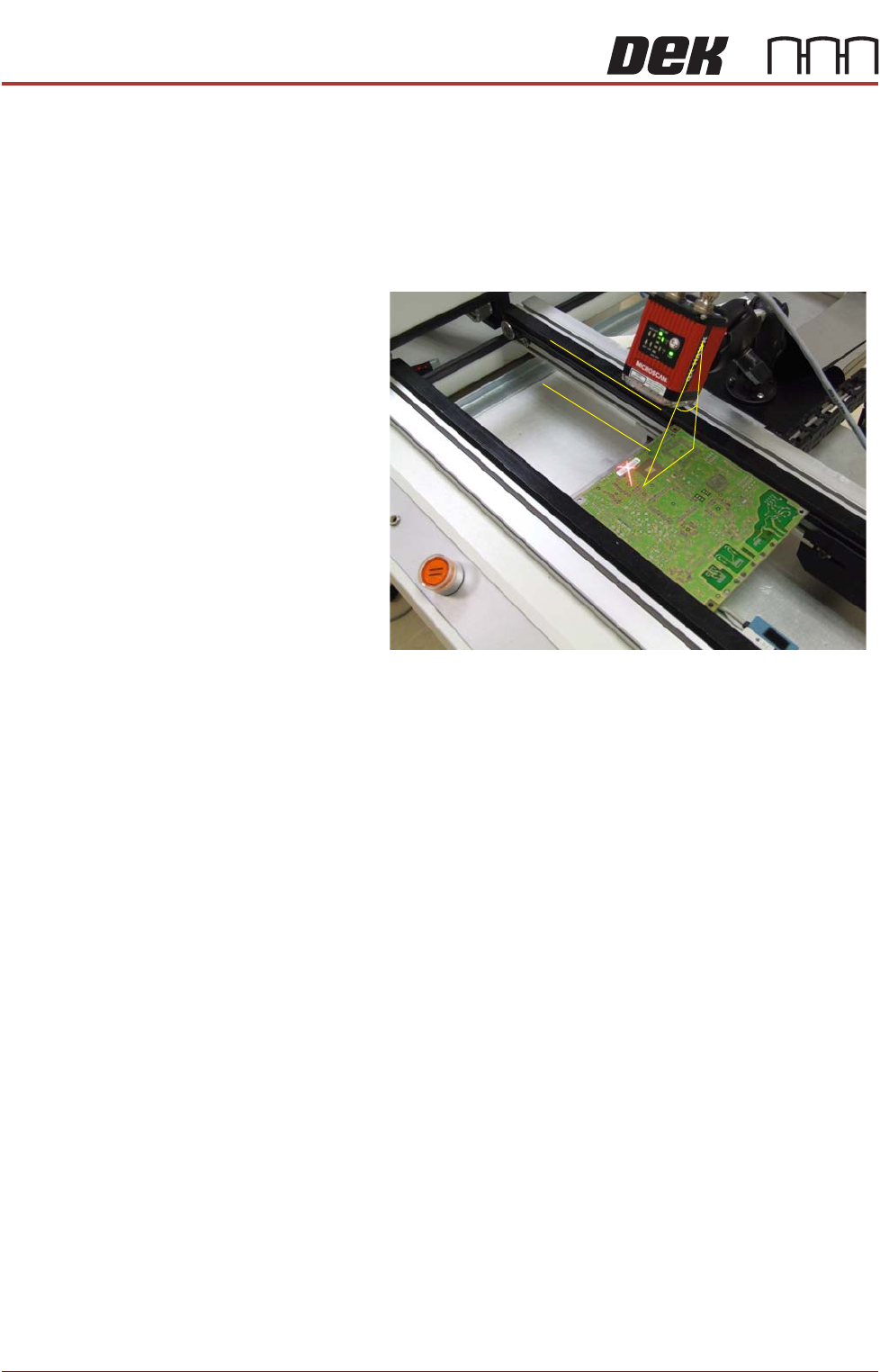
Complex Codes 1. For reading complex codes or where a barcode read is particularly prob-
lematic, it may be necessary to position the reader head with better preci-
sion.
The reader angle
from the perpendicular
must be approximately
30 degrees and, parallel
to the plane of the
product.
30