00193796-06.pdf - 第24页
Installation Manual Station Software Version 505.03 SP1 24 of 154 Registration → Enter the Name and the Company . Note: The information which you enter here is saved in a log file. This log file is created by the install…
Installation Manual, Station Software Version 505.03 SP1 Edition 08/2005
23 of 154
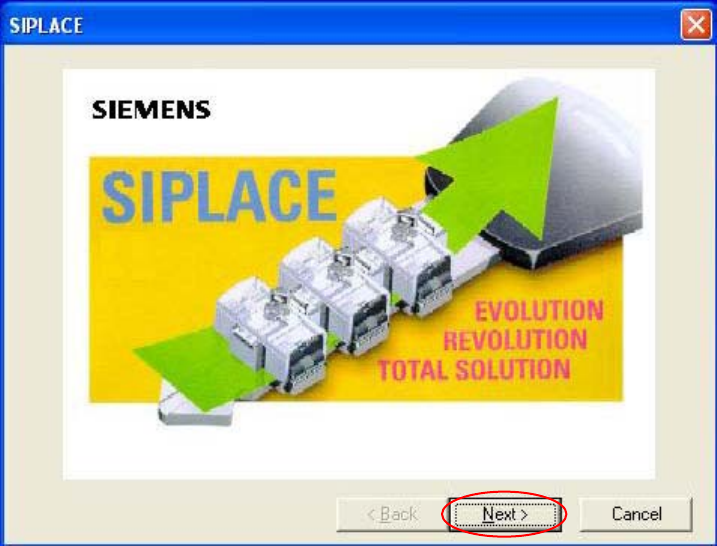
Welcome screen
Fig. 4-5 Welcome screen
→ Click the Next button.
Installation Manual Station Software Version 505.03 SP1
24 of 154
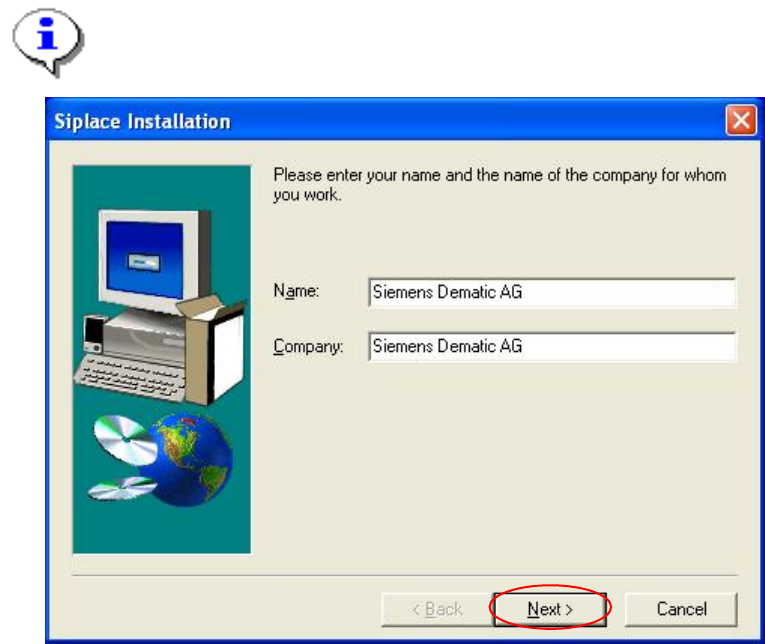
Registration
→ Enter the Name and the Company.
Note:
The information which you enter here is saved in a log file. This log file is created by the
installation program.
Fig. 4-6: Registration
→ Click the Next button.
Installation Manual, Station Software Version 505.03 SP1 Edition 08/2005
25 of 154
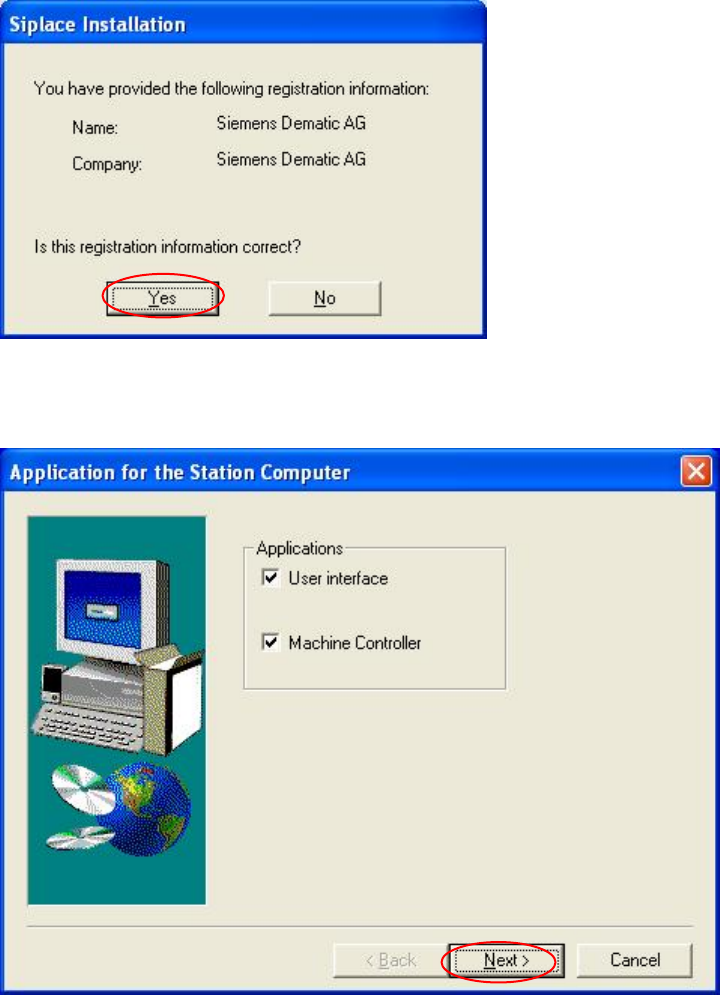
Registration confirmation
→ Check your entries again.
→ Depending on whether you answer Yes or No, you can modify your entries or continue the
actual query procedure.
Fig. 4-7: Registration confirmation
Applications for the placement station
Fig. 4-8: Application selection
→ Here you can select the program packages that you wish to install.
→ Click the Next button.