MPM UP2000印刷机中文操作手册.pdf - 第22页
CAUTION, The machine is n ow goin g to ( 注意 , 機器 現 在 將 移動 到 基板 Center itself f or this size board. 中 心 點 ) The Y AXIS is about to move forwar d . (Y 軸即 將 移動 到 前面 ( 基板中 心 點 ) Pr ess NE XT to Continue, o r EXIT to Qu it. (…

Squeegee will now move back. (刮刀組現在將移動到後面)
Press SELECT when ready. (準備好後按 SELECT)
按 NEXT 之後,出現下列訊息:
Now, adjust the vacuum rear and (現在請調整後隔板和側(左右)隔板)
side plates
If you have a dedicated work holder, (若有使用專用 PCB 板支撐架,請現在
install it now 把他裝上)
Press NEXT to Continue, or EXIT to Quit. (按 NEXT 繼續, 按 EXIT 離開)
按 NEXT 之後,出現下列訊息:
The Z TOWER is about to load (Z 軸上升到 tooling height 的位置)
to tooling height
Press NEXT to Continue, or EXIT to Quit. (按 NEXT 繼續, 按 EXIT 離開)
你按 NEXT 之後,出現下列訊息:
If you have X snuggers,adjust snugger pins now. (若有使用 X 方向夾板,請
調整好)
Press NEXT to Continue, or EXIT to Quit. (按 NEXT 繼續, 按 EXIT 離開)
你按 NEXT 之後,出現下列訊息:
Now, adjust the vacuum rear and side plates
If you have a dedicated work holder, install it now
Press NEXT to Continue, or EXIT to Quit.
The Z TOWER is about to load
to tooling height
Press NEXT to Continue, or EXIT to Quit.
If you have X snuggers,adjust snugger pins now.
Press NEXT to Continue, or EXIT to Quit.
CAUTION, The machine is now going to
Center itself for this size board.
The Y AXIS is about to move forward.
Press NEXT to Continue, or EXIT to Quit.
锡膏印刷机 www.smt11.cn
CAUTION, The machine is now going to(注意,機器現在將移動到基板
Center itself for this size board. 中心點)
The Y AXIS is about to move forward. (Y 軸即將移動到前面(基板中心點)
Press NEXT to Continue, or EXIT to Quit. (按 NEXT 繼續, 按 EXIT 離開)
Board Parameters
基板
基板基板
基板
(PCB)
參數設定
參數設定參數設定
參數設定
Detent 12.7
PCB
停於中心印刷位置值
Load speed 432
進板軌道皮帶轉速值
(
數字越大
,
轉速越快
)
Unload speed 381
出板軌道皮帶轉速值
(
數字越大
,
轉速越快
)
Enter board loading parameters. (
輸入
PCB
進板參數
)
Click on detent field to test. (
點取
detent,
測試
PCB
停於中心印刷位置值
)
Press Done when finished. (
按
Done
完成全部動作
)
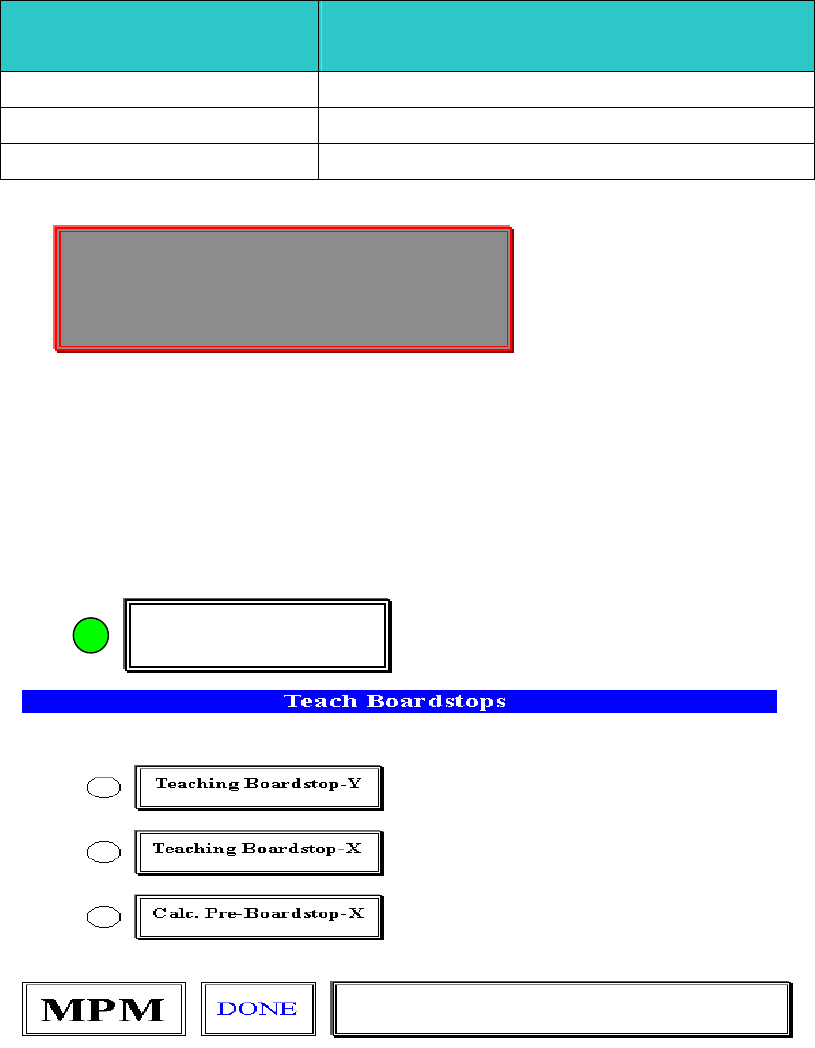
1.3.
選擇
Teach Boardstops
進入基板停止位置參數設定
Hardware Required:
, Stencil , Tactile
Teach Boardstops
Enter board loading parameters.
Click on detent field to test.
Press Done when finished.
锡膏印刷机 www.smt11.cn
1.3.1 選擇 Teach Boardstops-Y 進入基板 Y 方向板邊停止位置參數設定
Place a board on the input track. (請將 PCB 板放到軌道輸入端)
Press SELECT to Continue.(按 SELECT 繼續)
你按 SELECT 之後,出現開始做板邊視窗:
Jog to the leading edge of the board. (請將十字游標移動到基板板邊
Stay 1/2 inch in from the rails. Press EXIT! 中間位置後,按 EXIT 離開)
※此動作最主要是讓視覺系統內基板停止感應器,感應基板是否停止
在印刷平台中心點位置
1.3.2 選擇 Teach Boardstops-X 進入 PCB 板停止到印刷平台中心點位置參數設
定與 PCB 板和鋼板對位 Mark 點)
Is the board centered correctly? (基板有無正確停止到印刷平台中心
點位置)
Press SELECT to accept location. (按 SELECT 接受目前位置 )
Press NEXT to-locate board. (按 NEXT 調整基板正確停止到印刷平
台中心點位置)
Press EXIT to abort process. (按 EXIT 中止這一項步驟)
你按 NEXT 之後,出現下列視窗:
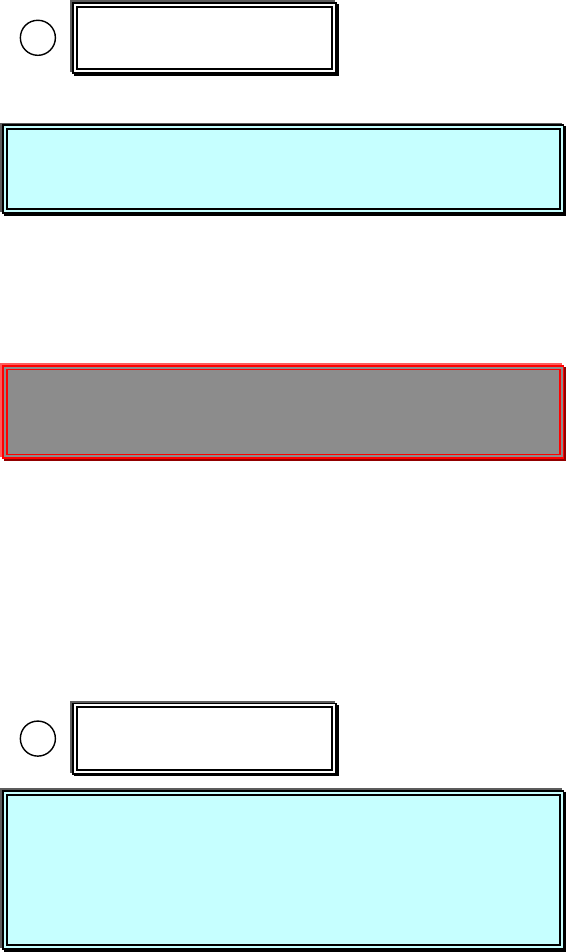
Teaching Boardstop-Y
Teaching Boardstop-X
Place a board on the input track.
Press SELECT to Continue.
Jog to the leading edge of the board.
Stay 1/2 inch in from the rails. Press EXIT!
Is the board centered correctly?
Press SELECT to accept location.
Press NEXT to-locate board.
Press EXIT to abort process.
锡膏印刷机 www.smt11.cn