MPM UP2000印刷机中文操作手册.pdf - 第51页
7 File t ransfer complete . ( 程式檔案存入到磁片已完成 ) 1 files transf erred ( 一個程式檔案存入到磁片 ) Pr ess NEXT to Continue. ( 按 NEXT 繼續 ) ※ ※ ※ ※因程式檔案多寡 , 所顯示程式檔案訊息不同 7. File D o wnload 將磁片內檔案回存入機器內硬碟 Pr ess SELECT on sc r oll bar to go …
6
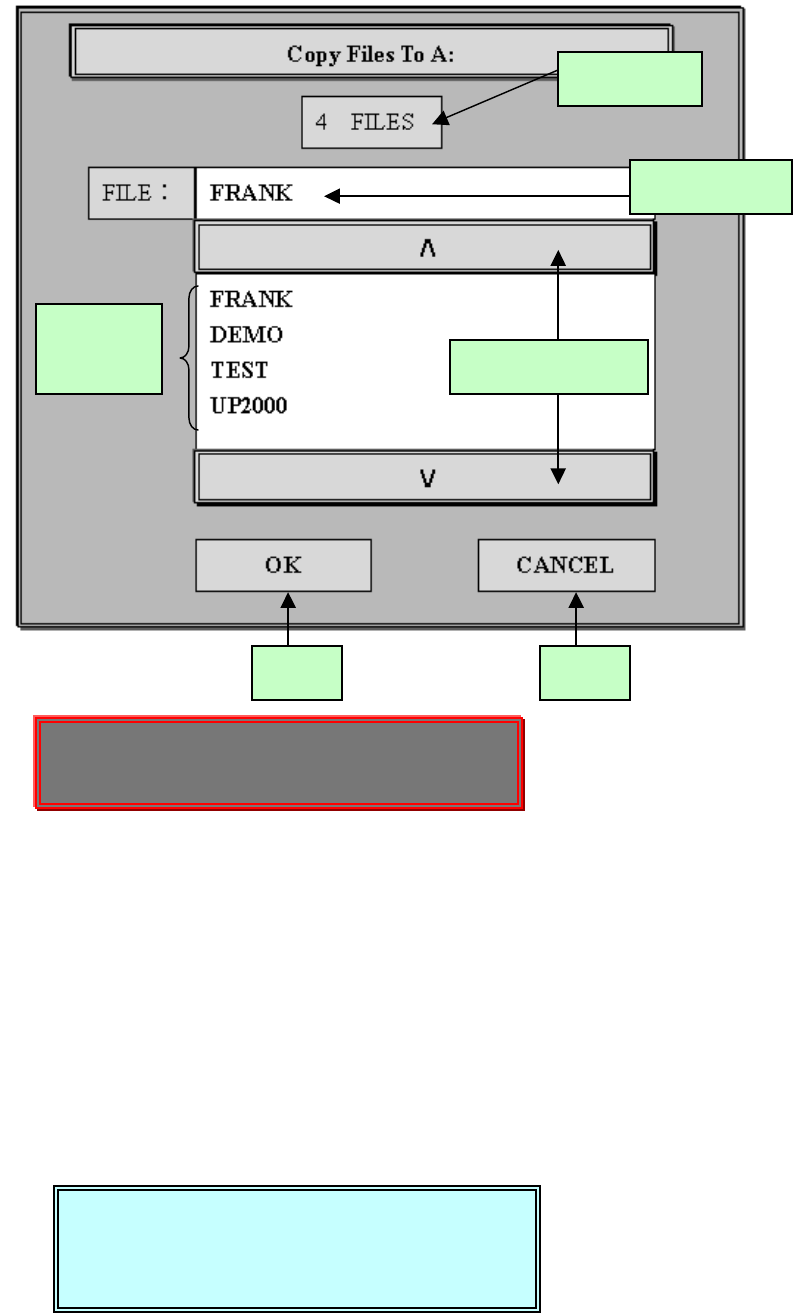
6. File Upload 將已存入程式檔案存到磁片
Press SELECT on scroll bar to go up/down. (在捲軸棒,按 SELECT 上
下捲動)
Press NEXT on scroll bar to page up/down . (在捲軸棒,按 NEXT 翻頁)
操作程序:
1.在程式顯示區找尋你所要的程式,利用捲軸棒來捲動或翻頁程式顯示區,
然後點取你所要的程式。
2.點取的程式會呈現藍色。
3.點取 OK(確定)按鈕,表示要存入磁片。
4.點取 CANCEL(取消)按鈕,表示不要存入磁片。
程式顯
示區
程式總數
所選的程式
上、下頁捲軸棒
確定 取消
Press SELECT on scroll bar to go up/down.
Press NEXT on scroll bar to page up/down .
File transfer complete.
1 files transferred
Press NEXT to Continue.
锡膏印刷机 www.smt11.cn
7
File transfer complete. (程式檔案存入到磁片已完成)
1 files transferred(一個程式檔案存入到磁片)
Press NEXT to Continue. (按 NEXT 繼續)
※
※※
※因程式檔案多寡,所顯示程式檔案訊息不同
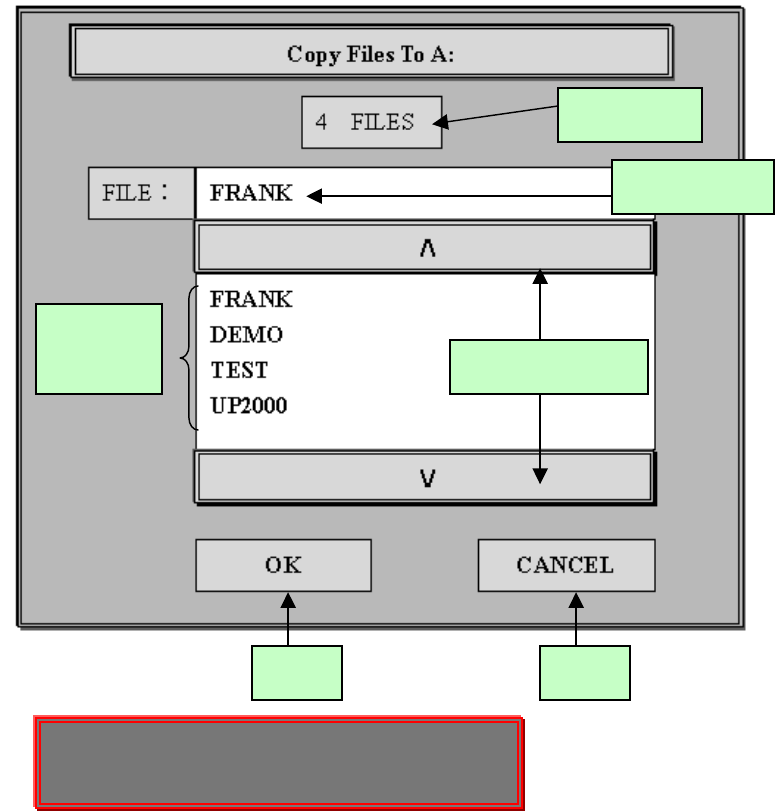
7. File Download 將磁片內檔案回存入機器內硬碟
Press SELECT on scroll bar to go up/down. (在捲軸棒,按 SELECT 上
下捲動)
Press NEXT on scroll bar to page up/down . (在捲軸棒,按 NEXT 翻頁)
操作程序:
1.在程式顯示區找尋你所要的程式,利用捲軸棒來捲動或翻頁程式顯示區,
然後點取你所要的程式。
2.點取的程式會呈現藍色。
3.點取 OK(確定)按鈕,表示要從磁片存入機器內硬碟機。
程式顯
示區
程式總數
所選的程式
上、下頁捲軸棒
確定 取消
Press SELECT on scroll bar to go up/down.
Press NEXT on scroll bar to page up/down .
锡膏印刷机 www.smt11.cn
8
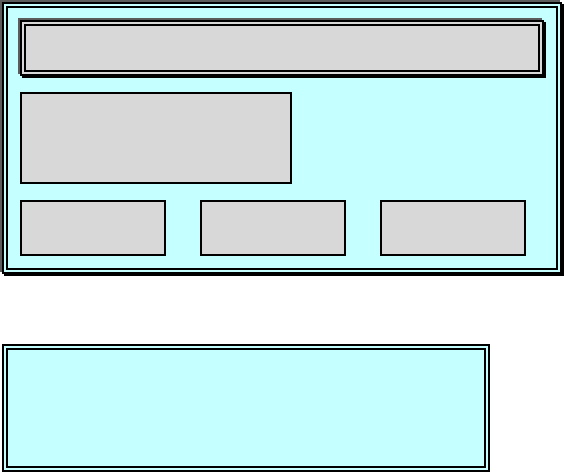
4.點取 CANCEL(取消)按鈕,表示不要從磁片存入機器內硬碟機。
(按 OK 後從磁片存入機器內硬碟機)
File transfer complete. (程式檔案存入到磁片已完成)
1 files transferred(一個程式檔案存入到磁片)
Press NEXT to Continue. (按 NEXT 繼續)
※
※※
※因程式檔案多寡,所顯示程式檔案訊息不同
8.Save Timing File 將目前程式檔案有關時間參數存入到磁片
※此功能是將目前生產程式檔案內,有關時間參數存入到磁碟片中,如印刷
完一片所需時間、等待時間等等…..
File transfer complete.
1 files transferred
Press NEXT to Continue.
Confirm overwrite
OK to overwrite file:
::
:
FRANK?
??
?
OK CANCELSKIP
锡膏印刷机 www.smt11.cn