00198002-01_VersionDescription_SR709.0_LPCD_DE_EN.pdf - 第20页
Software Versi on Description Language Pack 709.0 12/201 5 Edition 20 5.1.3.2 Un inst all atio n Proceed as follo ws to uninst all the lang uage pack : • Switc h the s tation com puter on. • Log in as the administrator. …
Software Version Description Language Pack 709.0 12/2015 Edition
19
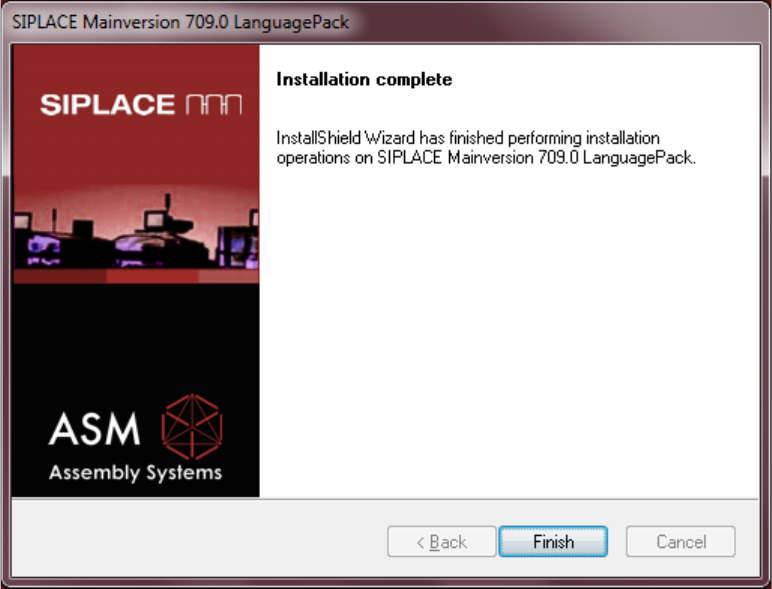
Completion Screen
Actuate the Finish button to complete the installation.
Software Version Description Language Pack 709.0 12/2015 Edition
20
5.1.3.2 Uninstallation
Proceed as follows to uninstall the language pack:
• Switch the station computer on.
• Log in as the administrator.
• Switch to the operating system.
• Start the uninstallation:
Start -> All Programs -> SIPLACE -> SIPLACE Mainversion 709.0 LanguagePack Uninstall
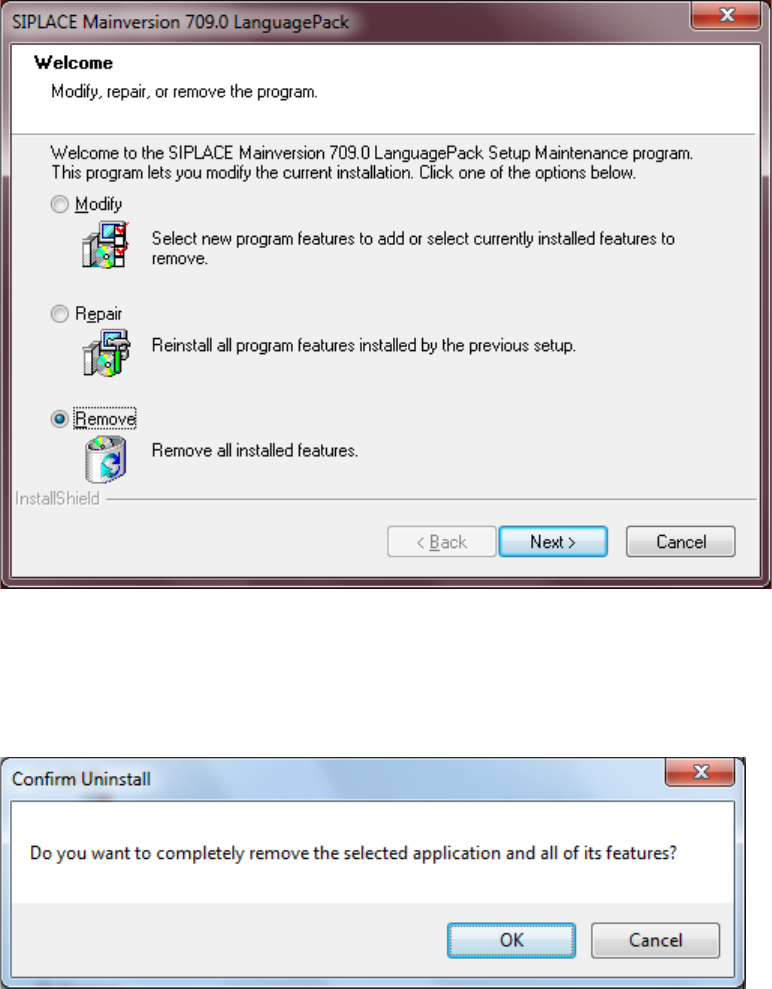
Remove
Select the radio button Remove, actuate the button Next to start the uninstallation.
CONFIRM UNINSTALL
Actuate the OK button to confirm the uninstallation.
Software Version Description Language Pack 709.0 12/2015 Edition
21
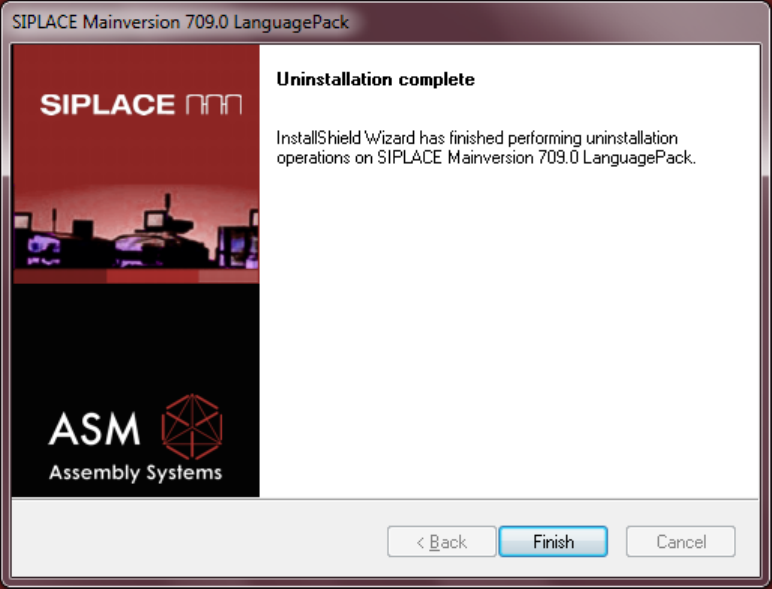
Completion Screen
Actuate the Finish button to complete the uninstallation.