Small Traceability für Asus.pdf - 第41页
SOKO 2 Retrofit instructions SOKO Small Traceability ASUS (S TA ) on the basis of station software version 505.03 SP 1 11/2005 Edition 41 : Select "Install SOKO" and confirm with "Next". 2 2 Installat…
2 Retrofit instructions SOKO Small Traceability ASUS (STA) on the basis of station software version 505.03 SP 1 SOKO
11/2005 Edition
40
2.11 Installing the SIPLACE SOKO
2.11.1 Installing the SOKO on the station computer
Installation time: approx. 10 minutes 2
: Switch on the station computer.
: Log on as the administrator.
(hold down the Shift key as soon as the XP logo appears).
: Insert the CD in the CD-ROM drive.
2
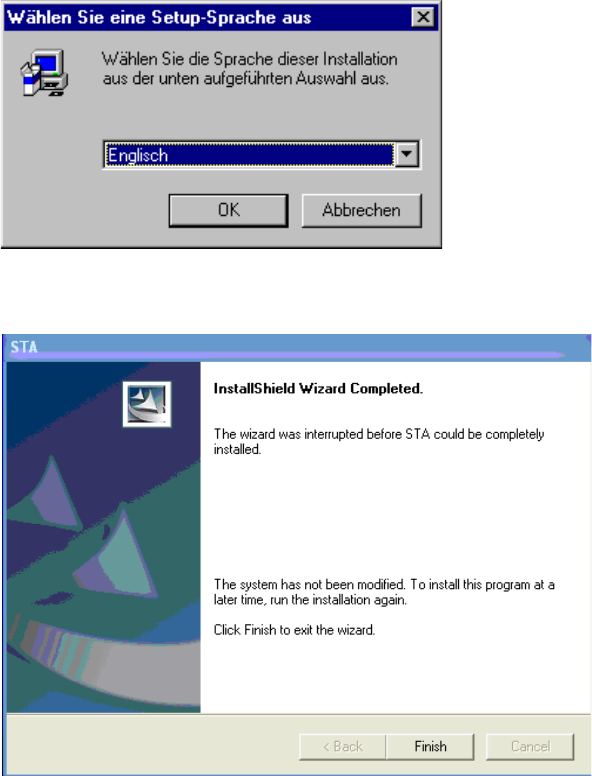
: You can choose between English and German for the installation. Select the language you re-
quire and confirm with "OK".
2
: Confirm the dialog box using the "Next" button.
2
SOKO 2 Retrofit instructions SOKO Small Traceability ASUS (STA) on the basis of station software version 505.03 SP 1
11/2005 Edition
41
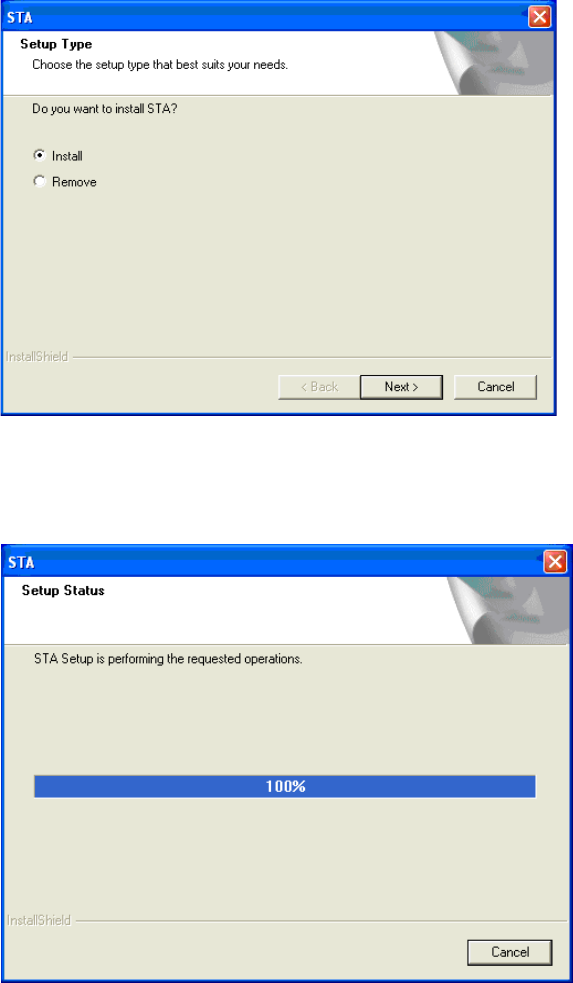
: Select "Install SOKO" and confirm with "Next".
2
2
Installation is running: 2
2
2
2
2
2
2
2 Retrofit instructions SOKO Small Traceability ASUS (STA) on the basis of station software version 505.03 SP 1 SOKO
11/2005 Edition
42
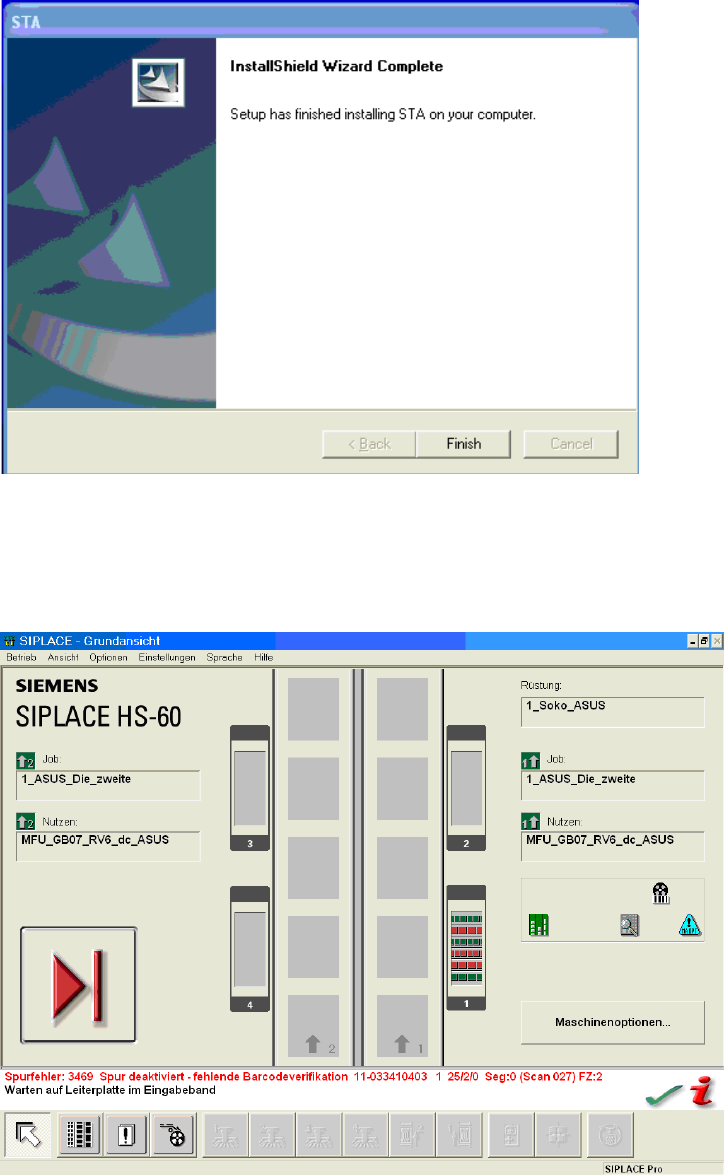
The following message appears once installation is complete: 2
2
: Confirm the dialog box by pressing Return. The window closes. The SOKO is now installed.
After installation and configuration of registry keys (see chapter 2.5) the GUI should show the fol-
lowing symbols: 2
2