1OM-1625-004_w.pdf - 第136页
1OM-1603 3-13 2. Program Change Operation : Chap.3 1007-004 2.2 Preparation for Program Change Operation 2.2.1 Preparation for Component Library Library data must be created for new components when there is no component …
1OM-1603
3-12
2. Program Change Operation : Chap.3
1012-004
2. Program Change Operation
2.1 Outline of Program Change Operation
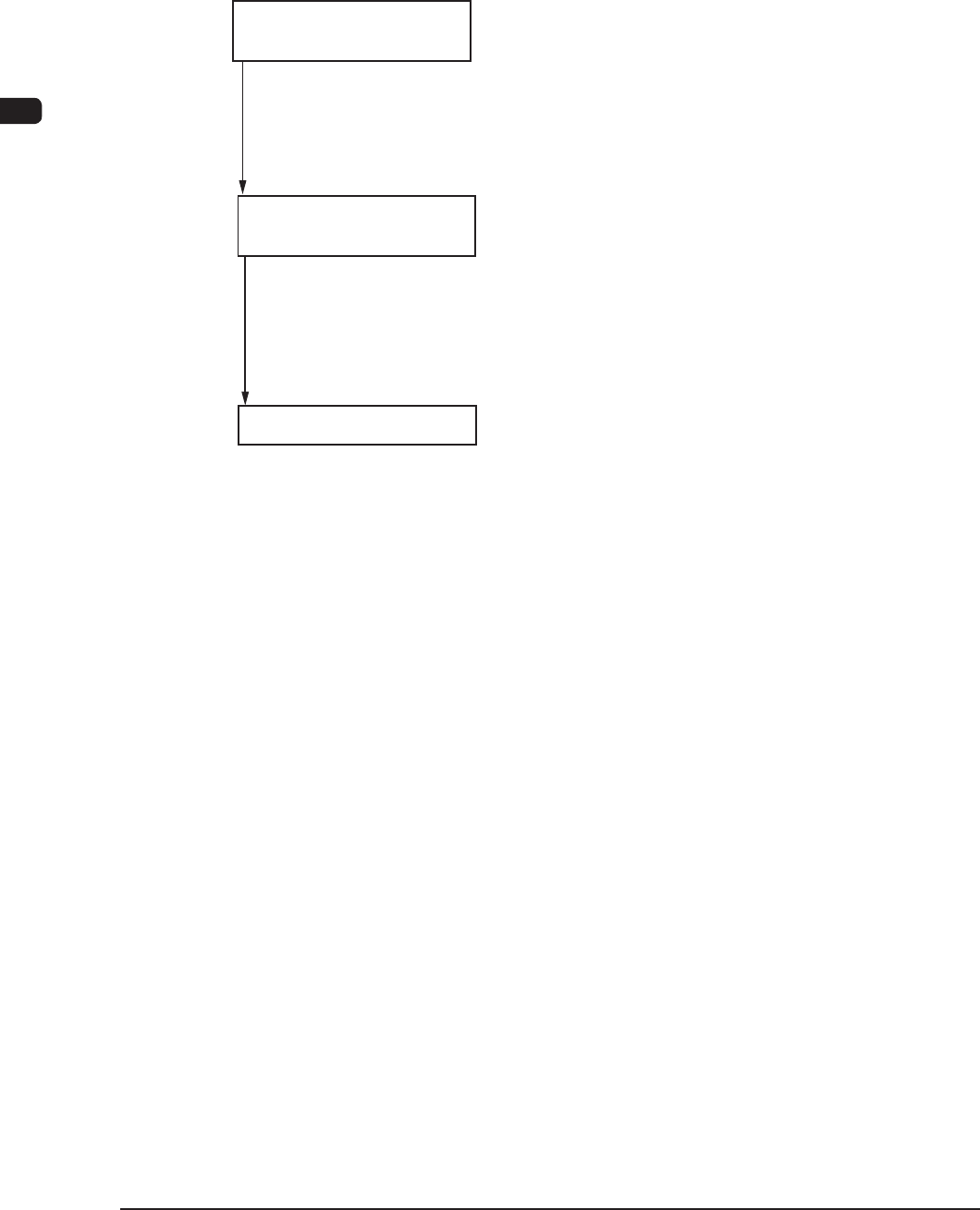
Follow the steps below to perform a program change operation.
Preparation for Program
Change Operation
Program Change
Operation
Confirmation of Placement
2.2.1 Preparation for Component Library
2.2.2 Creation of Pattern Program for Production Model
2.2.3 Registration of Pattern Program for Production Model
2.2.4 Preparation for Feeders
2.2.5 Preparation for Bank Feeder Chang Cart
2.3.1 Selection of Run Mode
2.3.2 Selection of Operation Mode
2.3.3 Setups for PCB Support Pins and Conveyor Width
2.3.4 Preparation for Vacuum Nozzles
2.3.5 Confirmation of PCB Transfer and Positioning
2.4.1 Setting of Operation Mode
2.4.2 Confirmation of Component Placement
Flow of Program Change Operation for Production Model F1C12

1OM-1603
3-13
2. Program Change Operation : Chap.3
1007-004
2.2 Preparation for Program Change Operation
2.2.1 Preparation for Component Library
Library data must be created for new components when there is no component
library data required to create a pattern program.
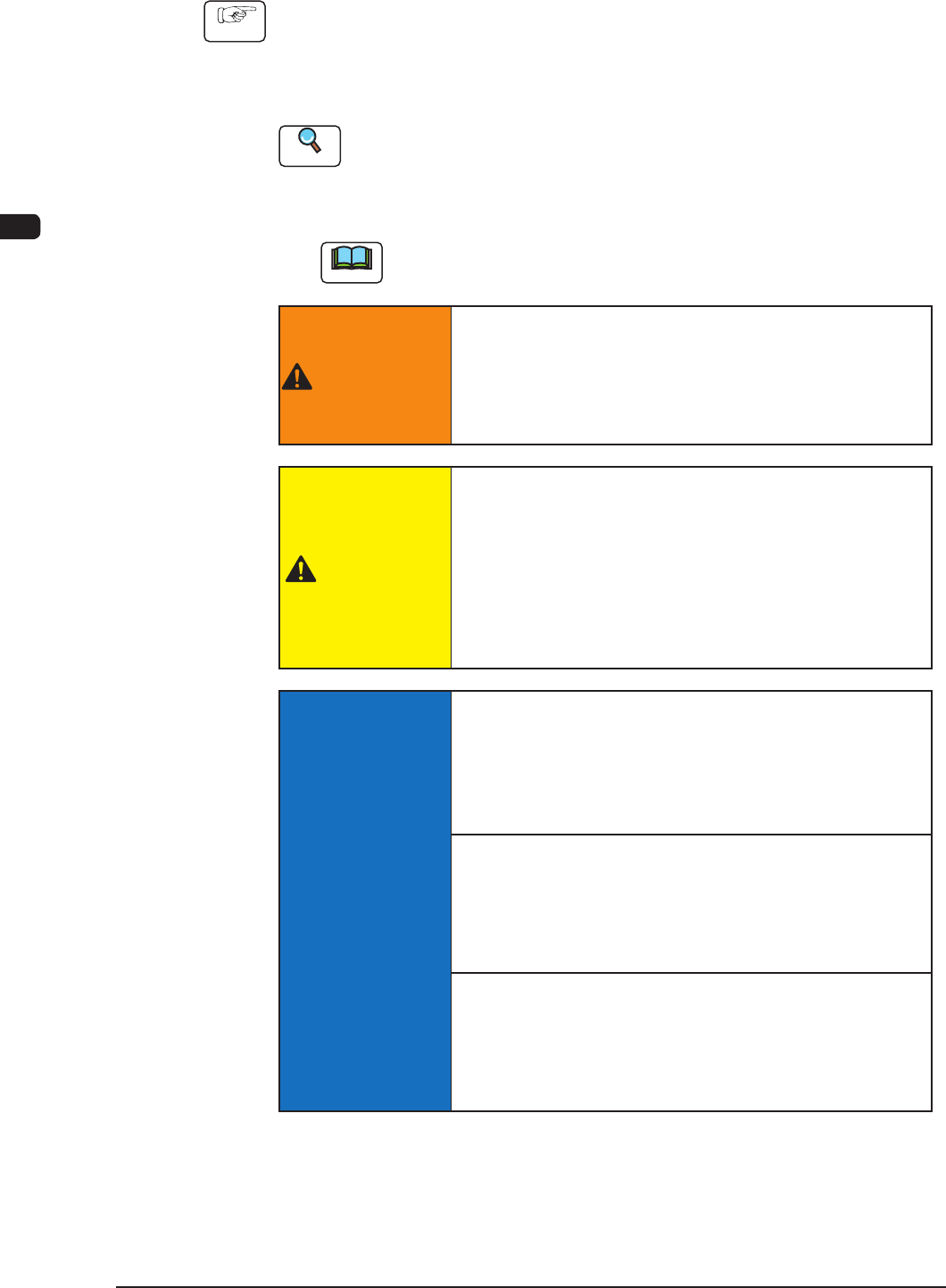
Reference
(a) Refer to "Chapter 3 Component Library" in Volume 2 for window
navigation.
(b) Refer to "Volume 6: Component Library" for how to create the data.
2.2.2 Creation of Pattern Program for Production Model
A pattern program is required for the automatic operation of the machine.
Reference
Refer to "Chapter 2 Pattern Program" in Volume 2 for details.
2.2.3 Registration of Pattern Program for Production Model
Pattern programs and component library data must be transferred from the
network terminal (option) to the machine.
1OM-1603
3-14
2. Program Change Operation : Chap.3
1012-005
2.2.4 Preparation for Feeders
Procedure
(1) Refer to the placement feeder location data in the pattern program and
conrm that the required feeders are installed.
(2) Replenish each feeder with components.
Reference
Refer to the Instruction Manual for the “Tape Feeder” for SIGMA-G4/G5, for
the component reloading procedure onto a tape feeder.
(3) Install the feeders on the feeder base of the bank feeder change cart.
Note
Before installing the feeders, check which types of feeders should be
installed in which feeder slot Nos. (Fdr. No.).
WARNING
Those who wear implanted pacemakers are not
allowed to handle the tape feeders.
The pacemaker may be affected by the magnetism
and a serious accident will result.
CAUTION
When a tape feeder is attached or detached, be sure
not to drop it.
Otherwise, a foot injury will result or the feeder itself may
be damaged.
Carefully handle each feeder one by one and do not drop
any.
NOTICE
Be sure to install a feeder to the correct feeder slot
(Fdr No.).
Otherwise, some components may be trapped between the
heads.
Be sure to insert the feeder deep inside.
Otherwise, if the suppressor is unhooked or lifted aoat,
it cannot be detected, causing the suppressor to interfere
with a head.
Install the feeders correctly such that they are seated
properly.
Otherwise, they may collide with the head sections or a
pickup error will occur.