00197719-01_IM_Integration_SMD-Tower_EN.pdf - 第13页
Setup Materi al Tower Software © ASM 2-8 0019771 9 - 01 / Octo ber 22, 2014 2.5 Restar ting the S oftware Restart and Initi alize the Software Overview Logout Restart the so ftware Initialize
Setup Material Tower Software
© ASM
2-7
00197719-01 / October 22, 2014
2.3 Integrating SMD-Tower
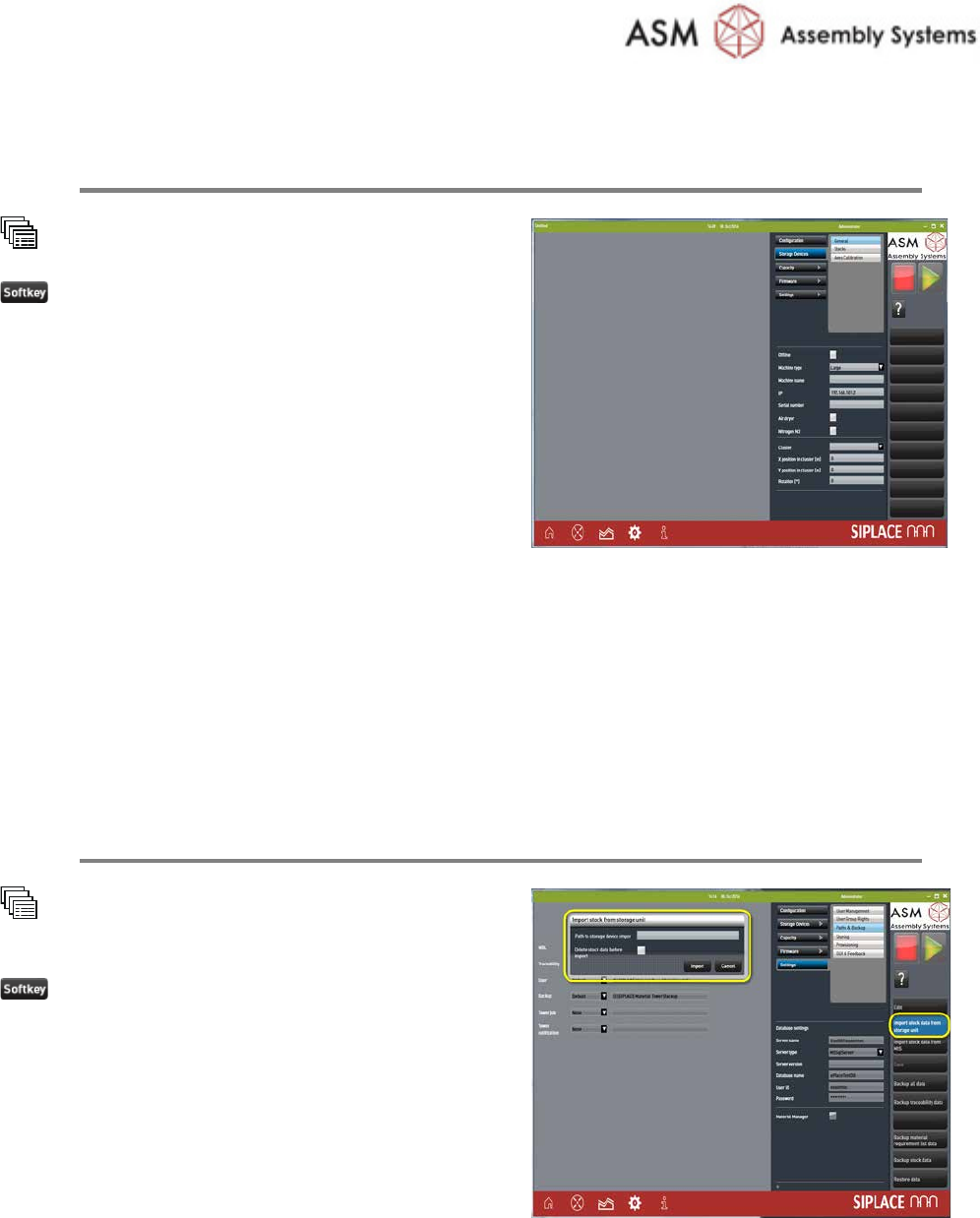
Create Storage Units in the Material Tower Software
System
Storage Units
New
Set the parameters:
· Machine type to: SMD-Tower
· IP: enter the IP address memorized during
SMD-Tower preparation (the IP has no
function, it is just for documentation).
· Serial number: enter exactly the same
number memorized during SMD-Tower
preparation
· all the other parameters
Refer to the online help for additional
information.
Repeat this step for all SMD-Towers to integrate.
2.4 Importing Data
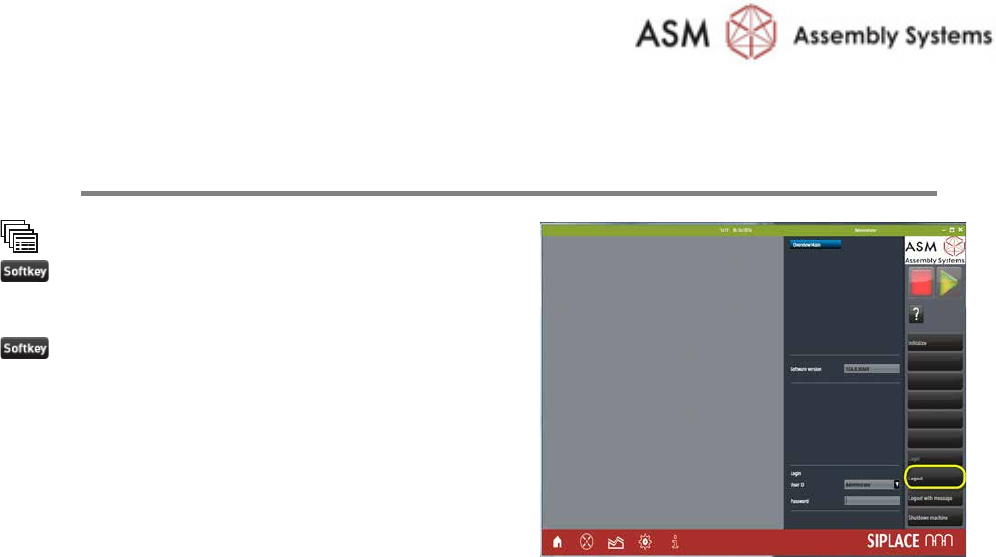
Import the Stock Data from the SMD-Towers
System
Settings
Paths & Backup
Import stock data from storage
device
Enter the path of the
file containing the
exporte
d stock item information, done during
SMD
-Tower preparation
Setup Material Tower Software
© ASM
2-8
00197719-01 / October 22, 2014
2.5 Restarting the Software
Restart and Initialize the Software
Overview
Logout
Restart the software
Initialize

Setup Material Tower Software
© ASM
2-9
00197719-01 / October 22, 2014
Item-no. / Artikel-Nr.: 0019xxxx-xx
ASM Assembly Systems GmbH & Co. KG
Rupert-Mayer-Strasse 44
81379 München
Germany
www.siplace.com