00197719-01_IM_Integration_SMD-Tower_EN.pdf - 第5页
About th is Manual © ASM v 0019771 9 - 01 / Octo ber 22, 2014 Note If a cer tain subject mu st be emphasi zed it is written a s a note. Note: Adjust the guide pins symmet rically History Index Releas e Changes 01 October…
© ASM iv
00197719-01 / October 22, 2014
About this Manual
Purpose
This Manual contains essential information (where applicable) concerning:
· the preparation of the SMD Tower to interact with the eStorage software.
· the setup of the eStorage software for the interaction.
The safety regulations have to be observed by all persons who work with or at the SMD-Tower.
Additionally, all local safety and environmental regulations have to be observed.
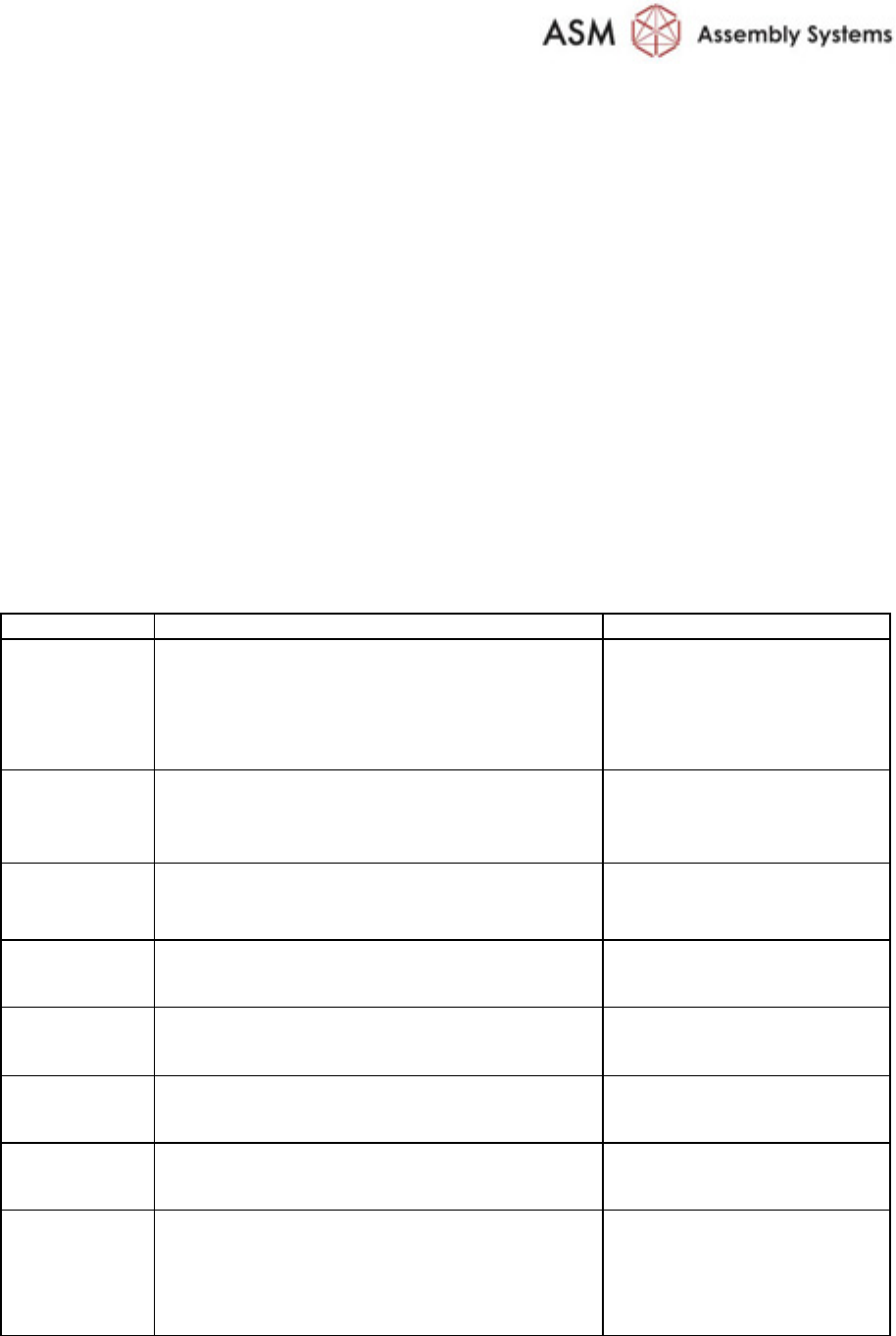
Text Conventions and their Meanings
Various text styles are used in this Maintenance Manual manual in order to support the readability
of the text or to emphasize the meaning of text segments.
Meaning
Description / Text Style
Example
Parameters and
actual Values
Machine parameters and actual values are
visualized by bold characters and in the same
spelling as in the menu. Also the state of the
parameter is written in the same way.
Set the parameter
Optimization mode to
Maximum performance
Pickup 5 [ms]
Soft Key Context sensitive function keys are written in
italic and bold. Normally they are shown
together with the respective pictogram.
Press New to create a new
light profile
Menu Key
(Screen)
Starts a submenu. Same style as the Soft Keys.
Production Settings
Check Boxes Are located anywhere on a screen. They have
same style as Soft Keys.
Select Setup check
Menu Tree In a text flow the hierarchy of a menu is visu-
alized by using hyphens and bold characters.
Setup - Optimization -
Recipe Splitting
Screen Screens are written in bold using capital and
small letters.
... on Produce screen
Cross
Reference
Written in blue italic. see page iv
Notification
Error
Warning
Appearing in a pop up window providing tips,
instructions and messages. They are written in a
non proportional font.
The following warning
appears:
No components found
to be produced
About this Manual
© ASM v
00197719-01 / October 22, 2014
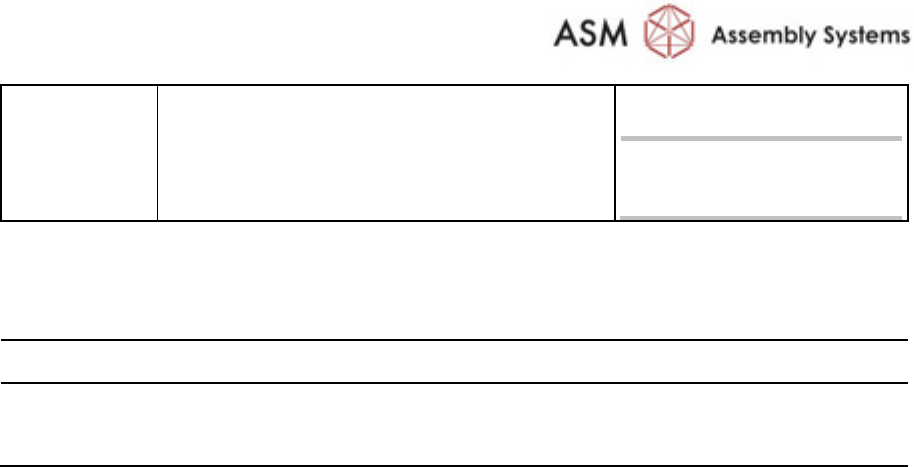
Note If a certain subject must be emphasized it is
written as a note.
Note:
Adjust the guide pins
symmetrically
History
Index Release Changes
01 October 22, 2014 First release

© ASM 1-1
00197719-01 / October 22, 2014
1 Prepare SMD-Tower
1.1 Introduction
The preparation has to be done, if the combination of the following components is used:
· SIPLACE Material Manager
· Material Tower Software
· SMD-Tower
1.2 Prerequisits
1.2.1 Software Version on SMD-Tower
For the interaction between SMD-Tower and Material Tower software, the software version,
installed on SMD-Tower must be 1225 or lower.
Note:
Do not perform any stock rotations on SMD-Tower as long as the import to the Material
Tower software and all the setups of Material Tower software are on progress.
1.3 Installing Web Service Client
Install the Web Service Client on the SMD-Tower
Refer to the manufacturer's manual for detailed information about the installation of the software.