00196378-0102_UM X-Feeder_EN.pdf - 第15页
Operational Safety Safety Instructions for Work on the Cutting Device Warning Labels User Manual X Feeder M odules SIPLACE Family 15 2.1.6 Safety Instructions for Work on the Cutting Device 2.1.7 Safety Instructions for …
Operational Safety
Safety Instructions Safety Instructions for Working with Strong Magnetic Fields
14 User Manual X Feeder Modules SIPLACE Family
2.1.4 Safety Instructions for Working with Strong Magnetic Fields
2.1.5 Safety Instructions for the Power Supply
▪ This means that some parts of the system carry potentially lethal voltages - even when switched off
at the main power switch.
▪ Incorrect handling of the placement system can therefore result in death, severe injury or consider-
able damage to equipment.
▪ Measurements and repairs must always be carried out by appropriately qualified personnel.
▪ Always follow the applicable accident prevention and DIN regulations (particularly DIN EN 60 204,
part 1) or the regulations specific to your country.
▪ Before starting any repairs, switch off at the main switch and disconnect the placement system from
the main power supply.
▪ Always secure the machine against unauthorized reactivation. If these instructions are not followed,
it is possible to touch live parts, which could result in death or severe injury.
Replacing Modules
►End all placement operations on the machine.
►Shut down the Windows operating system correctly, otherwise problems may occur when restarting
or data may be lost.
►Switch the machine off at the main switch.
►Disconnect the machine from the main power supply.
►Switch off the machine and attach warnings signs to indicate that service work is in progress.
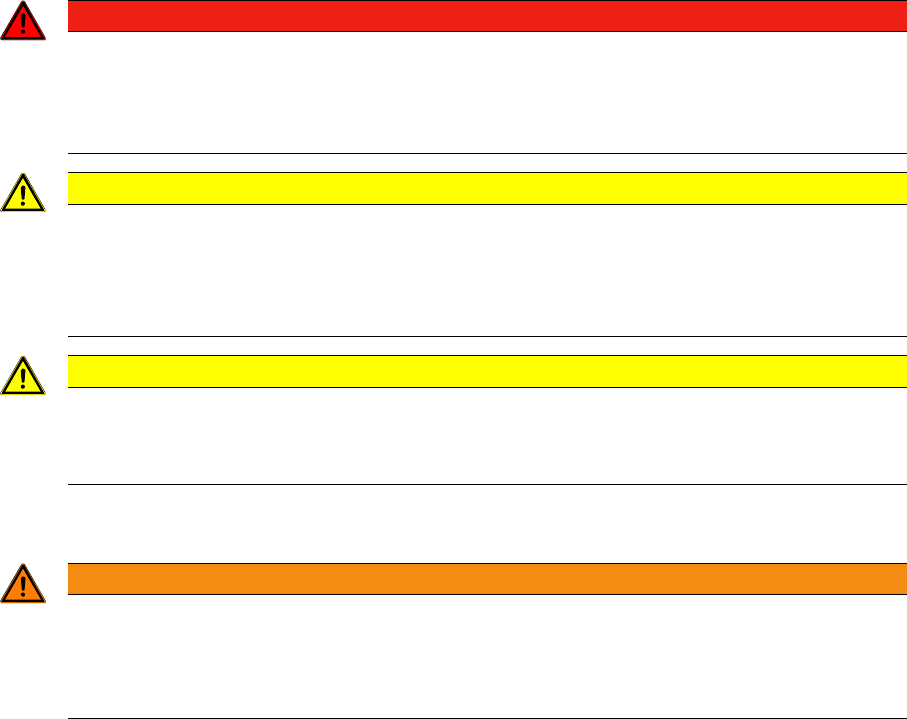
DANGER
STRONG MAGNETIC FIELDS
Fatal hazard: persons with active implants (e.g. pacemakers, defibrillators, insulin pumps etc.)
are at risk from strong permanent magnetic fields inside the machine.
Persons are risk should avoid the immediate vicinity of the machine.
CAUTION
DANGER OF CRUSHING
Danger of crushing for persons with passive metal implants (e.g. plates, screws).
►Do not reach into the machine or lean over into it when the protective covers are open.
►Do not bring any metal objects into the area.
CAUTION
STRONG MAGNETIC FIELDS
There is a risk that the strong magnetic fields could corrupt data on data media or check cards.
►Keep sensitive data carriers away from the permanent magnets.
WARNING
Hazardous Voltages!
The machine is supplied with 3 x 400 V~ (or 3 x 204 V~ / 3 x 230 V~ / 3 x 380 V~ / 3 x 415 V~)
± 5 %, 50/60 Hz mains voltage.
►Observe the safety instructions in the operating manual during all service work!
Operational Safety
Safety Instructions for Work on the Cutting Device Warning Labels
User Manual X Feeder Modules SIPLACE Family 15
2.1.6 Safety Instructions for Work on the Cutting Device
2.1.7 Safety Instructions for the Compressed Air Supply
2.2 Warning Labels
2.2.1 Warning, Prohibition and Cautionary Labels
2.2.2 Warning Label W026
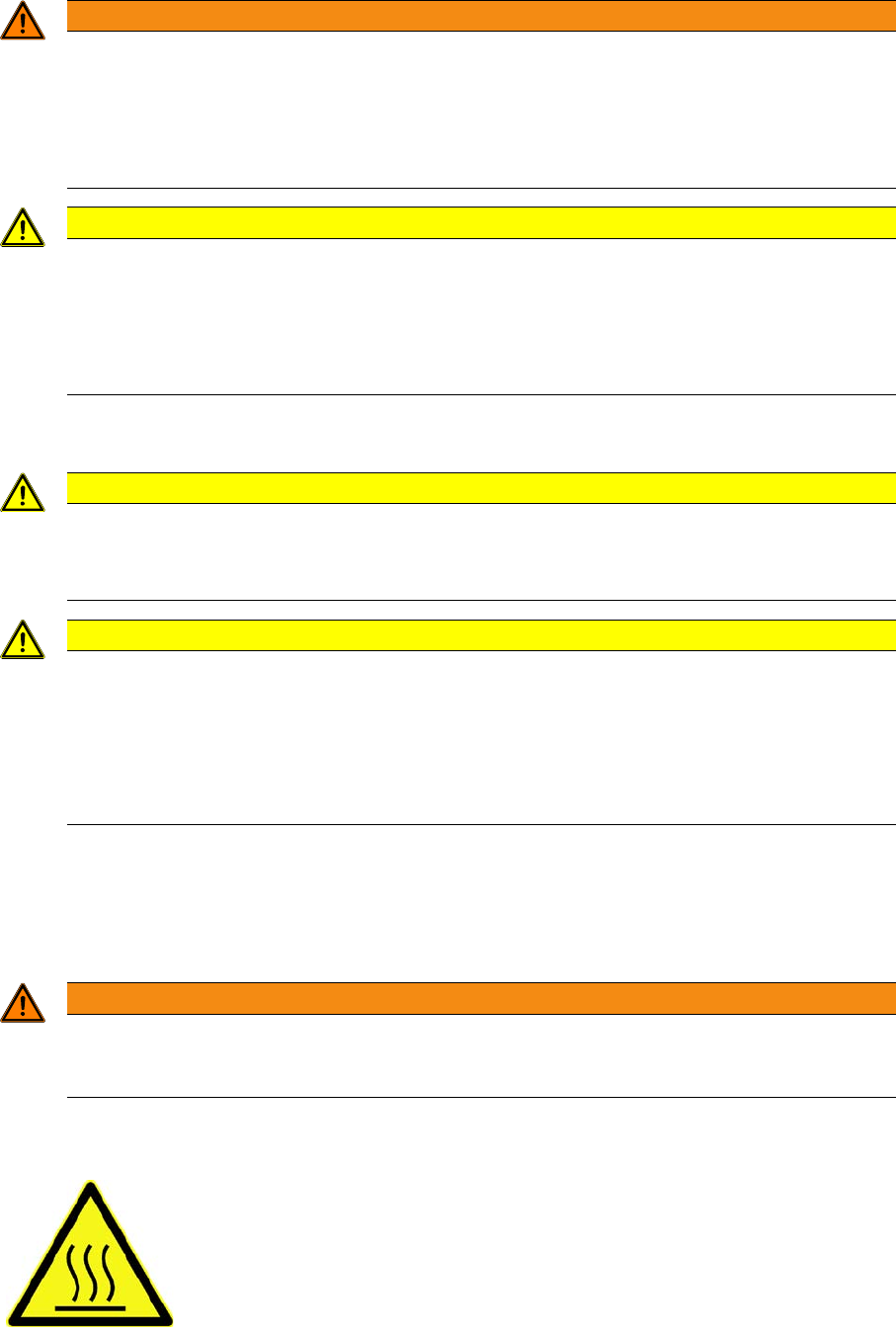
WARNING
Risk of injury when working near the cutter.
If you wish to work on the tape cutter, disconnect the machine from the mains supply and com-
pressed air supply.
►Wait until the operating pressure has dropped to 0 MPa.
►Always secure the machine against unauthorized reactivation.
CAUTION
Risk of injury when performing service work on the cutter.
Never support the cutter on your body, e.g., on your knees or thighs. Do not place your feet
under the cutter.
►Wear robust protective gloves.
►When removing the cutter, hold it only on the left and right, on the outside.
CAUTION
Risk of injury from compressed air!
Risk of injury when disconnecting the compressed air lines.
►NEVER disconnect compressed air lines while they are still pressurized.
CAUTION
Prolonged interruptions to the compressed air supply can cause damage.
When the machine is switched on, do not use the stop valve to interrupt the compressed air
supply for more than 30 minutes.
►If you need to shut off the compressed air system for longer, in order to carry out main-
tenance or servicing work, you must switch the machine off at the main switch and dis-
connect it from the power supply.
WARNING
Do not use abrasive cleaners or solvents for cleaning warning labels.
Replace any damaged or illegible warning labels.
Check that the warning labels are positioned correctly.
Hot surface warning

Operational Safety
ESD Guidelines Definition of ESD
16 User Manual X Feeder Modules SIPLACE Family
2.3 ESD Guidelines
2.3.1 Definition of ESD
2.3.2 Important Measures to Protect Against Static Charging
►Most plastics can easily become charged and must therefore be kept away from at-risk components.
►Always ensure that people, the workplace and packaging are safely earthed when handling electro-
static sensitive components.
2.3.3 Handling ESD Modules
Do not touch electronic modules unless it is absolutely essential to do so in order to carry out other work.
If it is necessary, make sure that you do not touch the pins or printed conductors when you pick up flat
modules.
Do not touch components unless
▪ you are constantly earthed by an ESD wrist strap or
▪ you are wearing ESD shoes or ESD shoe earthing strips on an ESD floor.
Always discharge yourself before you touch an electronic module. To do this, simply touch a conductive
and earthed object immediately before you touch the module (such as unpainted parts of a switch
cabinet, a water pipe, etc.).
Do not allow modules with chargeable and highly insulating materials to touch one another, e.g. plastic
films, insulating table surfaces or items of clothing made from synthetic fibers.
Always place the modules on a conductive surface (table with an ESD coating, conductive ESD foam,
ESD bag or container).
Do not bring modules near visual display units, monitors or televisions. Keep them at least 10 cm away
from the screen.
2.3.4 Measurements and Modifications to ESD Modules
Do not take measurements on such modules unless
▪ the measuring device is earthed (e.g. via PE conductors) or
▪ you discharge the measuring head just before taking measurements with a potential-free measuring
device (e.g. by touching an unpainted metal part of the controller casing).
► Always use an earthed soldering iron if you carry out any soldering work.
Almost all of the modules in use today are equipped with highly integrated MOS blocks and compo-
nents. The manufacturing techniques used mean that these electronic components are extremely sen-
sitive to overvoltage and thus to electrostatic discharge.
The abbreviation for such modules is 'ESD' (Electrostatic Sensitive Device). This is
used internationally, although the German abbreviation 'EGB' may also be seen. The
following symbol on cabinet rating plates, racks or packaging indicates that compo-
nents which are sensitive to electrostatic discharge have been used and thus that the
modules concerned are also touch-sensitive.
ESDs can be destroyed by voltages and power levels that are far below the level that can be perceived
by humans. Such voltages occur if a person touches a component or module without earthing them-
selves. Components that are exposed to such overvoltages do not generally appear to be defective
immediately - incorrect behavior starts after the component or module has been in operation for some
time.