00191921-01.pdf - 第41页
41 Unclamp Z ax is When you p ress this butt on an informa tion box with t he following message is displayed on the screen: Z axis clampin g is open! Close clamp ? OK ● When you c lick on OK the z axis will be clamped. V…
40
’Single functions Gantry 1’ menu
↑ UM 5.2 In addition to the Revolver head functions the Single functions Gantry 1
menu also contains functions for the IC head. These submenus include:
– Gantry functions (see the ’Gantry functions’ menu on page 25).
– Revolver head functions (see ’Revolver head functions’ menu on
page 26).
– IC head functions
– Vacuum test revolver head (see ’Vacuum test revolver head’ menu on
page 27).
– Nozzle offset revolver head (see ’Nozzle offset revolver head’ menu on
page 27).
– Nozzle configuration revolver head (see ’Nozzle configuration revolver
head’ menu on page 28).
– Nozzle-changer configuration revolver head (see ’Nozzle-changer config-
uration revolver head’ menu on page 29).
– Nozzle-changer configuration IC head
’IC head functions’ menu
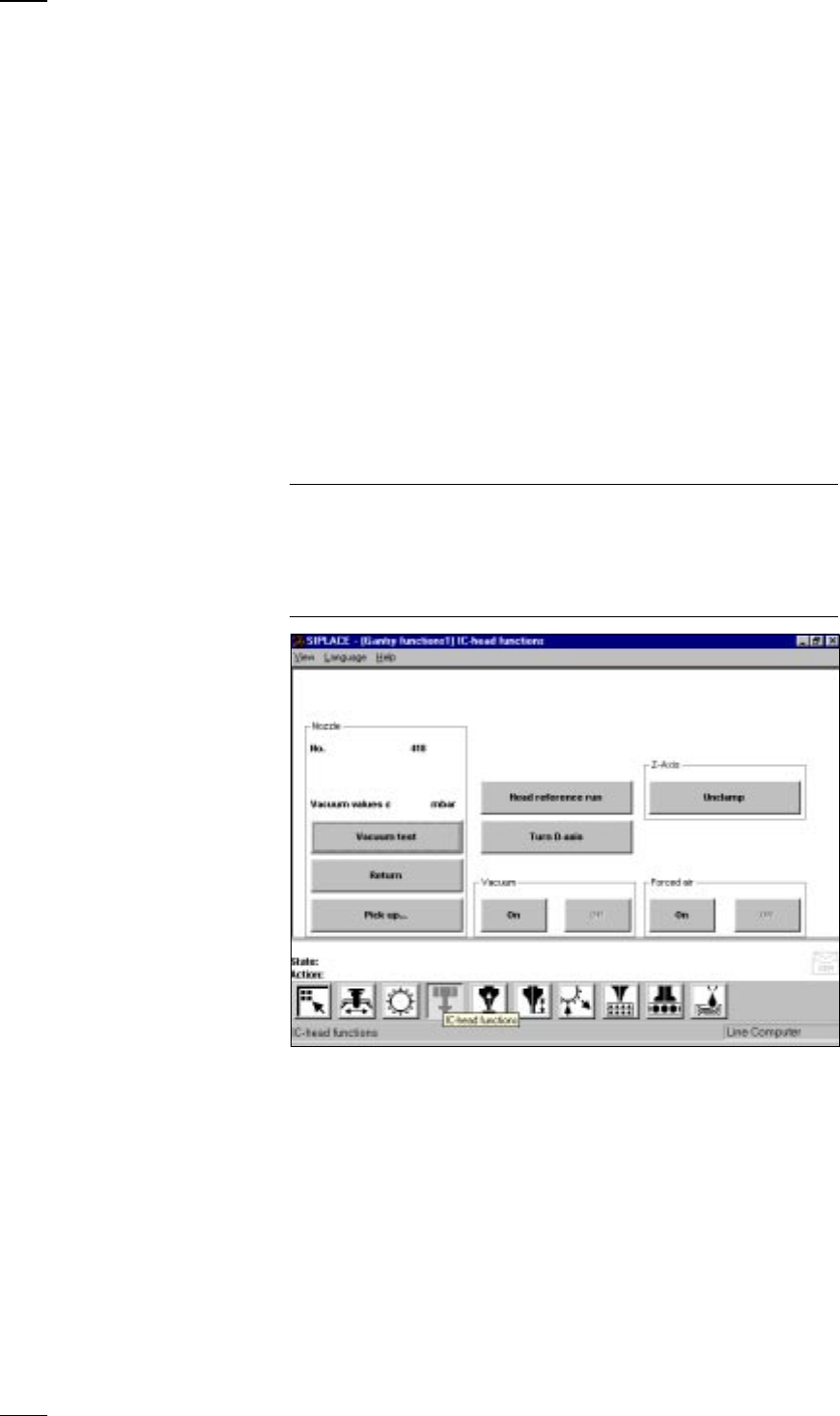
↑ UM 5.2.2 This menu is used for checking the IC head functions.
NOTE
If protective covers on the machine are open, you will need to unlock the
key-operated switch before you can execute functions.
The cover has to be closed before the axes can move.
When you quit the IC head functions menu, the IC head and the revolver
head will carry out a reference run over the rejects box.
Vacuum test The vacuum value and the height of the nozzle are measured and dis-
played on the screen.
Return The nozzle is returned to the nozzle changer.
Pick up... With this function you can change the nozzles configured in the nozzle
changer setup.
● Click on the button and enter the number of the desired nozzle into the
dialog box which opens. If there is already a nozzle in the IC head, it will
be returned first.
Head reference run The z and d axes perform a head reference run.
Turn D-axis You can turn the d axis for testing purposes.
41
Unclamp Z axis When you press this button an information box with the following
message is displayed on the screen:
Z axis clamping is open!
Close clamp?
OK
● When you click on OK the z axis will be clamped.
Vacuum on/off The vacuum will be switched on or off.
Forced air on/off The forced air will be switched on or off.
’Nozzle-changer configuration IC-head’ menu
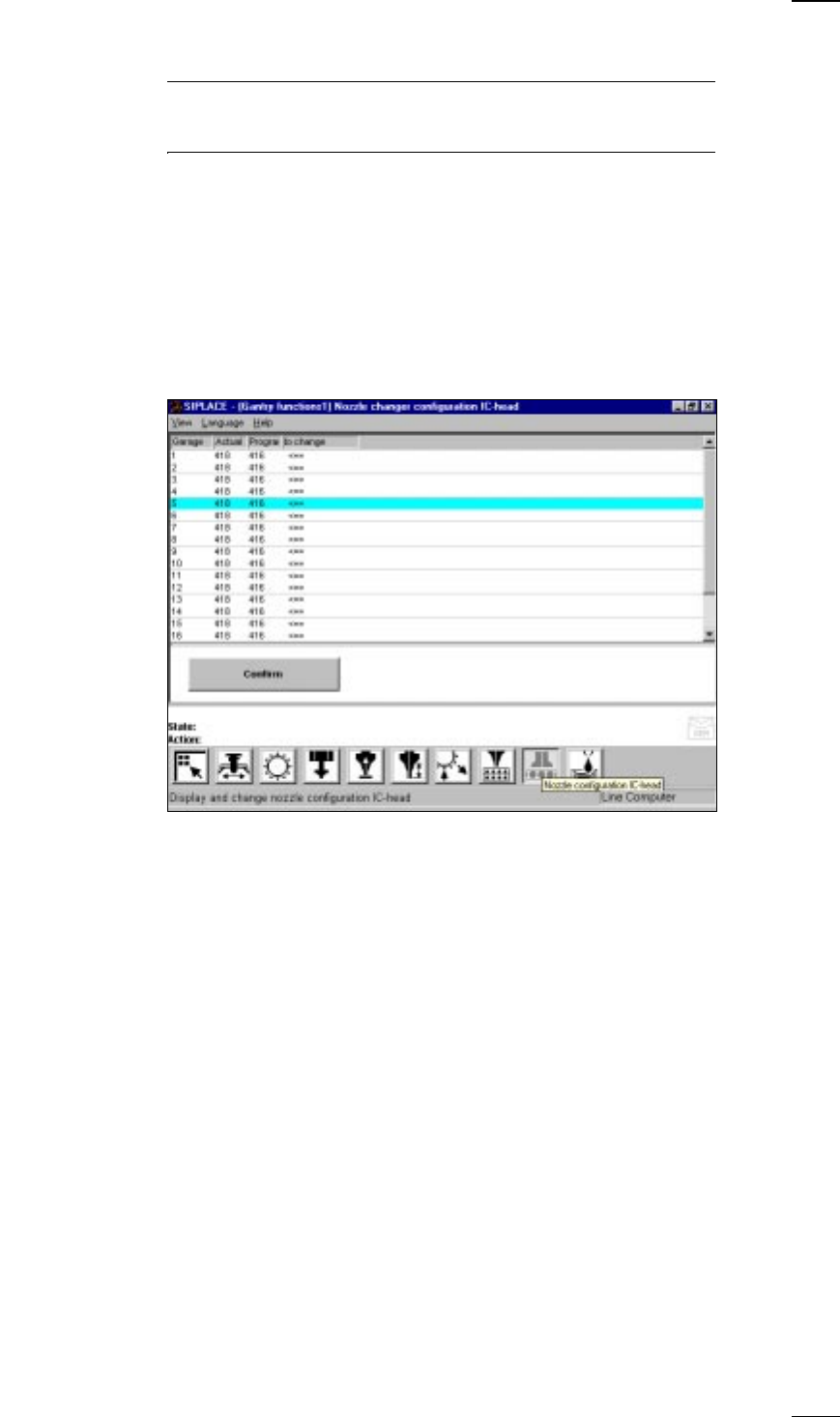
↑ UM 5.2.9 This menu is used for
– Accessing nozzle types
– Check nozzles in the IC head and
– Changing nozzles in the IC head
Program Setup specified in the line computer
To change The arrow indicates that the nozzle has to be changed.
Actual Current value at the nozzle changer
Confirm • Change the nozzle in the corresponding nozzle garage.
• Mark the corresponding nozzle with the cyan bar in the list field.
• Click on the Confirm button.
The programmed and actual values have to be identical.
In this way you can define up to 20 nozzles which will need to be
confirmed individually.
42
’Flux application’ menu
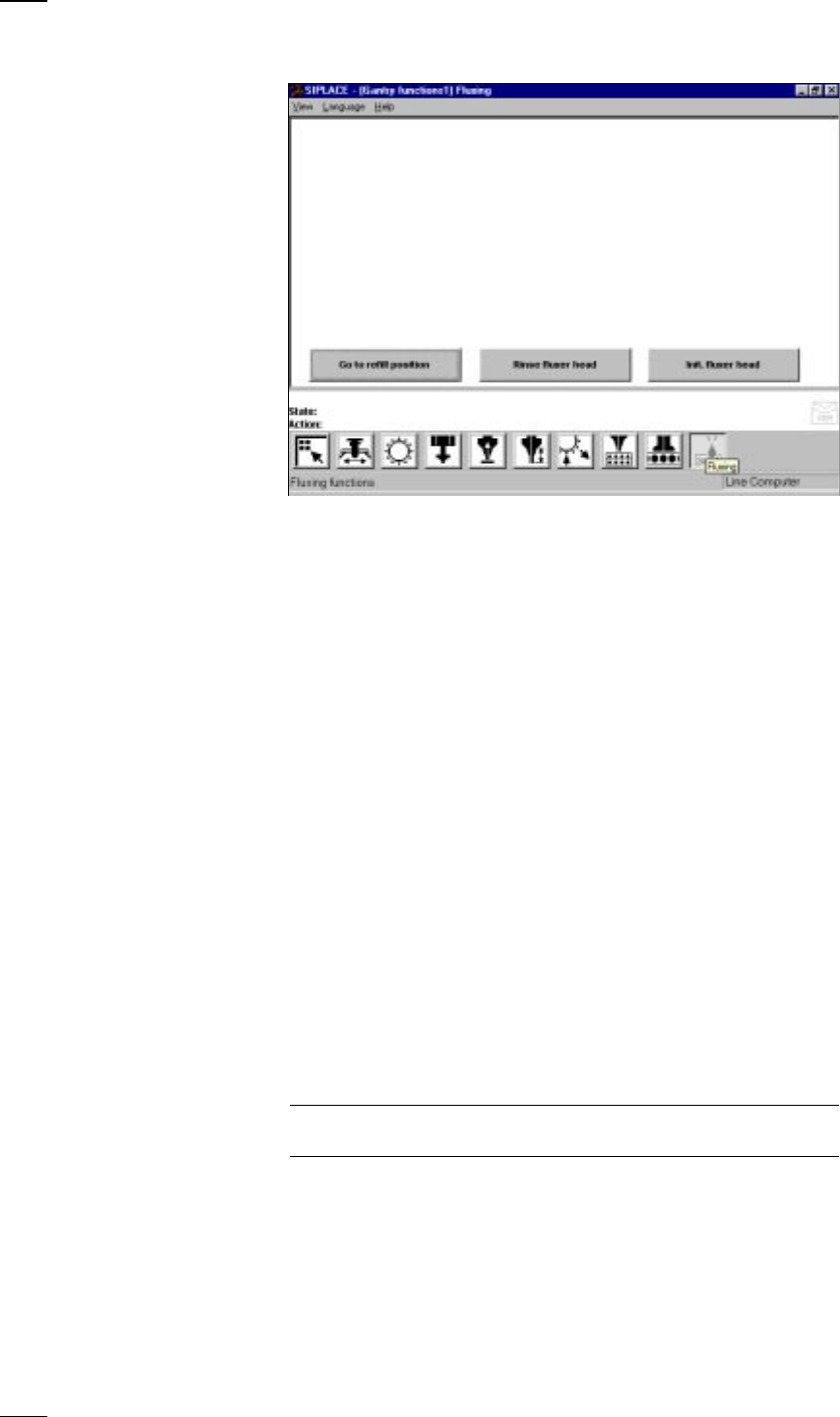
Go to refill Go to the refill position when you want to carry out the following
position activities:
– Replace syringe
– Refill flux
– Maintenance work on the flux applicator head
The soldering flux applicator head moves into the refill position when you
press the Start button
Rinse fluxer head Rinse the flux applicator head in order to remove any flux residues. This
will prevent hardening of the dispensing hose and the centering nozzle.
Init fluxer head The flux applicator head carries out a reference run.
’Feeders’ menu
↑ UM 4.3 The Feeders menu includes the following submenus for the 80F
4
place-
ment machines:
– Display empty tracks and set full (see page 23).
– Omit components (see page 23)
– Display trays and change inventory levels.
– Display linear feeders and vibrate (see page 24).
– Wafflepack changer
’Display trays and change inventory levels’ menu
↑ UM 4.3.3 In this menu you can display the inventory levels of flatpack magazines
and update the inventory levels of individual trays.
Update Click on this button and the current status of all flatpack magazines will be
inventory levels displayed.
NOTE
During the placement process itself the inventory levels are not updated.
↑ UM 5.2.10