00197203-02_IM_Taceability_3.5_en.pdf - 第4页
Inhaltsverzeichnis 4 Installation Manual SIPLACE Traceability 3.5
Inhaltsverzeichnis
Installation Manual SIPLACE Traceability 3.5 3
Table of Contents
1 Introduction 5
1.1 Symbols/Notes 5
2 Scope of Delivery 7
2.1 Software Requirements 7
3 Installation Traceability 9
3.1 Initial Configuration 9
3.2 Installing Traceability on the Station Computer 10
3.3 Uninstalling Traceability from the Station Computer 14
4 Installation of Trace Service and Monitor 15
4.1 System Requirements and Software Components for Traceability Modules 15
4.1.1 System Requirements for Trace Service 15
4.1.2 System Requirements for Trace Monitor 15
4.1.3 System Requirements for the SIPLACE Explorers Traceability Option 16
4.1.4 Software Components and Configuration 16
4.1.4.1 Software Components 16
4.1.4.2 Configuration 17
4.2 Trace Service 19
4.2.1 Installation 19
4.3 Trace Monitor 22
4.3.1 Installation 22
4.3.1.1 Installation Trace Monitor 3.5 22
4.3.1.2 Traceability Option - Installation Procedure 26
4.3.2 Troubleshooting 29
4.3.2.1 Port Configuration after Changing Tomcat Port Number 29
4.3.2.2 Collation conflicts when restoring database backup 29
4.3.2.3 Generating a Web site is denied 30
5 Uninstalling Trace Service and Trace Monitor 31
6 Upgrade 33
6.1 New database concept introduced from Traceability version 3.333
6.2 General steps for all Traceability versions 1.x /2.x 34
Inhaltsverzeichnis
4 Installation Manual SIPLACE Traceability 3.5
Introduction
Symbols/Notes
Installation Manual SIPLACE Traceability 3.5 5
1Introduction
Please read chapters 2 through 7 before you install SIPLACE Traceability 3.5.
Chapter 4 and chapter 5 describe the installation sequence for Traceability as well as the important in-
formation regarding the installation.
In case of an upgrade of older Traceability versions 1.x, 2.x to 3.x please read chapter 7 carefully.
Please note that in the software GUI you will find the terms Traceability Service and Trace Service as
well as Traceability Monitor and Trace Monitor as synonyms.
In this document the shorter terms Trace Service and Trace Monitor are used.
1.1 Symbols/Notes
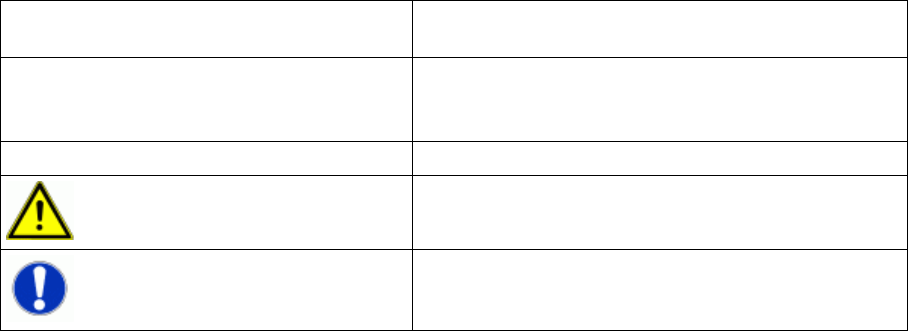
This document uses the following symbols and notes for your convenience.
Words in bold/italic print This text is a dialog, a dialog box, menu item or com-
mand.
Step … An installation step includes all the actions relating to a
specific dialog box. A dialog may be composed of sev-
eral actions ( → ).
► Requires an action (e.g. mouse click, open file)
Corresponds to a warning. This warning is critical for
successful operation.
Indicates explanatory information.