3OM-1011-001.pdf - 第14页
0305-001 1-1 Tg0859-PM-ER T able 3A1 1. Cause and Remedy of Simple T rouble 1. Cause and Remedy of Simple T rouble • In principle, the machine should be operated by only one person for troubleshooting. If there are more …

0305-001 1-B Tg0859-PM-ER
0305-001 1-1 Tg0859-PM-ER
Table 3A1
1. Cause and Remedy of Simple Trouble
1. Cause and Remedy of Simple Trouble
•
In principle, the machine should be operated
by only one person for troubleshooting.
If there are more than one, ensure good com-
munication by giving loud verbal instructions.
•
Troubleshoot the machine carefully, protect-
ing your hands from moving mechanisms
when the machine is powered up.
•
When the [OPERATION/SET UP] switch is
set to the "SET UP" side, it becomes pos-
sible to operate the machine with the main-
tenance cover open. Be sure to pay a spe-
cial caution while operating the machine.
WARNING
Vacuum Pressure System
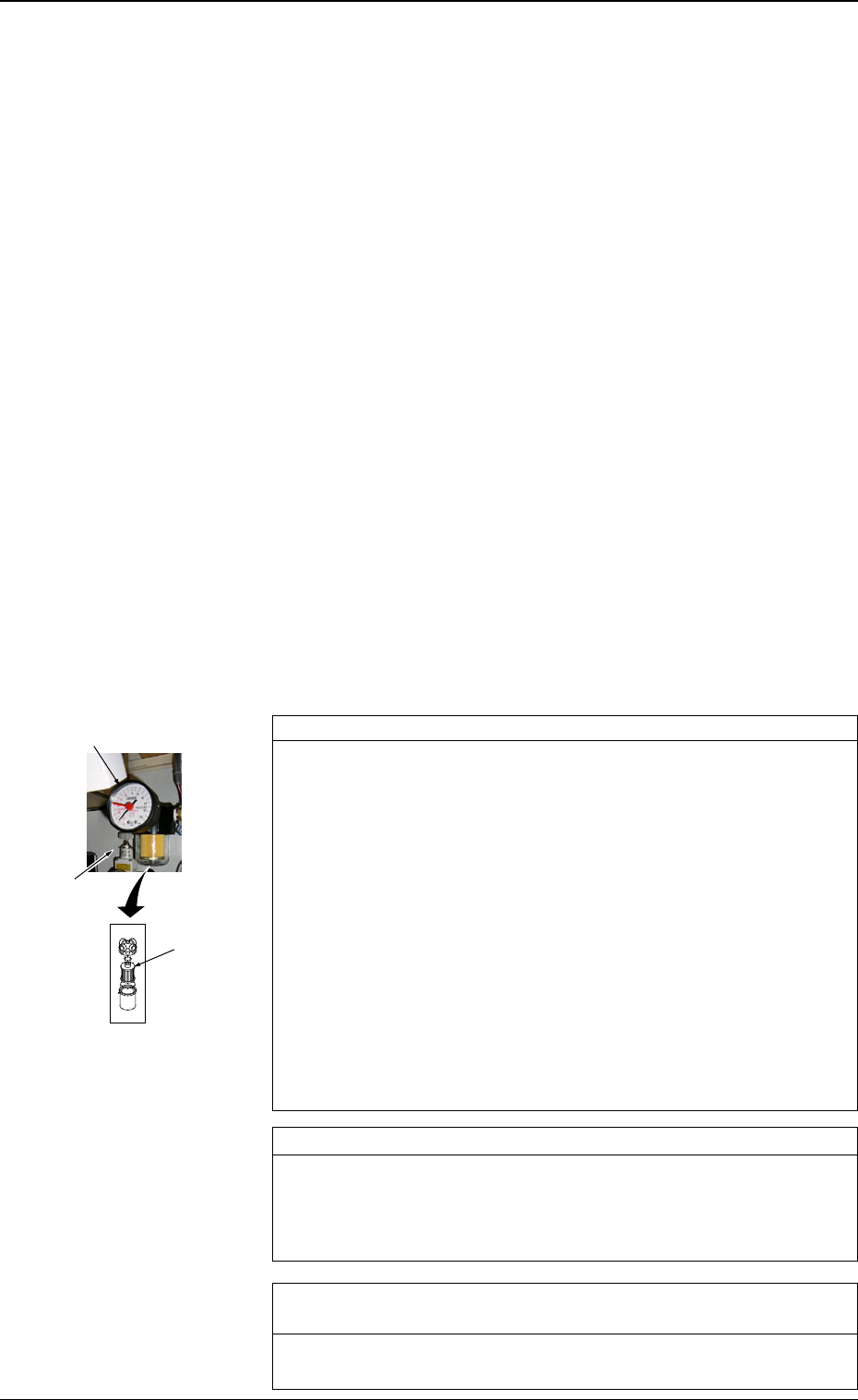
Check whether the vacuum pressure is correctly adjusted. *1
Set the operation mode to “PLACE” by pressing the [PASS/PLACE
CHANGE] key at the “AUTO OPN. SUB-MENU” display and turn
off all vacuum valves ([LA1-AXIS VACUUM/VACUUM BLOW],
[LA2-AXIS VACUUM/VACUUM BLOW], [LB1-AXIS VACUUM/
VACUUM BLOW], and [LB2-AXIS VACUUM/VACUUM BLOW]
Keys).
Confirm that “OFF” is set in the “STATUS” text boxes at the
“MANUAL SUBSYSTEM OPERATION” display.
Confirm that the vacuum pressure is -93 kPa (70 cmHg) or more
(Vacuum valve fully closed).
When the vacuum pressure is too low, it is required to replace the
vacuum pump with a new one.
Consult our sales personnel for the detailed information on how to
replace or repair the vacuum pump.
Check whether the vacuum pump is producing any abnormal sound. *2
Catch the sound of the vacuum pump and confirm that the sound is
not abnormal.
When abnormal sound is produced, consult our sales personnel for
the countermeasures.
Check whether the filter of the vacuum pump is stained or clogged.
*3
Refer to “Vacuum Pressure System” in “8. Maintenance (Every 3
Months) of Section 1 in Volume 4” and inspect the filter.
1.1 Confirmation and Countermeasures against Low
Component Pick-Up Rate
1.1.1 Confirmation of Low Component Pick-Up Rate (Handling
Errors)
• Before confirming each item, check the following management information
and grasp the contents, the frequency, and the trend of pick-up errors.
(1) Machine Performance Data and Component Pick-Up/Placement In-
formation in Management Data
(2) Nozzle Management Data in Management Data
(3) Head Management Data in Management Data
(4) Handling Error per Feeder Location in Pattern Program Management
Data
(5) Recall Handling Error
(6) Recall Component Recognition Error
Refer to “4. RECALL MESSAGES of Section 3 in Volume 4” for the de-
tailed information on (1) through (4).
Refer to “3. MANAGEMENT DATA Display of Section 3 in Volume 4”
for the detailed information on (5) and (6).
1.1.2 Countermeasures against Frequent Pick-Up Errors
0305-001 1-2 Tg0859-PM-ER
1.1 Confirmation and Countermeasures against Low Component Pick-Up Rate
Fig. 3A1
*1
*3
*2