00198051-02_IM_SetupCenter_8.1_EN.pdf - 第42页
Setup Center Application Installation Setup Verification and Traceability Activation 5.3.1 Installing 42 Installation Manual SIPLACE Setup Center 8.1 Step 7 Overview of the settings ► Here you will see the overview of th…
Setup Center Application Installation
5.3.1 Installing Setup Verification and Traceability Activation
Installation Manual SIPLACE Setup Center 8.1 41
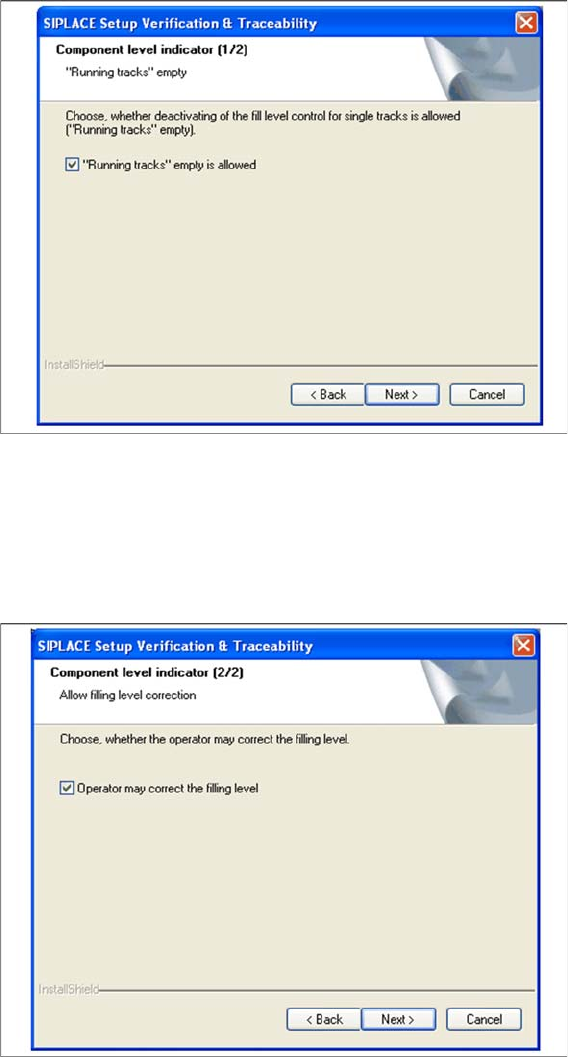
Setup 5b Fill Level Control (2)
► If the filling level correction should be allowed, activate the checkbox Operator may correct the filling
level. After that the operator may correct the filling level. Otherwise only the user with the right
"LineEngineer" and higher can correct the filling level.
► Click Next to continue.
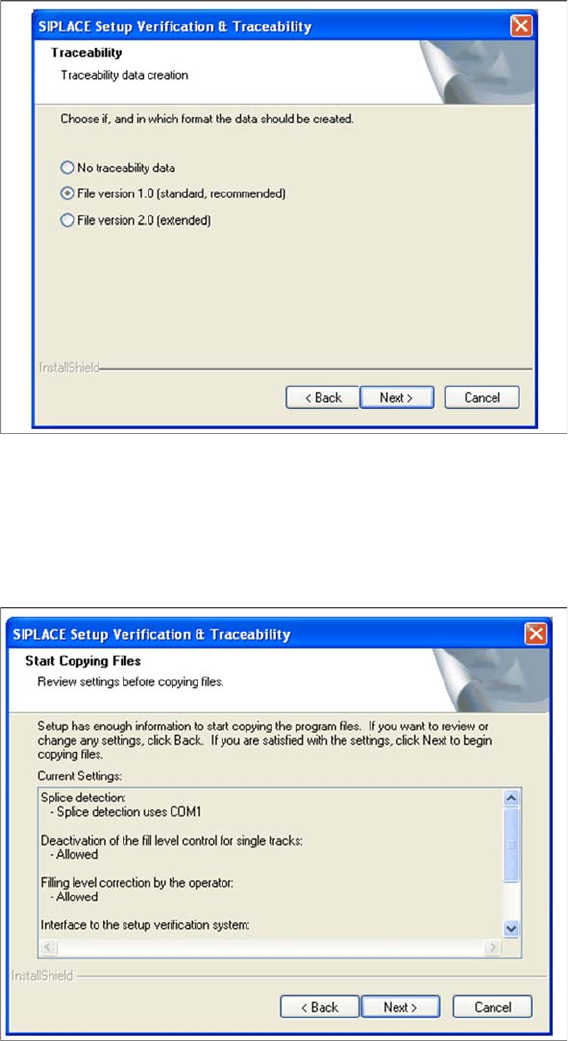
Step 6 Traceability
► Here you can choose whether the Traceability Data should be created.
► Furthermore you can select the File version 1.0 for standard TRC file or the File version 2.0 for ex
-
tended TRC file.
► Click Next to continue. Wait until the next dialog box appears. It can be take a few minutes.
Setup Center Application Installation
Setup Verification and Traceability Activation 5.3.1 Installing
42 Installation Manual SIPLACE Setup Center 8.1
Step 7 Overview of the settings
► Here you will see the overview of the settings.
► Click Back to review or change the settings.
► Click Next to continue the installation.
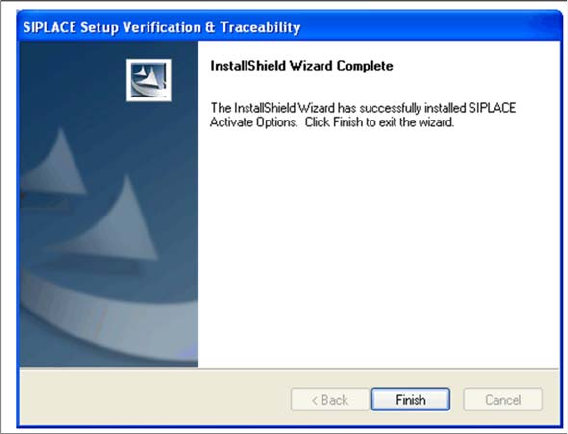
Step 8 Finishing the installation
► Click Finish to end the installation.
Setup Center Application Installation
5.3.1 Installing Setup Verification and Traceability Activation
Installation Manual SIPLACE Setup Center 8.1 43