SmartGUI Overview_1.5.0.12 Official Release (Dec 2021).pdf - 第3页
Copyright © ViT rox All Rights Reserved . Recommended HostLink PLC version MiniGUI V ersion: 2.2.0.2G V510 GUI with Hostlink: 1.04.08F **Smart GUI & Hostlink PLC not supported for machine platform which not listed in…
Copyright © ViTrox All Rights Reserved.
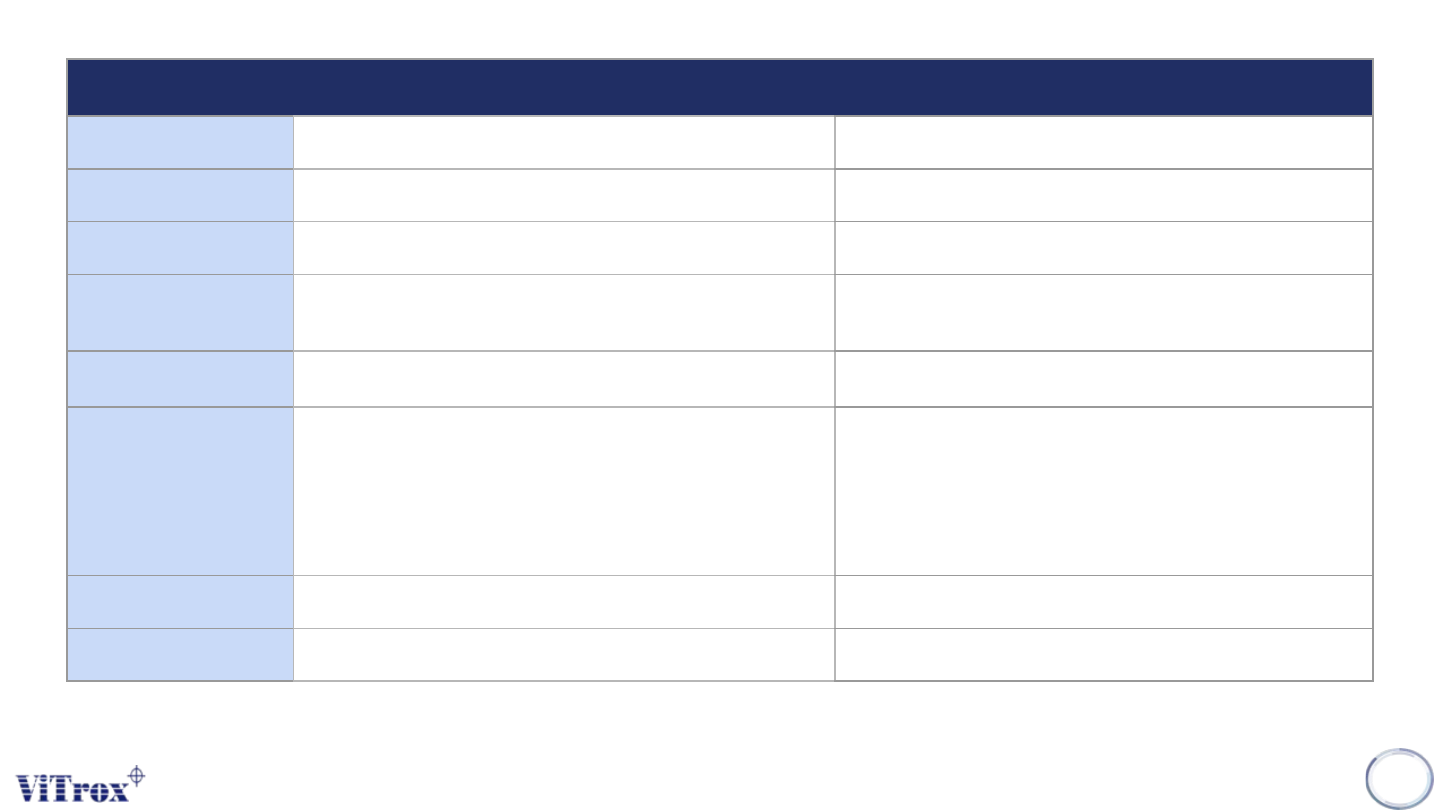
Minimum Machine & PC Specifications
Hardware Specification
Workstation AOI System 12MP AOI OLP/NOLP
Processor Intel Core i7 (6C/12T) or above Intel Core i5 or above
Operating System Microsoft Windows 10 (64-bit) or above Microsoft Windows 10 (64-bit) or above
Software
Visual C++ Redistributable 2010, 2013, 2015 Runtime
.NET Framework 4.6.2 and above
Visual C++ Redistributable 2010, 2013, 2015 Runtime
.NET Framework 4.6.2 and above
Memory Minimum 32GB RAM or above Minimum 16GB RAM or above
Graphic Card
GPU Accelerated:
Nvidia Graphics Card with 8GB VRAM (GPU RAM)
Nvidia Driver Version :
436.30 and above for RTX10/20 Series
471.11 and above for RTX30 Series
**Dual graphics card (8*2=16GB)
GPU Accelerated:
Nvidia Graphics Card with 8GB VRAM (GPU RAM)
Nvidia Driver Version : 436.30 and above
Hard Disk Minimum 1 TB and above Minimum 240GB and above
Feature SmartG, AI Programming 2.0 SmartG, AI Programming 2.0 (Soft license Key only)
● Smart GUI can be supported on 12MP 3D AOI as long as fulfilling the specs above.
● Database is non-backward compatible after user upgrade from old GUI to Smart GUI software.
● **User may upgrade to Gen 10 IPC and dual graphic card for optimized performance to support SMART GUI and AI Programming 2.0.
● **User may upgrade vision module from 4MP to 12MP 3D AOI in order to get better 3D construction & support Smart GUI.
Copyright © ViTrox All Rights Reserved.
Recommended HostLink PLC version
MiniGUI Version: 2.2.0.2G
V510 GUI with Hostlink: 1.04.08F
**Smart GUI & Hostlink PLC not supported for machine platform which not listed in the table.
● Anyway ViTrox will re-assess the machine again if any upgrade is required prior to installation.
3
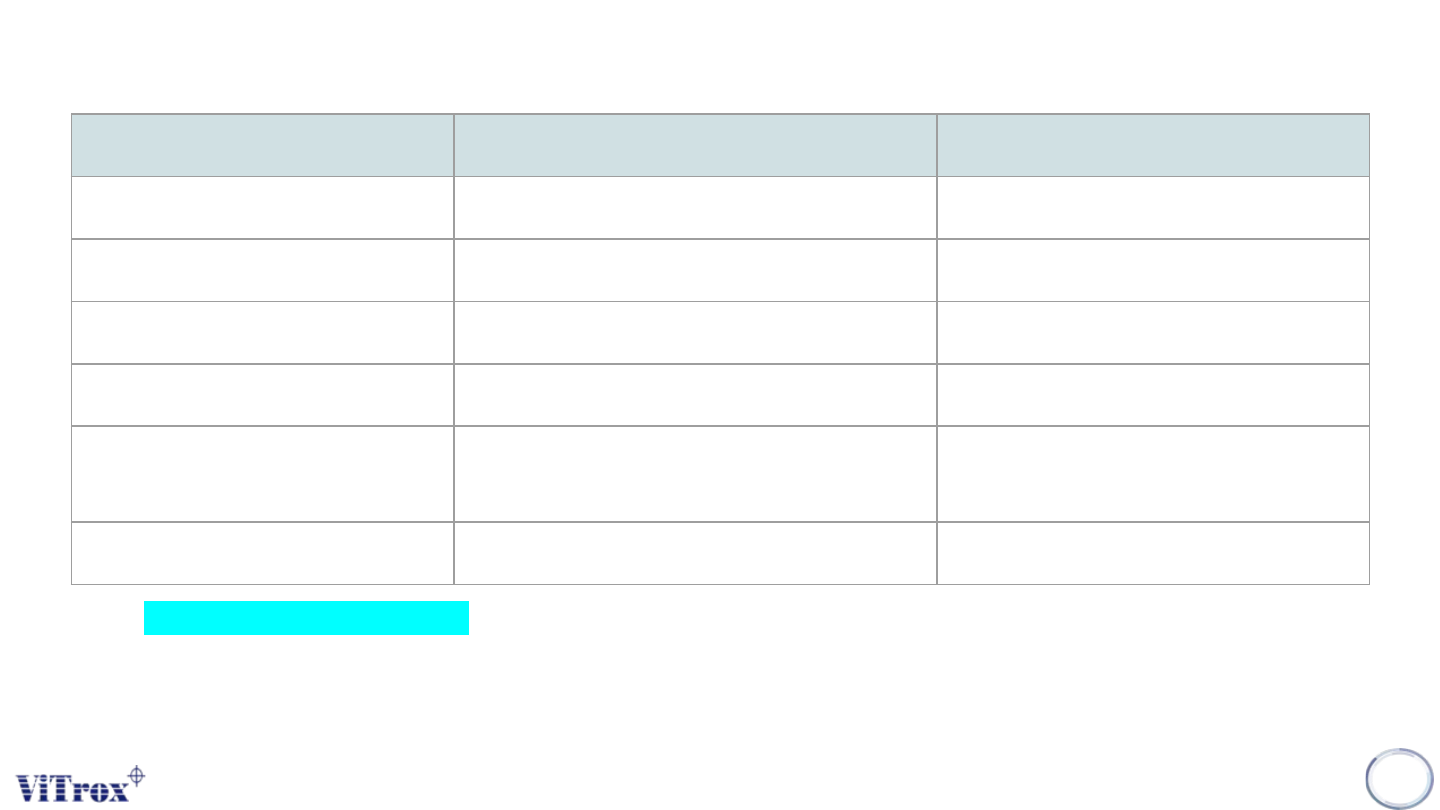
AOI Machine Platform Minimum HostLink PLC version Official Release
3D Standard Optimus R12A_1200_0000 R12A_1200_0005
G2S Single Lane (CP1E) R21A_2100_0000 R21A_2100_0000
3D SE R97A_2000_0000 R97A_2000_0010
3D XL R96A_1900_0000 R96A_1900_0003
3D XLW R95A_1600_0000(optical stop) /
R95A_1600_1000 (pneumatic stop)
R95A_1600_0000 /
R95A_1600_1000
3D XXL R14A_1400_0000 R14A_1400_0003
Copyright © ViTrox All Rights Reserved.
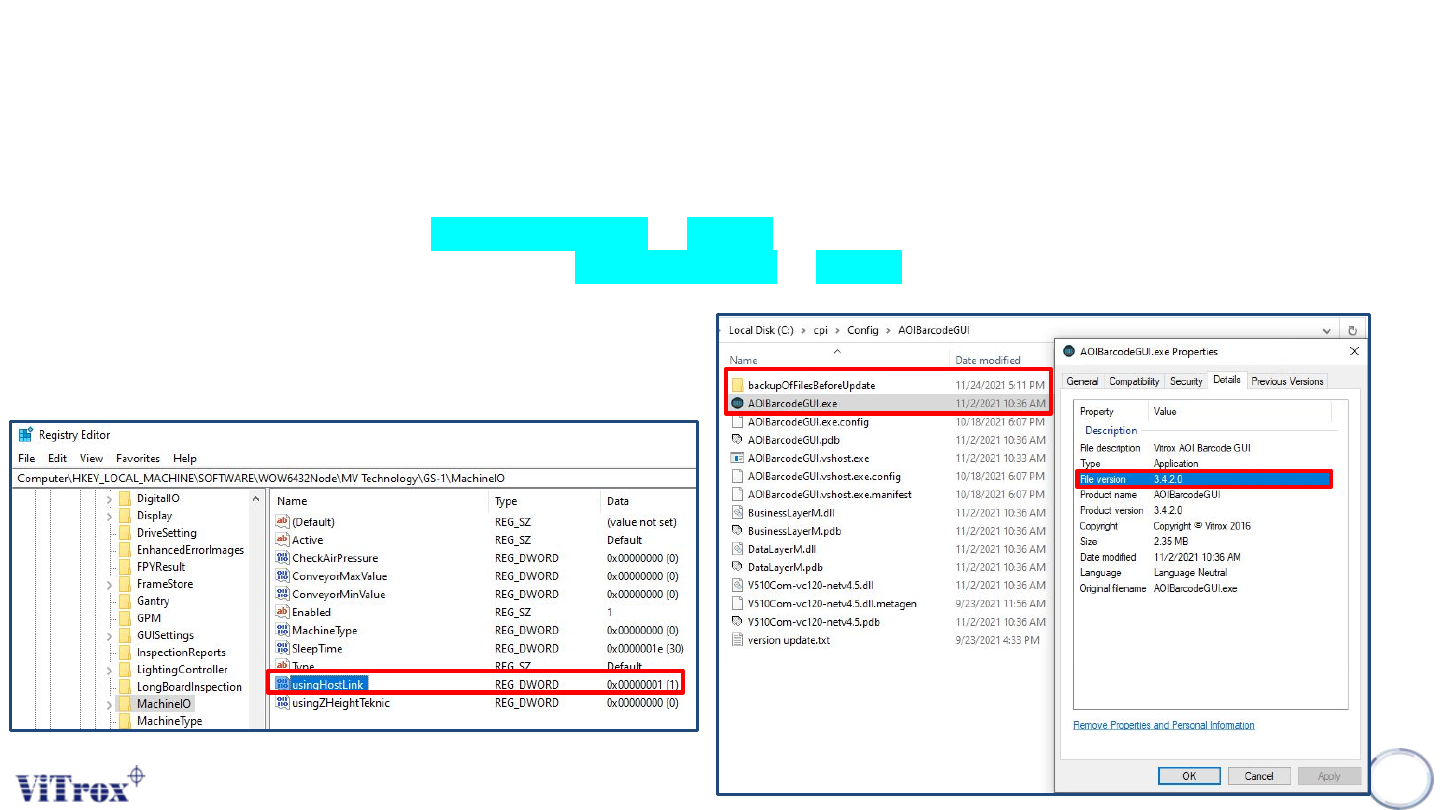
Major Updates in Smart GUI Installer
❖ Install 1.5.0.12 Smart GUI in C:\Program Files (x86)\V510 Series\V510 folder.
❖ HKEY_LOCAL_MACHINE\SOFTWARE\WOW6432Node\MV
Technology\GS-1\MachineIO\usingHostLink set to 1.
❖ Replace C:\cpi\Config\AutoImgUploader to 1.5.3.3.
❖ Backup and replace C:\cpi\Config\AOIBarcodeGUI to 3.4.2.0.
4