00194335-02.pdf - 第32页
2 Retrofit instructions Coplanarity module - SIPLACE HF ser ies Coplanarity module 10/2004 Edition 32
Coplanarity module 2 Retrofit instructions Coplanarity module - SIPLACE HF series
10/2004 Edition
31
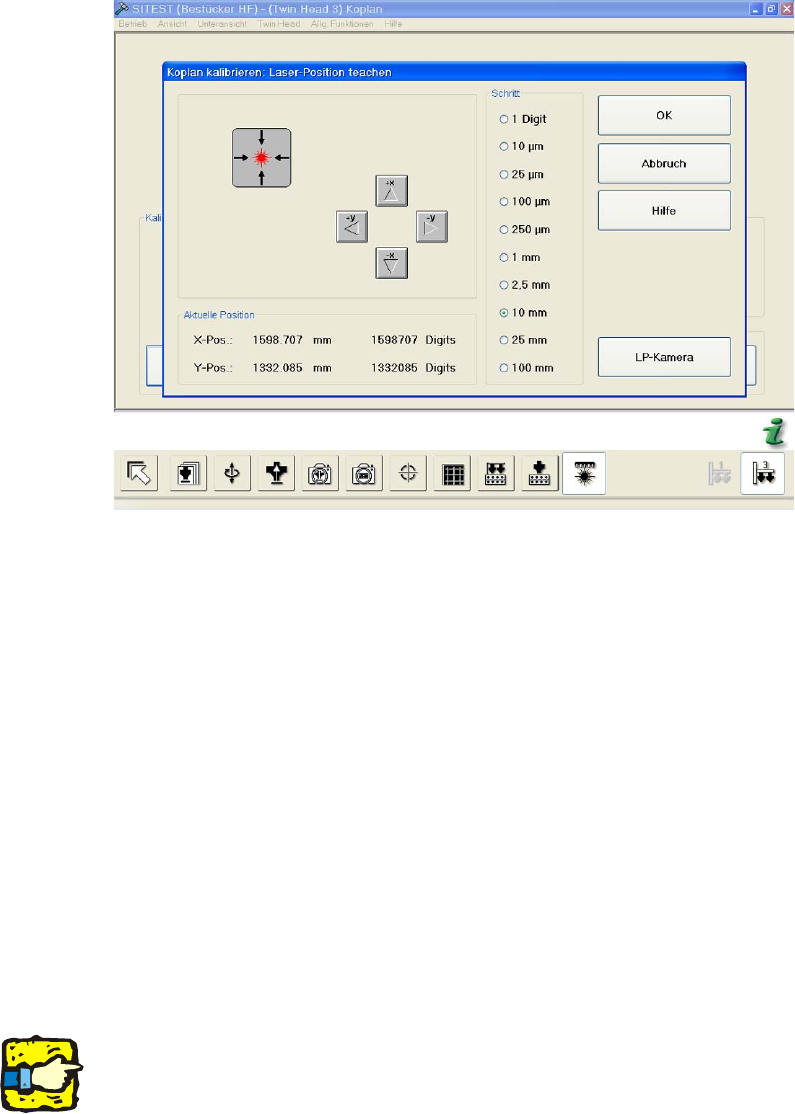
: Insert the calibrating part (when you are prompted to do so) and start the calibration.
2
: Press OK to confirm.
The calibration takes approx. 7 minutes. 2
: Save the machine data.
: Exit the SITEST program.
2.5 Changes in SIPLACE PRO
: Enter the coplanarity module in the set-up.
: Start the "Package form editor" button and press the button "Coplanarity" in the menu "Basic
handling".
: In the PCB editor, set the thickness for the solder paste accordingly.
2
2
Solder paste thickness: 2
This value must be entered here to ensure that the solder paste thickness is taken into account
during lead measurement with the Coplanarity Module command.
This makes sure that all leads reach the solder paste after measurement and are not recognizes
as "deficient". 2
2 Retrofit instructions Coplanarity module - SIPLACE HF series Coplanarity module
10/2004 Edition
32