Application Backflush 1-0 to SAP Data Converter.pdf - 第42页
2 Installation instructions for the Backflush 1.0 to SAP Data Converte r application Application 04/2006 Edition 42 Step 4: 2 Once the installation is co mplete, rest art the computer . 2 2 2 Step 5: 2 After inst allatio…
Application 2 Installation instructions for the Backflush 1.0 to SAP Data Converter application
04/2006 Edition
41
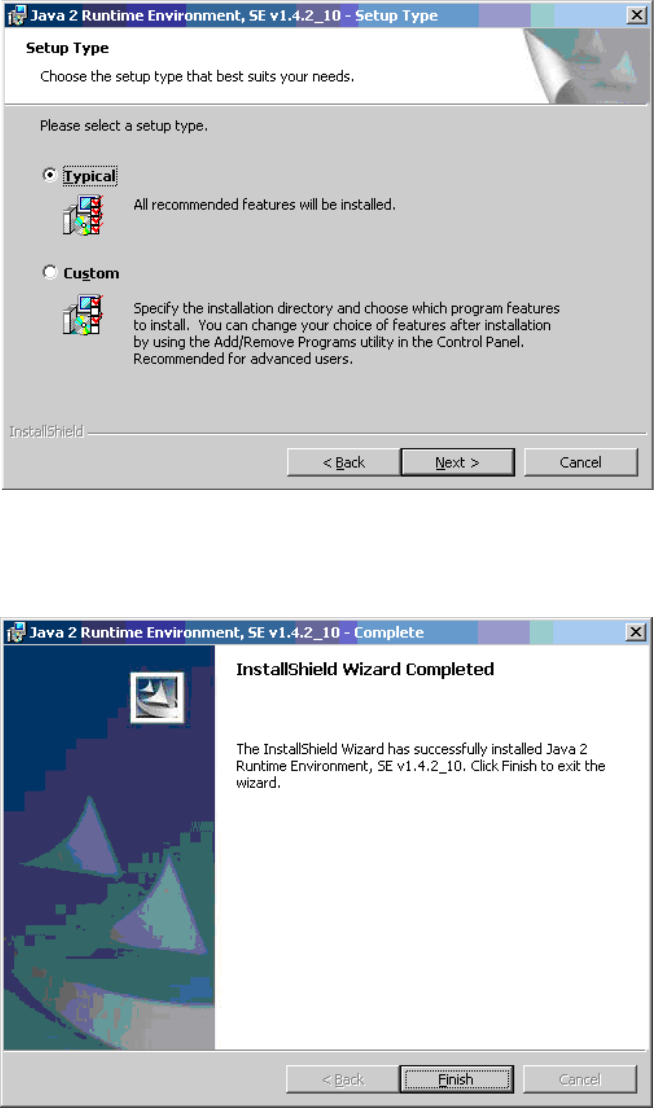
Step 2: 2
Now select the installation location. We recommend the Typical install. 2
2
Step 3: 2
Once the installation is complete, the following screen appears. 2
2
Click on Finish to close this window. 2
2 Installation instructions for the Backflush 1.0 to SAP Data Converter application Application
04/2006 Edition
42
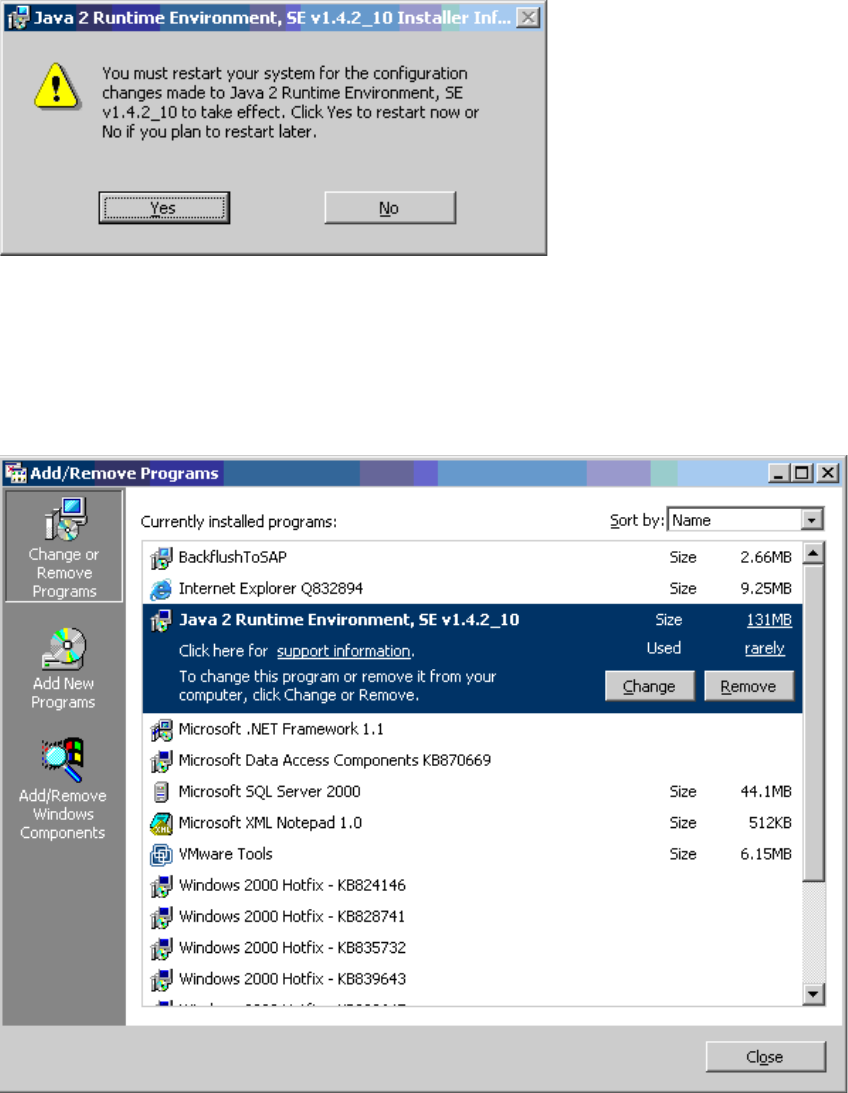
Step 4: 2
Once the installation is complete, restart the computer. 2
2
2
Step 5: 2
After installation, the Java 2 Runtime Environment is listed under Start /Settings/Control Panel/
Add –Remove Programs. 2
2
2
Application 2 Installation instructions for the Backflush 1.0 to SAP Data Converter application
04/2006 Edition
43
2.8.2 Installing the Backflush program
– Problems with special language characters have required the Explorer Backflush option to be
upgraded. This upgraded version can also be found on the CD.
– This is version 1.0.22.
– This version of Backflush must be loaded onto the SIPLACE Explorer computer to ensure that
the Backflusher conversion tool has consistent data.
2.8.3 Installing the Backflusher application
To start the installation, either use Autostart and simply insert the setup CD or start it directly by
running the "setup.exe" file. In the latter case, there is no check to ensure that the correct version
of Backflush (see above) was loaded onto the SIPLACE Explorer computer. This cannot be im-
plemented due to the possible network configuration. 2
2
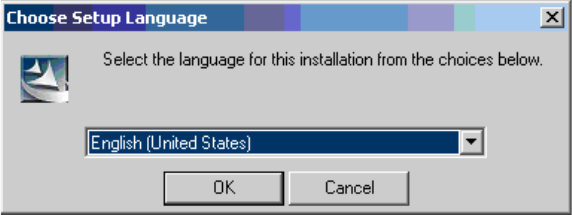
Step 1: 2
The starting window appears and you are prompted to select the language: 2
2
2
This language selection relates only to the program setup and not to the actual program. 2