Application Backflush 1-0 to SAP Data Converter.pdf - 第53页
Application 2 Installation instructions for the Backflush 1.0 to SAP Data Converter application 04/2006 Edition 53 2.) Process overview 2 Once the tool has started suc ce ssfully , the process appears in the process o ve…
2 Installation instructions for the Backflush 1.0 to SAP Data Converter application Application
04/2006 Edition
52
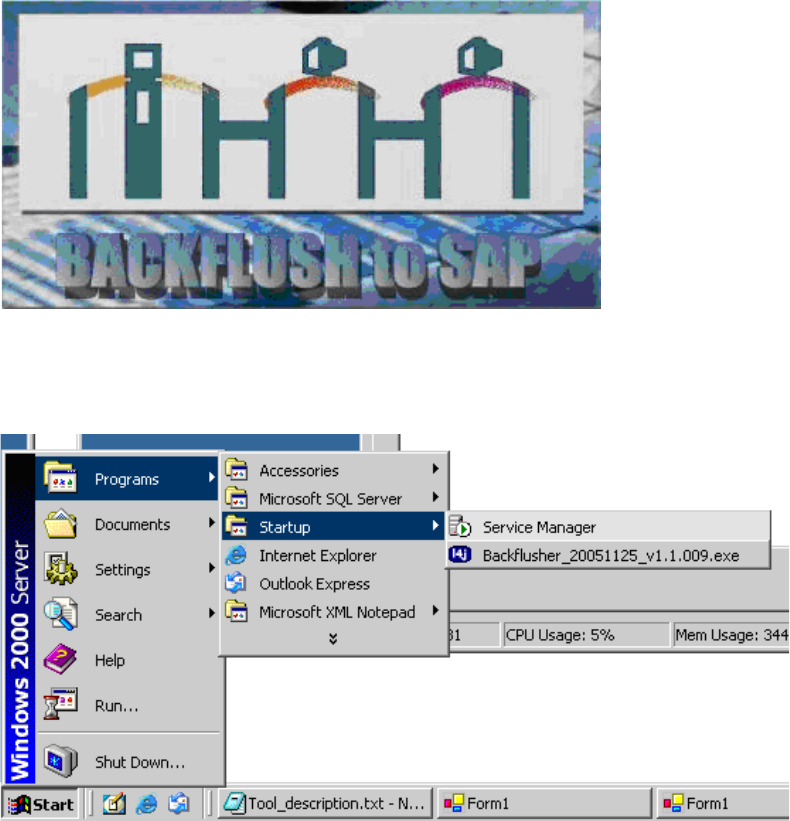
The Backflush program thus appears when the computer is started up and a user logs on. 2
2
2
It can also be started via the menu. 2
2
2
2
2
2
2
2
2
2
2
Application 2 Installation instructions for the Backflush 1.0 to SAP Data Converter application
04/2006 Edition
53
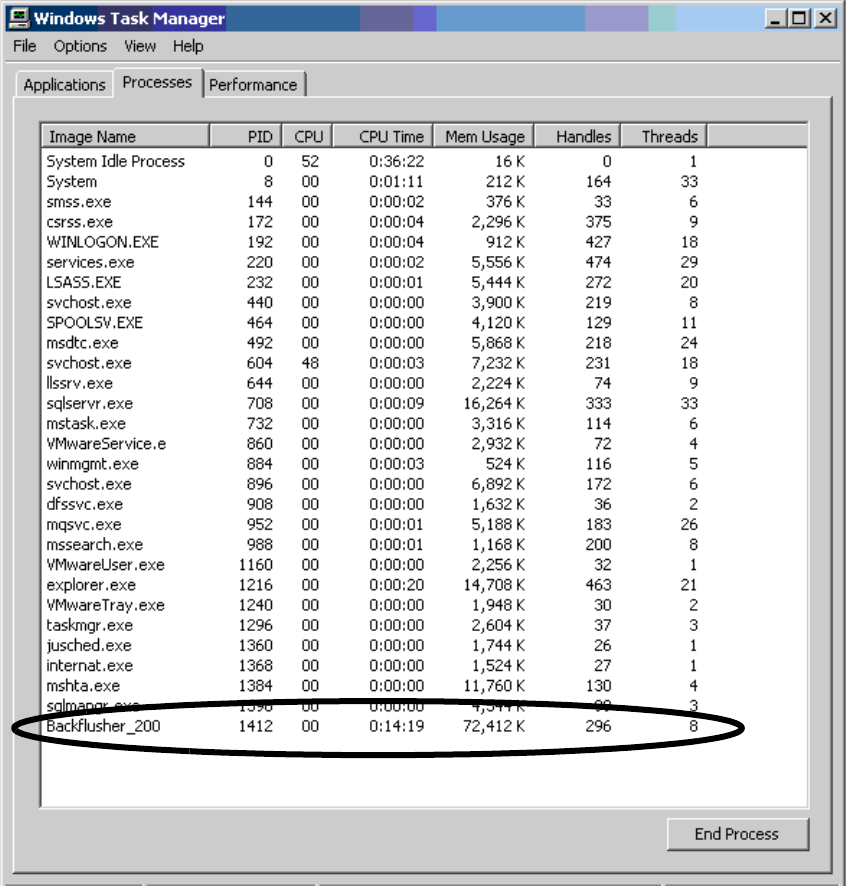
2.) Process overview 2
Once the tool has started successfully, the process appears in the process overview. This process
overview can be started with Crtl-Shift-ESC. 2
2
3.) Directory overview 2
If the program is installed without changing the path, then: 2
– The program and the settings file can be found at C:/Program Files/Siemens SIPLACE/Back-
flushToSAP.
– The log files (for both the start phase and the ongoing processing) are stored under C:/Pro-
gram Files/Siemens SIPLACE/BackflushToSAP/log.
2 Installation instructions for the Backflush 1.0 to SAP Data Converter application Application
04/2006 Edition
54
2.10 Restrictions
– The administrator is responsible for ensuring that the memory allocation on the server is not
exceeded.
– It is important that every user who logs onto the server runs the Backflush program when they
start up. This can lead to multiple instances of the program under the same program name -
which can cause problems.
– If the error message Java 1.4.0 was not found is output when the computer is started, then the
Java Environment has not been installed.
– If the application is canceled while files are being processed, there may be an inaccuracy in
the report file which corresponds exactly to the content of a Backflush file.
– Only Java versions 1.4.2 and 1.5.0 are supported.
– Only backflush file version: 1.0.3 in Board/Stations mode is supported.
– Performance agreements cannot be guaranteed if the backflush files have to be fetched from
a network drive or the report files have to be written to network drives.
2