Formflex Manual.pdf - 第26页
MACHINE PROGRA MMING FORMF LE X SET UP Chapter Issue 4 Jun 04 FormFlex Tooling M anual 2.3 16. Select Vision Height (F3), the foll owing message ‘T able at V ision Height . Check T ooling Clea rance’ is displ ayed. 17. S…
2.2 FormFlex Tooling Manual Chapter Issue 4 Jun 04
MACHINE PROGRAMMING
FORMFLEX SETUP
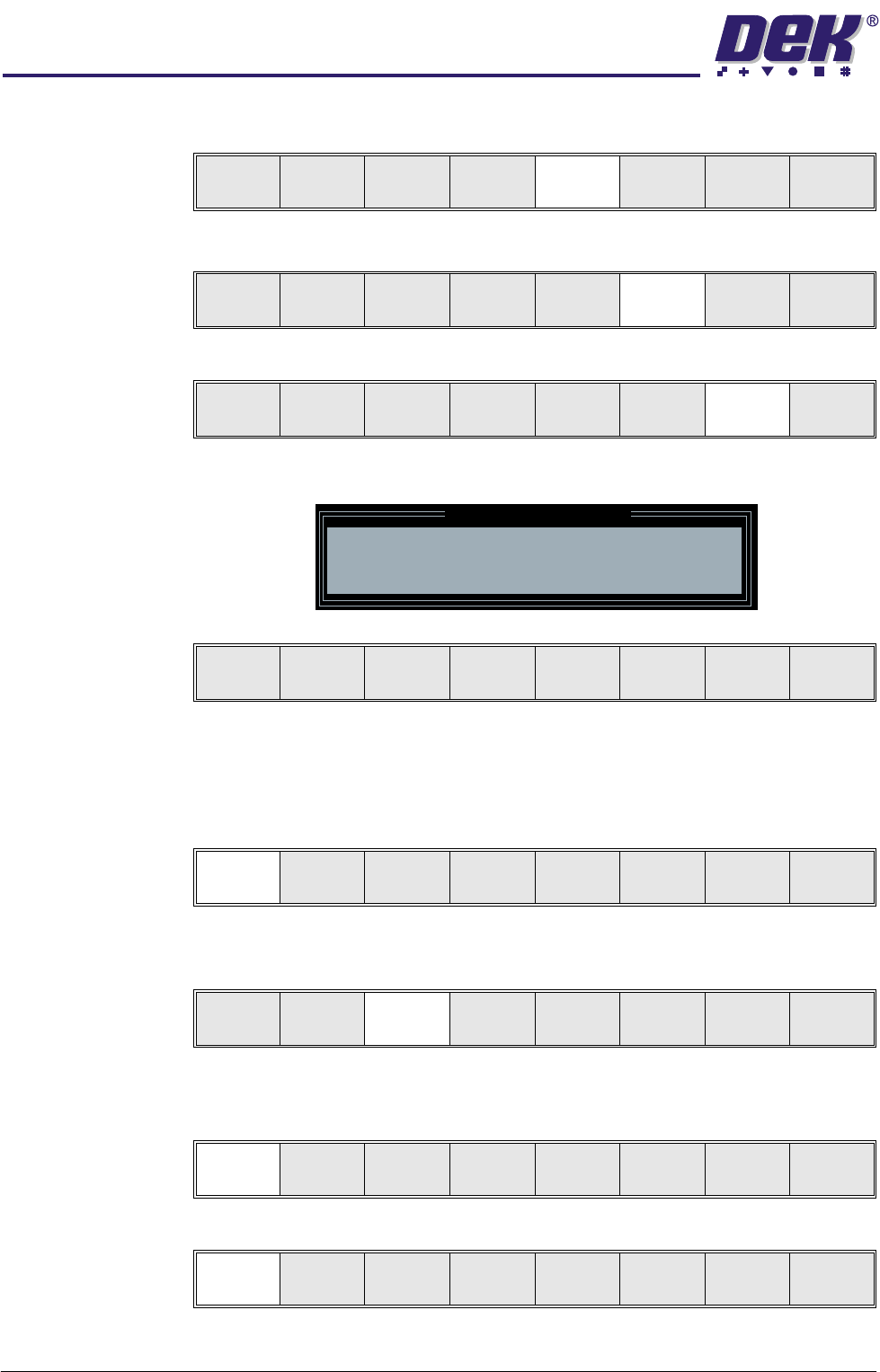
8. Select Change Screen (F5).
9. Select Change Tooling (F6).
10.Select Generic Tooling (F7).
The following window and menu bar are displayed:
NOTE
If contaminated squeegees are fitted, these should be removed at this point.
11. Select Continue (F1). The print carriage travels to the rear of the machine
and the following message is displayed ‘Table at Home Height’.
12.Select Transprt Height (F3), the message ‘Table at Transport Height’ is
displayed.
13.Place a board at the input sensor of the upline conveyor.
14.Select Load (F1).
15.Select Auto Board (F1).
Mode
Load
Data
Edit
Data
Setup
Squeegee
Change
Screen
Change
Too lin g
Change
Language
Exit
Mode
Load
Data
Edit
Data
Setup
Squeegee
Change
Screen
Change
Tooling
Change
Language
Exit
Adjust
Raise
Head
Remove
Cleaner
Board
Stop
Full
Width
Load
Width
Generic
Tooling
Exit
Generic Tooling Warning
WARNING Paste may drip into the machine
Remove Squeegees NOW
Continue
Open
Cover
No
Continue
Open
Cover
No
Load
Transprt
Height
Board
Clamp
Change
Screen
Raise
Head
Exit
Load
Vision
Height
Home
Height
Board
Clamp
Change
Screen
Raise
Head
Exit
Auto
Board
Manual
Board
Exit
MACHINE PROGRAMMING
FORMFLEX SETUP
Chapter Issue 4 Jun 04 FormFlex Tooling Manual 2.3
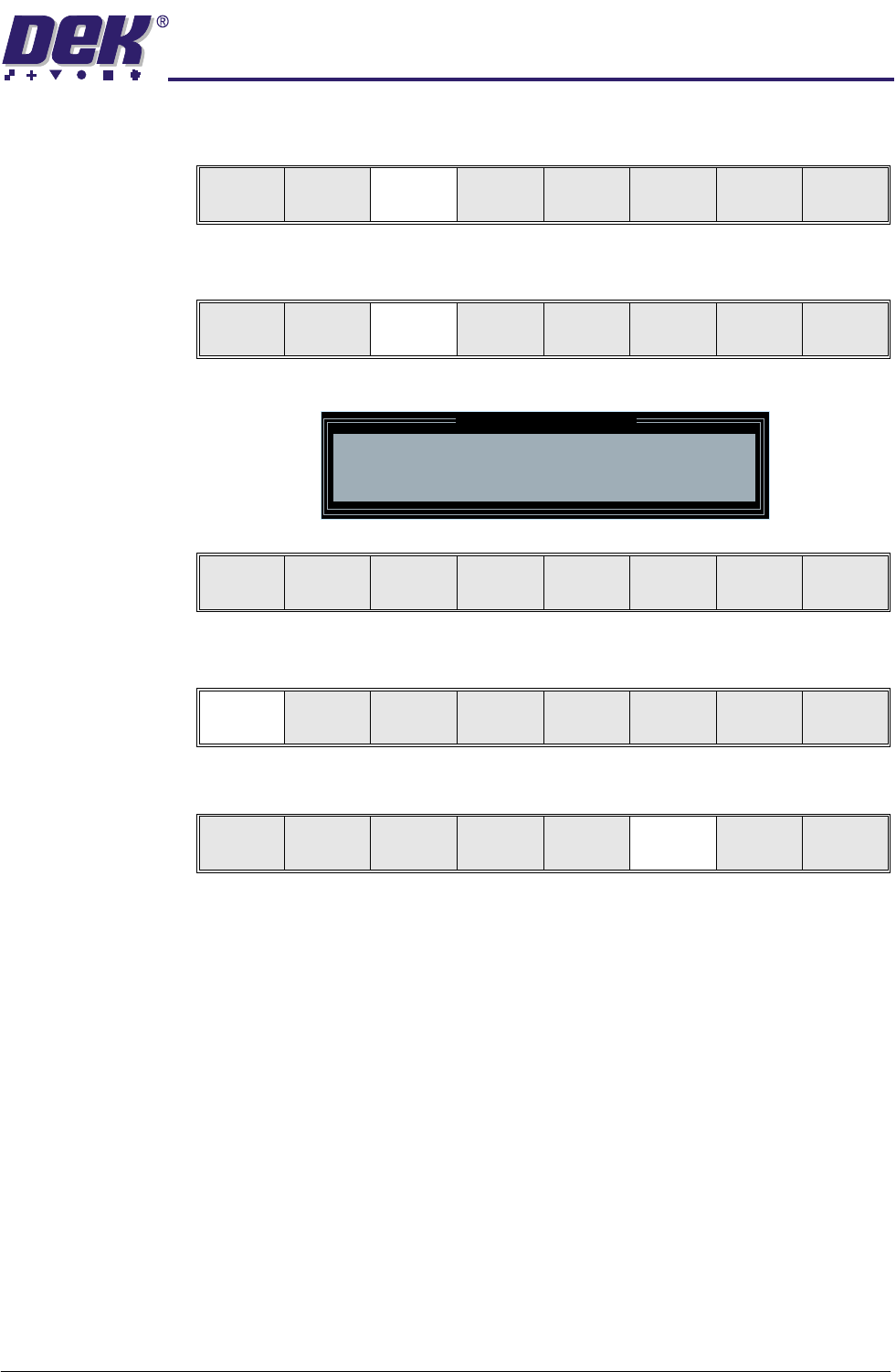
16.Select Vision Height (F3), the following message ‘Table at Vision Height.
Check Tooling Clearance’ is displayed.
17.Select Contact Height (F3).
The following window and menu bar are displayed:
18.Select Continue (F1), the following message ‘Table at Contact Height.
Check Tooling Clearance.’ is displayed.
19.Select Open Cover (F6).
20.Open the printhead cover.
NOTE
To open the printhead cover on an Infinity machine, press the E Stop button.
Unload
Vision
Height
Home
Height
Board
Clamp
Change
Screen
Raise
Head
Exit
Unload
Contact
Height
Tra ns pr t
Height
Change
Screen
Raise
Head
Exit
Contact Height Warning
WARNING Check for obstructions between
the Rails and the Screen
Continue
Open
Cover
Exit
Continue
Open
Cover
Exit
Continue
Open
Cover
Exit
2.4 FormFlex Tooling Manual Chapter Issue 4 Jun 04
MACHINE PROGRAMMING
FORMFLEX SETUP
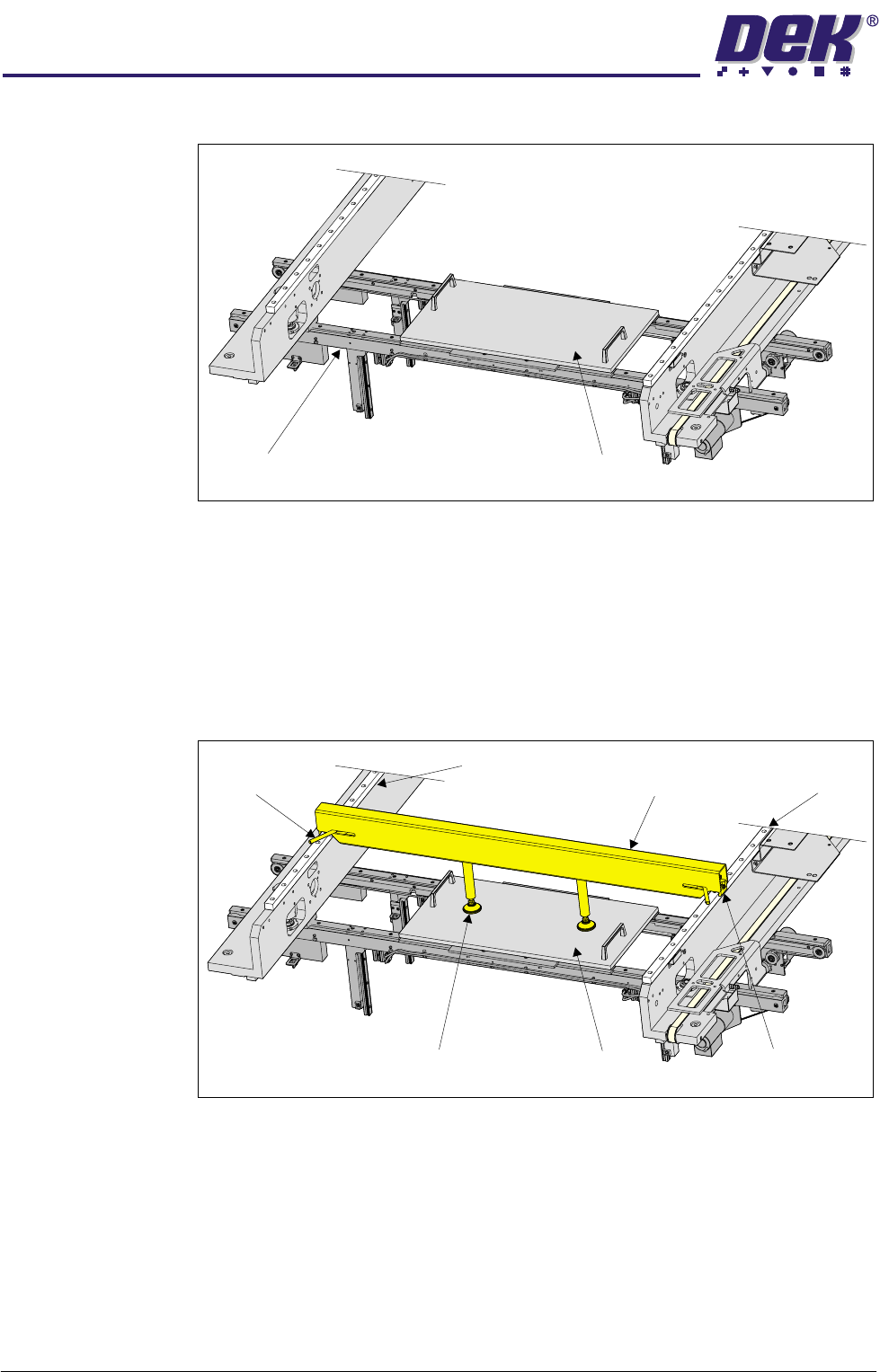
21.Place the FormFlex setup plate centrally over the tooling modules and rails.
22.Before fitting the downhold mechanism, ensure that both;
a. locking levers are in the unlocked position (both levers pointing towards
the centre of the downhold mechanism) and
b. downhold feet are screwed in (clockwise), unless preset in production.
23.Place the downhold mechanism centrally (in the X direction) over the setup
plate with the locking mechanisms fitted over the left and right linear guide
rails.
24.Operate both locking levers outwards from the centre of the downhold
mechanism, clamping the downhold mechanism to the linear guide rails.
25.Screw both downhold feet down onto the setup plate, hand tight, unless
preset in production.
Transport Rails Setup Plate
Left Linear
Guide Rail
Right Linear
Guide Rail
Downhold
Mechanism
Locking Lever
(in 2 positions)
Setup PlateDownhold Feet
Locking Mechanism
(in 2 positions)