00197191-02_IM_SIPLACE_Pro_10.1_EN.pdf - 第53页
5 Installation of SIPLACE Pro Language Pack Installation Manual Edition 09/2012 SIPLACE Pro 10.1 51 5 Fig. 5.1 - 4 "Select Languages" dialog box Click Next . Y ou are prompted to the following dialog box. The…
Installation Manual 5 Installation of SIPLACE Pro Language Pack
SIPLACE Pro 10.1 Edition 09/2012
50
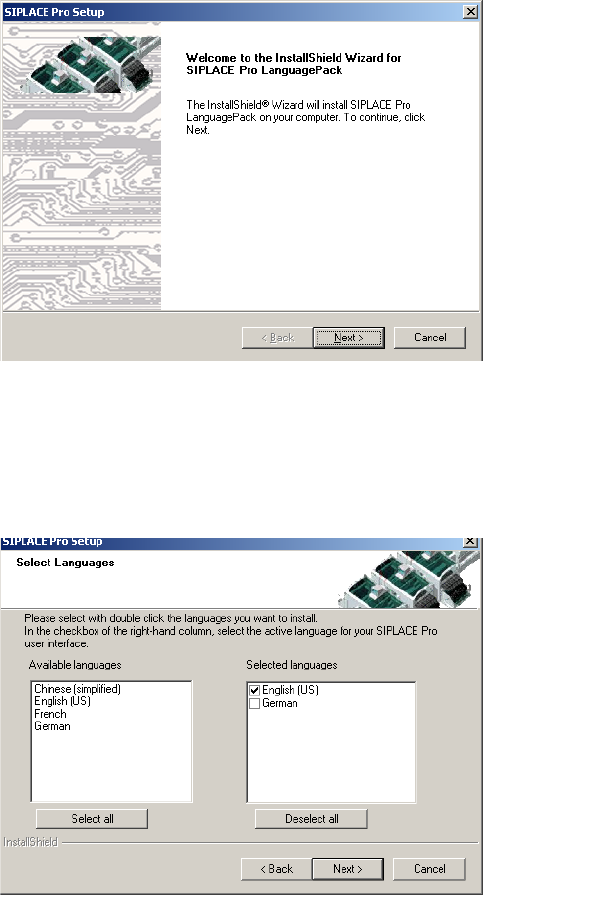
The data is loaded and then you are presented with a welcome message.
5
Fig. 5.1 - 2 InstallShield Wizard dialog box for SIPLACE Pro Language Pack
Click Next.
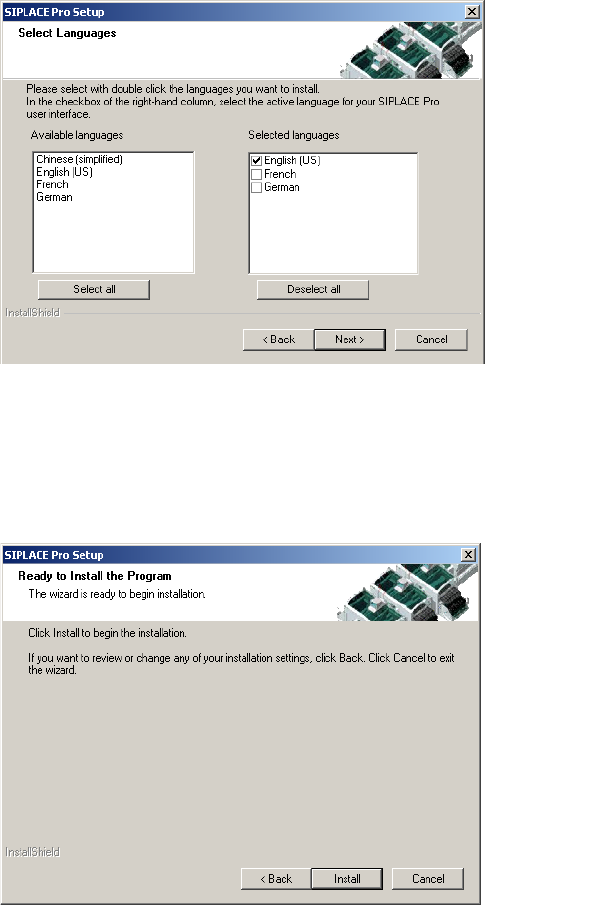
You are presented with a list of languages that will be available to be configured for use by
SIPLACE Pro from now on.
5
Fig. 5.1 - 3 "Select Languages" dialog box
In the left column you see all languages included in the language pack and in the right column you
see all languages that have already been installed.
From the list of available languages in the "Select Languages" dialog, select the language(s) you
want to use with SIPLACE Pro.
Mark the language you want to be installed and click it. The selected language moves to the
right column.
5 Installation of SIPLACE Pro Language Pack Installation Manual
Edition 09/2012 SIPLACE Pro 10.1
51
5
Fig. 5.1 - 4 "Select Languages" dialog box
Click Next.
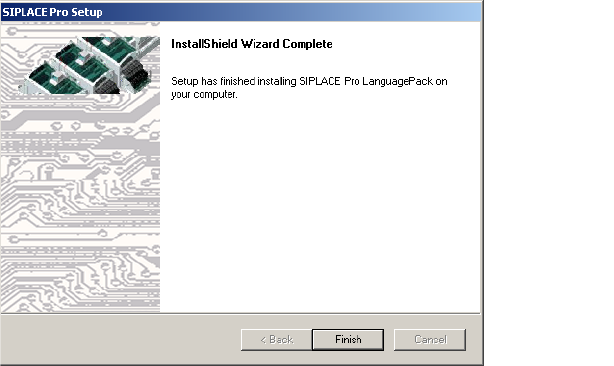
You are prompted to the following dialog box. The "Ready to Install the Program" dialog box gives
you a last chance to alter the information you have entered during the previous steps.
5
Fig. 5.1 - 5 "Ready to install the Program" dialog box
Click Install.
If you want to alter one or more details, click the Back button until you get back to the dialog
box in question.
Installation Manual 5 Installation of SIPLACE Pro Language Pack
SIPLACE Pro 10.1 Edition 09/2012
52
5
Fig. 5.1 - 6 "InstallShield Wizard Complete" dialog box
Click Finish.
When setup has completed, you will have English, German and the language(s) you selected
available in the SIPLACE Pro applications.
You can switch to the other language(s) by opening in SIPLACE Pro:
- the Desk and going to Tools -> Change language or by opening
- the Line Control GUI and going to Options, Languages.