ISM-1100_INM.pdf - 第12页
Quick reference handbook Barcode Reader software Quick reference handbook Barcode Reader software rev_6 Edition 06/2017 - Reproduction forbidden Page 12 BARCODE SETTI NGS TAB In t his tab, y ou can set up/verify the para…
Quick reference handbook Barcode Reader software
Quick reference handbook Barcode Reader software rev_6 Edition 06/2017 - Reproduction
forbidden
Page 11
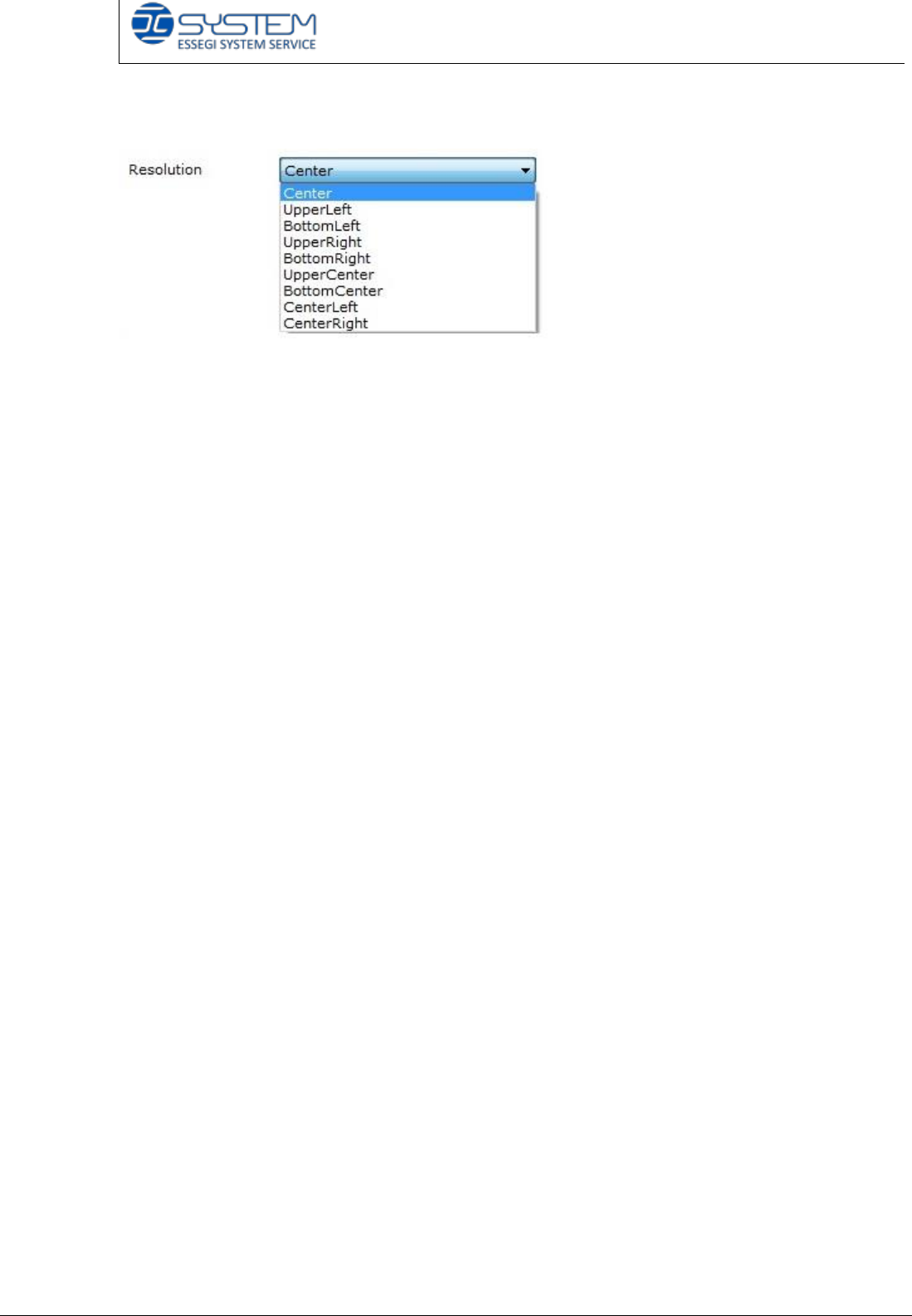
Focus Area: it is possible to choose the area to adjust the focus.
Focus: the adjustment of an optical device that is necessary to produce a clear
image
Please note that the parameters you will find are already set up (it is possible to
change them).
Quick reference handbook Barcode Reader software
Quick reference handbook Barcode Reader software rev_6 Edition 06/2017 - Reproduction
forbidden
Page 12
BARCODE SETTINGS TAB
In this tab, you can set up/verify the parameters of the camera for the code
identification. You can see information about:
- Threshold and rotations
- Identification area
- Rules.
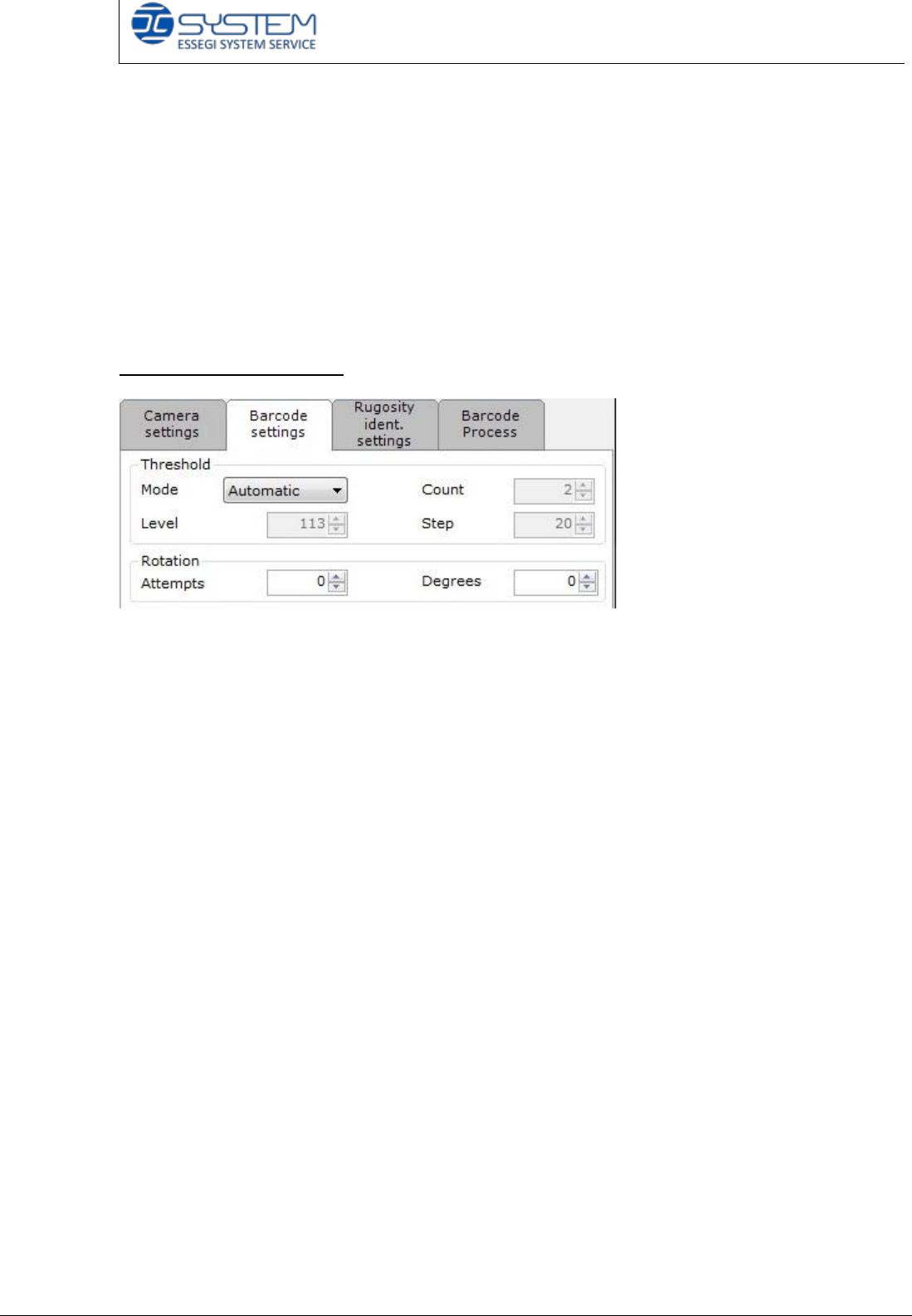
Threshold and Rotations
It indicates the “threshold number” to change the brightness of vision of the
camera. It is possible to select the following modes: Automatic, fixed or multiple.
Automatic Threshold: the camera will automatically find the brightness value to
read the barcode every time you insert a reel. This method can result slower than
other ones.
Fixed Threshold: the camera will use a fixed brightness value to read the
barcode. This value will be used for every insertion.
Multiple Threshold: the camera will use the initial threshold value to read the
barcode. If the barcode will not be recognized, the software will make so many
attempts as selected in the Count value, by increasing the brightness value as
selected in the Step value.
Attempts number: it indicates the number of attempts the software makes to
recognize the codes.
Degrees: it indicates the rotation degrees of every attempt.
Quick reference handbook Barcode Reader software
Quick reference handbook Barcode Reader software rev_6 Edition 06/2017 - Reproduction
forbidden
Page 13
Identification area
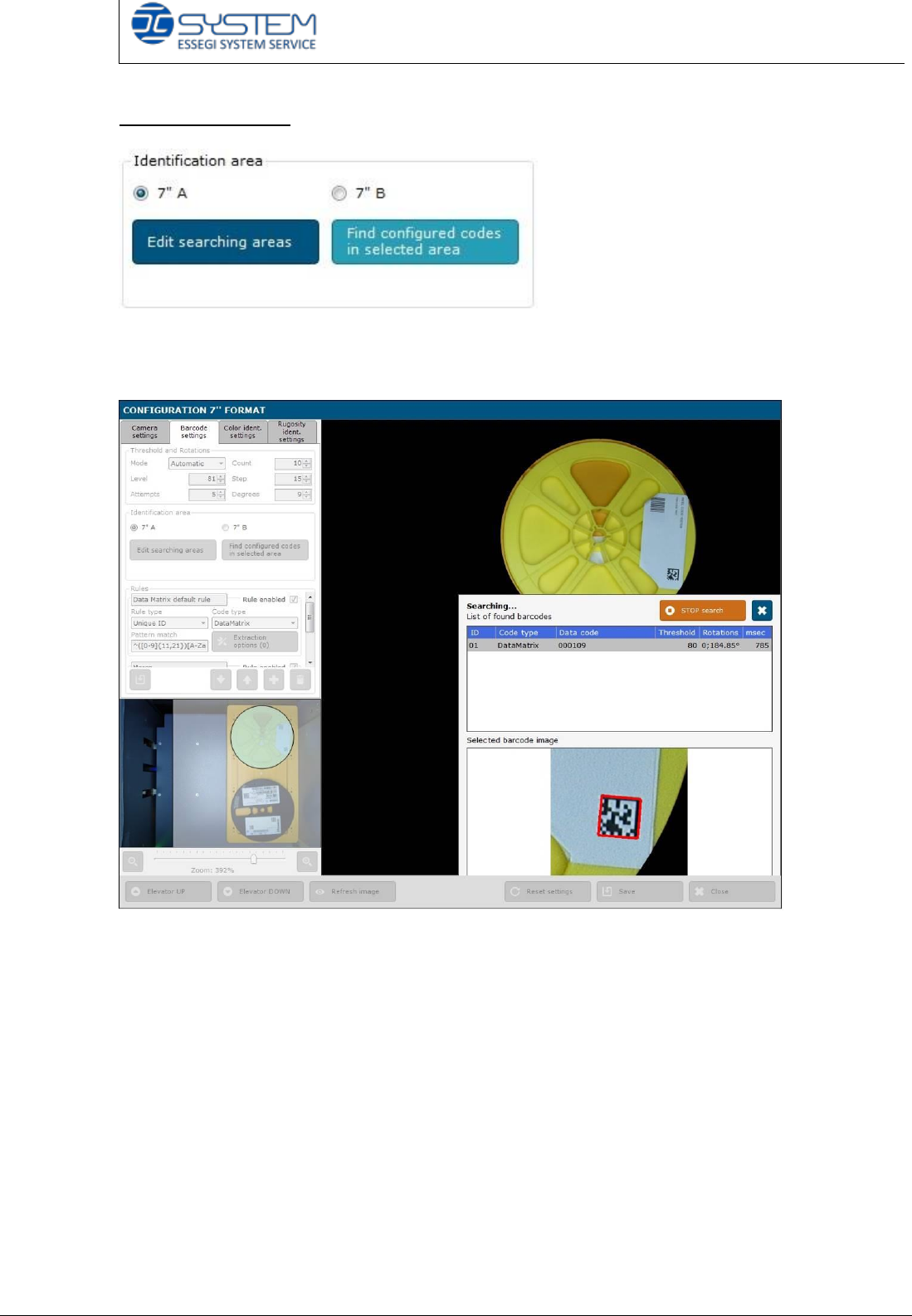
In the “identification area” section, there are the “Edit searching areas” and “Find
configured codes in selected area” buttons.
Before selecting one of these two buttons, it is necessary to choose the area to
read: 7” A or 7” B.
Clicking “Edit searching areas”, you can draw the area where the barcode
reader will search the barcode.
With “Find configured codes in selected area” button, you can make a test of
reading of the barcodes.
The results will be shown on the right side: in this window, you can also see
information about “Threshold” and “Rotations”, they are very important in case of
“Fixed” mode settings.