TR7500_Hardware_en.pdf - 第83页
82 l P l e a s e r e f e r t o 錯誤 ! 找不到參照來源。 D S P M o t i o n W i r i n g an d D i p S w i t c h S e t t i n g s
81
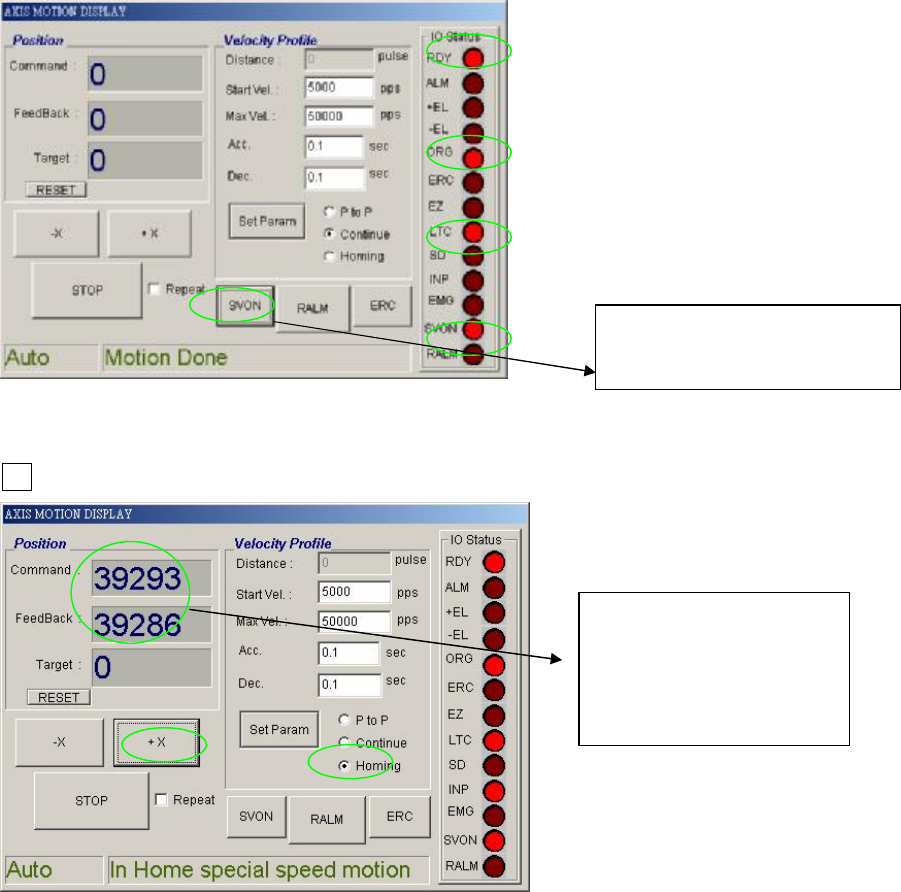
l Check to see if the indicator on the right side is normal when SERVER ON.
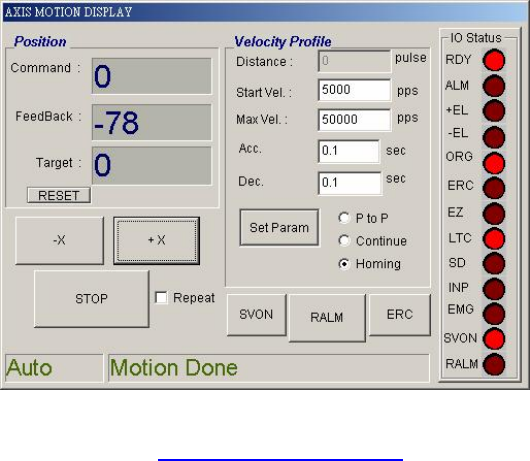
l Press Homing to see if XY TABLE moves. After SERVER ON, choose Homing, then press
+X.
l Once in operation, the display is as below
Press SERVER ON
Then press SERVER OFF
When in operation
these two values will
change and be very
close to each other.
82
l Please refer to 錯誤! 找不到參照來源。 DSP Motion Wiring and Dip Switch Settings
83
6.7 PLC ERROR
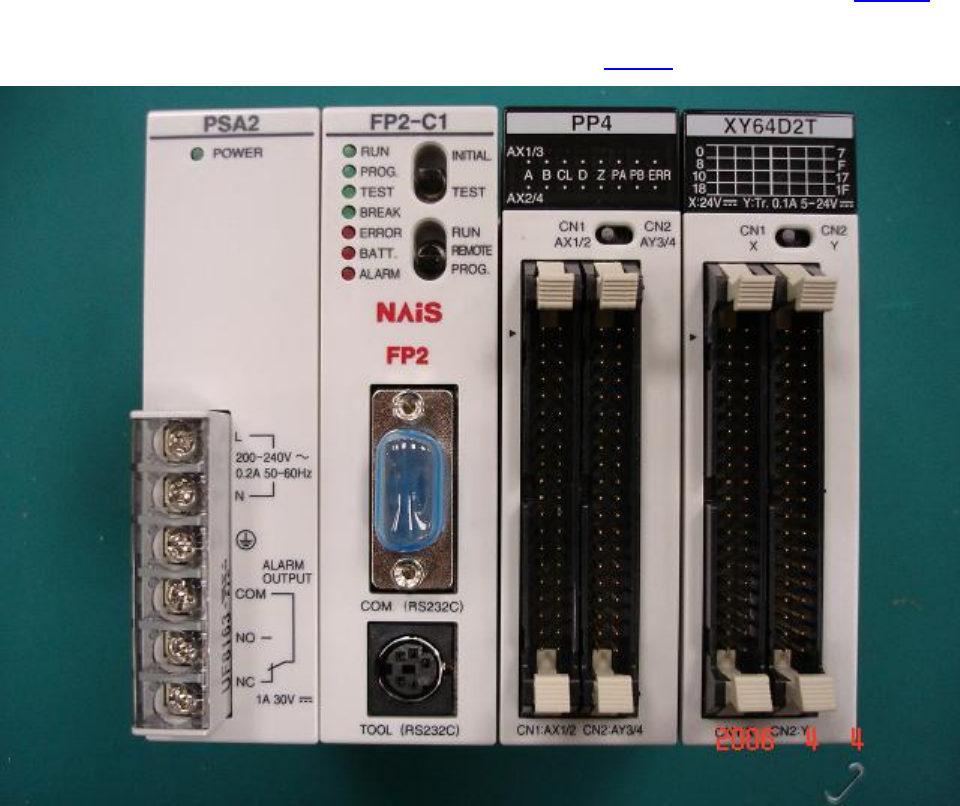
l If the PLC’s ERROR light is lit, please check if this was caused by procedure 1.2-1.3.1.4. If
not, restart and re-test. If error persists, please inquire with the appropriate personnel. For
an explanation of the PLC indicator light please refer to 1.6.1.1 Status Indicator LEDs.