Nordson-EFD-PM100-Operating-Manual.pdf - 第15页
15 www.nordsonefd.com info@nordsonefd.com +1-401-431-7000 Sales and service of Nordson EFD dispensing systems are available worldwide. ProcessMate 100 Vacuum Pick-Up System Operation The ProcessMate100 vacuum pickup sys…
ProcessMate 100 Vacuum Pick-Up System
14 www.nordsonefd.com info@nordsonefd.com +1-401-431-7000 Sales and service of Nordson EFD dispensing systems are available worldwide.
5
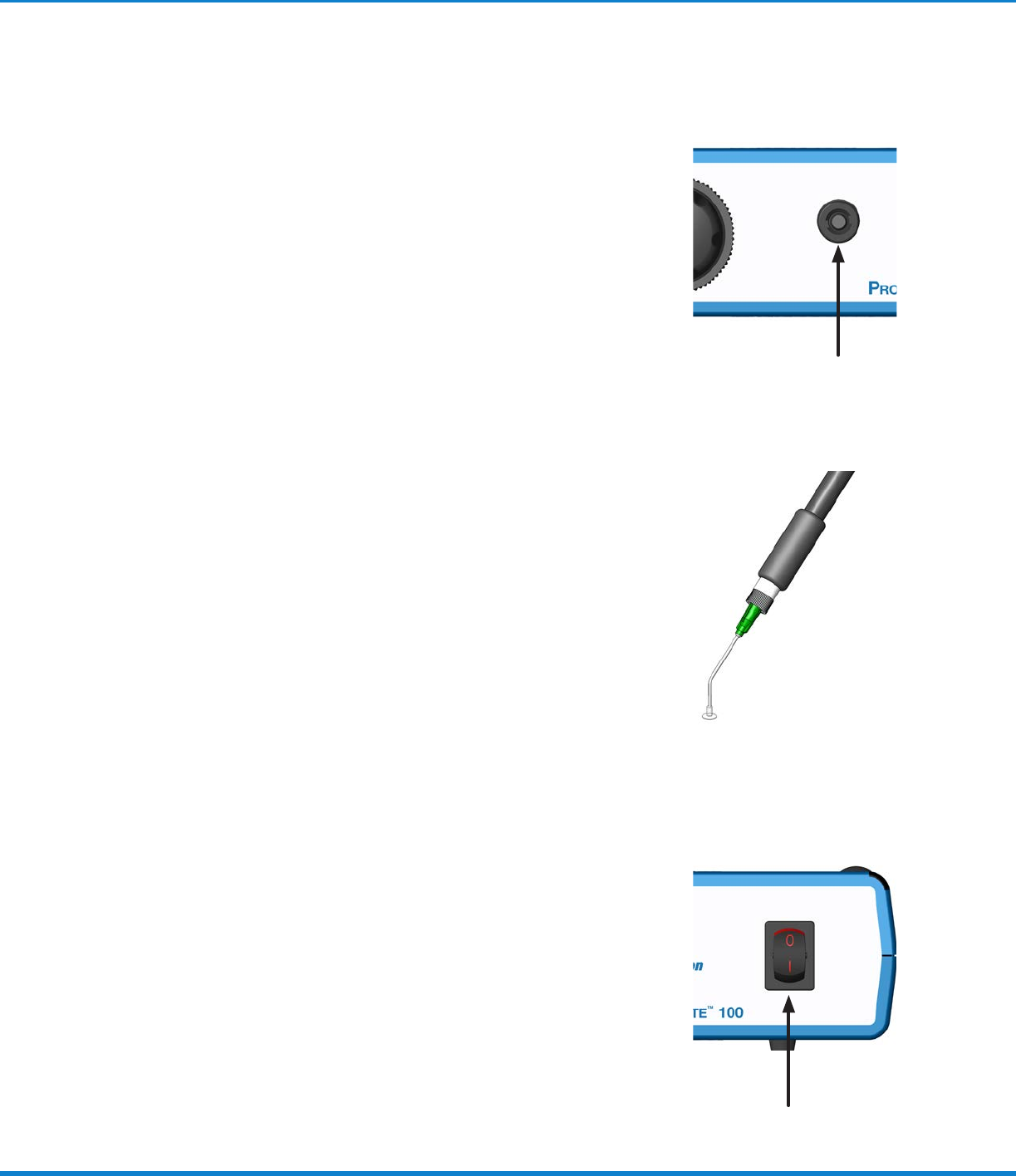
Attach Vacuum Pickup Pen / Wand
Assembly
a. Locate the air output quick connector located on the
front face of the ProcessMate100.
b. Attach the male quick connector on the vacuum pickup
pen / wand assembly to the output quick connector by
pushing and twisting.
Installation (continued)
6
Attach Tip & Suitable Vacuum Cup
• Twist on the appropriate pickup tip and select a cup to fit
the application need.
NOTE: A selection of pickup tips and cups was included
in the system package for your convenience. Please
contact an EFD Application Specialist should you need
assistance in selecting a special tip / cup to suit your
application needs.
7
Turn On Power to Unit
a. Locate the power switch on the front display panel of the
ProcessMate100.
b. To power the unit, simply switch the rocker switch to the
“red” position.
Your ProcessMate100 is now powered and ready to be
activated.

15www.nordsonefd.com info@nordsonefd.com +1-401-431-7000 Sales and service of Nordson EFD dispensing systems are available worldwide.
ProcessMate 100 Vacuum Pick-Up System
Operation
The ProcessMate100 vacuum pickup system was designed for applications requiring the picking up and placing
of small, intricate items. The vacuum effect for each application is strictly dependent on the combination of all the
following items:
• Regulator pressure, vacuum pressure
• Dispensing tip size
• Pickup cup size
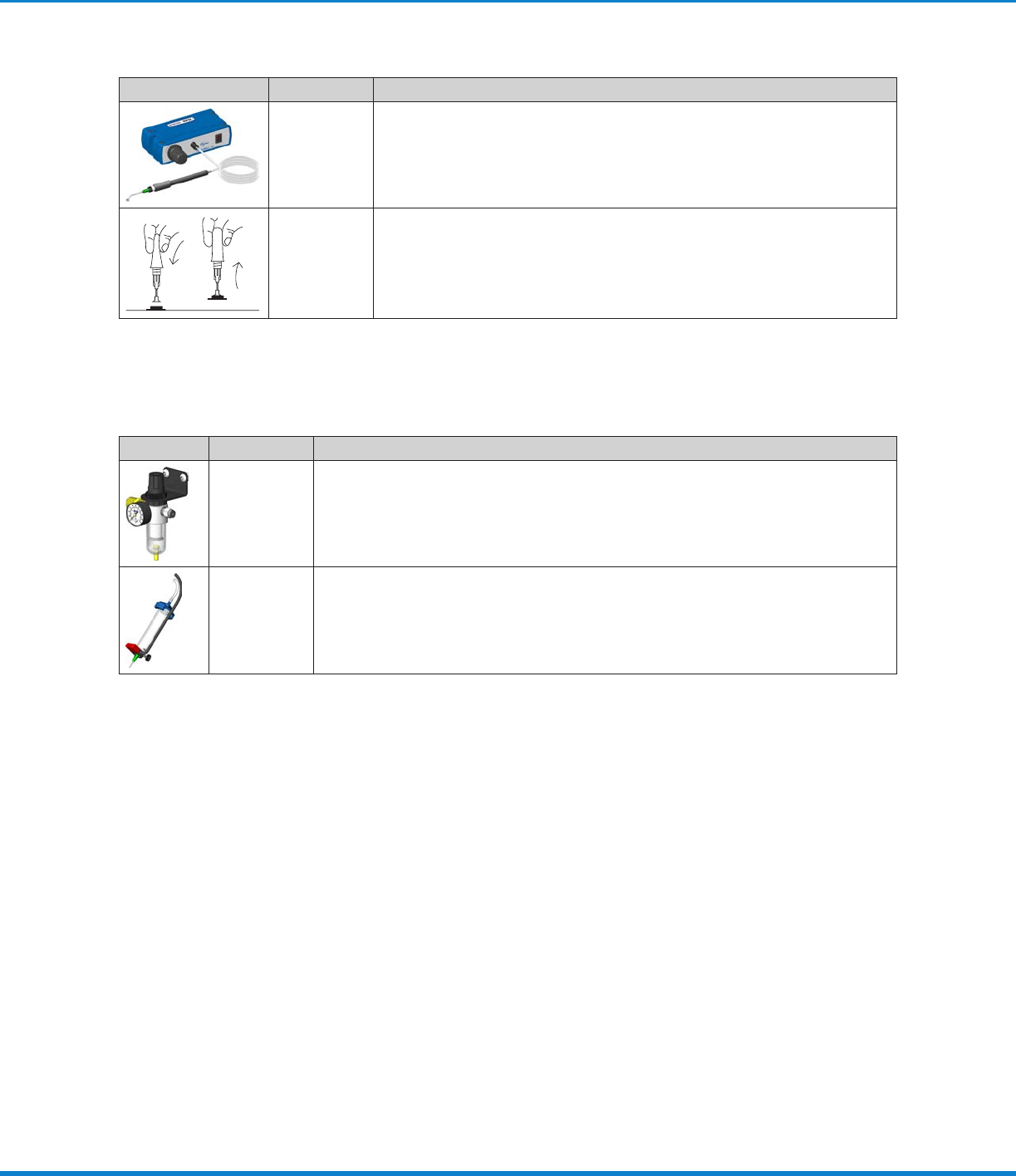
1. Make sure the power is on and the air supply to the unit is turned on.
2. Place the vacuum pickup cup over the item to be picked up.
3. Turn the regulator counterclockwise until it stops.
4. Depress the foot pedal and gradually and slowly increase the vacuum by turning the air regulator clockwise
while trying to pick up the item.
NOTE: The foot pedal must be depressed during the entire duration of pickup and place.
5. Upon successful pickup, place the item at the intended location and release the foot pedal. The vacuum will
stop immediately and the item will be released from the vacuum cup.
Excessive vacuum settings can damage delicate components. Always use the minimum required vacuum and verify
that components are not damaged by the pickup and place procedure.
CAUTION
6. Repeat this procedure a few times to verify sufficient vacuum setting for the application.
ProcessMate 100 Vacuum Pick-Up System
16 www.nordsonefd.com info@nordsonefd.com +1-401-431-7000 Sales and service of Nordson EFD dispensing systems are available worldwide.
Part Numbers
Item Part # Description
7012329 ProcessMate100 Vacuum Pickup System
Includes assorted anti-static tips and vacuum cups.
7024803 VacTweezer
™
Pickup Tool
This kit includes the same assortment of silicone rubber vacuum cups and
tips, along with a small squeeze bulb with a luer fitting that attaches to the
tips to generate vacuum.
Accessories
Item Part # Description
7002002 5-micron filter regulator
Required for production areas where clean, dry filtered factory air is not available, or
to stabilize the plant air supply for more consistent deposits.
7016718 Finger switch
Replaces the foot pedal in applications where operators prefer to initiate the vacuum
cycle by hand.